
Broxme Studio
Build, program, and test a virtual robot.
Broxme Studio is a desktop robotics workspace in development. It brings robot building, programming, simulation, and virtual electronics together.
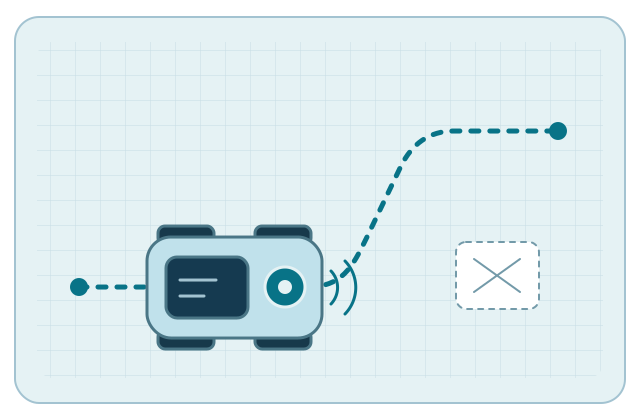
See what changes when you run it.
Start with a virtual robot and a behavior you want to test. Revise the design or program and run it again.
Build
Choose a body, wheels, and sensors for the job you want the robot to do.
Program
Use visual blocks to control the robot. The engineering build also compiles supported Python and C++ into the same robot instructions.
Test
Run the robot in simulation, change one setting, and compare the result. The engineering build supports stepping and replay.
In Development
Studio’s engineering build has automated software checks for its shared robotics core and browser workflows.
- Browser tests verify supported Studio workflows.
- Firmware checks include host compilation against test interfaces. Board certification requires bench evidence.
- Short automated performance checks are part of engineering verification.
Release requirements
The public release remains in development.
- 01
Platform verification
Native certification remains pending for macOS, Windows, Linux, Android, and iOS/iPadOS. Release builds need platform checks, signing, and notarization where applicable.
- 02
Physical hardware
Physical board testing, including reconnect and emergency-stop checks, is pending.
- 03
Field evidence
Release readiness still requires long-duration runs on release hosts and devices, alongside real-participant usability studies.