PRIVACY · PROTECTION · CONTROL

Your digital life.
More private. More yours.

Privacy-focused tools for a calmer digital life.
Browse with fewer distractions, practical protection,
and choices that stay in your hands.

Independent thinking. Everyday usefulness. Established in 2015.
◈

Privacy by design

Thoughtful decisions about your data.

⌘

You stay in control

Clear settings. Choices you can change.

✧

Less gets in your way

Useful protection. A cleaner experience.

OUR PRODUCTS

A better everyday web.
Starting with your browser.

Practical tools for the places you spend your time online. Meet iShield, our browser protection extension.

iShieldBROWSER PROTECTION

Browse with
greater peace of mind.

iShield brings ad blocking, tracker filtering, and protection against harmful destinations into a focused browser extension. Choose your filters, manage exceptions, and see supported activity in one place.

  • Ad and tracker filtering
  • Phishing, scam, and malware protection
  • Website exceptions and custom controls
  • Local protection settings and activity

No account needed for ordinary protection. Official store availability will be announced on the product page.

iShield dark interface showing protection controls inside a browser
iShield · Browser protection
BUILT FOR REAL BROWSING

Less to work around.
More room for what matters.

Useful protection starts with the moments you encounter every day, from reading a page to deciding which website to trust.

Browse with awareness.

Add filtering against known tracking requests and harmful destinations, with clear information about protection limits.

Privacy & protection →

Keep the final say.

Allow a website, adjust a filter, or reset local activity. Your settings should adapt to you.

Explore your controls →
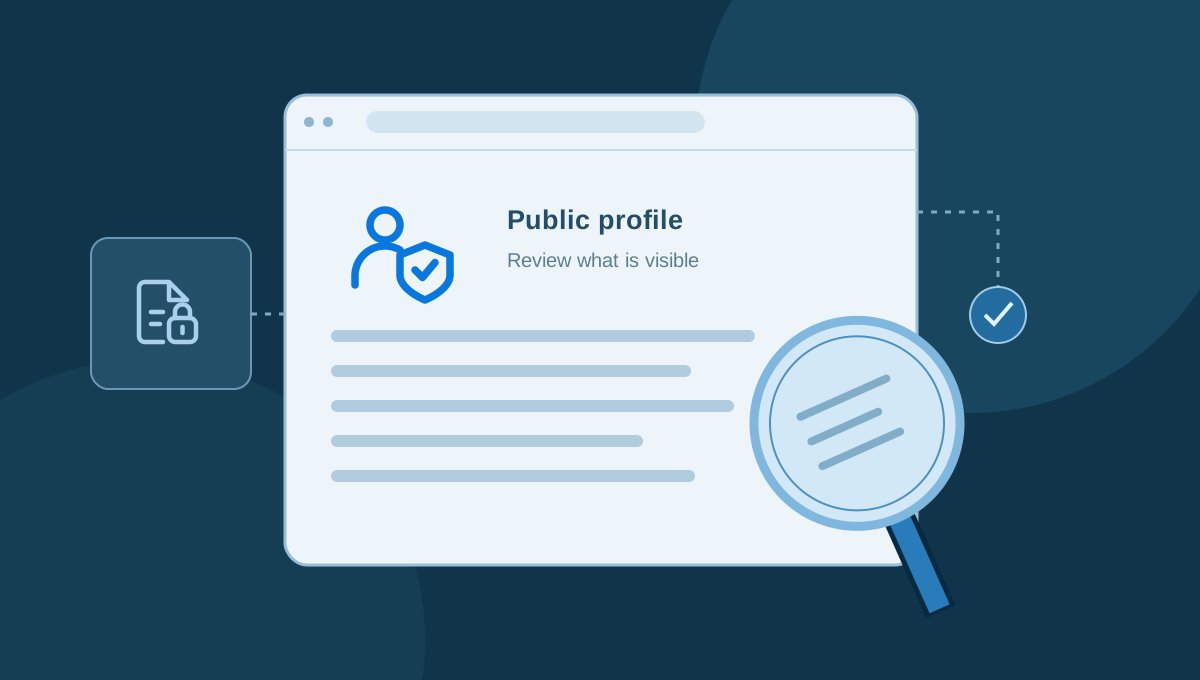
Shield and lock representing privacy-focused product design
PRIVACY, EXPLAINED

Trust needs details.
We make them accessible.

For everyday iShield use, filtering runs locally and your settings and supported activity stay in browser extension storage. Ordinary protection does not upload your browsing history to us.

Update services and optional managed-device features have separate data handling. Our privacy notice explains those connections, the information involved, and the choices available to you.

WHAT GUIDES US

Privacy should feel natural.
Control should feel simple.

Good products make their purpose clear. These are the principles behind the tools we build.

01 / PURPOSEFUL DATA USE

Only for a clear purpose.

We design data handling around the features you use, and explain what is processed, where it stays, and why.

02 / CLEAR CHOICES

Settings that make sense.

Enable the protection you need. Manage exceptions. Review activity. Change your mind when you want to.

03 / EVERYDAY SIMPLICITY

Useful, without the clutter.

Focused tools and understandable interfaces, built to help you get on with your day.

04 / HONEST PROTECTION

Clear about the limits.

No tool blocks every threat. We explain capabilities and limitations so you can make informed decisions.

ABOUT BROXME

Technology that respects
the person using it.

Established in 2015, Broxme works on privacy-focused products for everyday digital life. Our mission is to make privacy and control easier to understand and easier to use.

Our vision is a web where useful technology respects the people using it. Today, iShield brings that approach to browsing through practical protection, local controls, and clear information.

A LITTLE MORE CLARITY

Good questions.
Straight answers.

Have something else in mind?

Talk to us ↗
What does Broxme build?+

Broxme focuses on products that help people protect their privacy and stay in control online. Our featured product is iShield, a browser protection extension.

What guides Broxme?+

We focus on practical privacy, clear controls, and useful protection. Explore our principles to see what guides our products.

Does iShield send my browsing history to you?+

The ordinary protection workflow processes filtering and activity locally and does not upload your browsing history to us. Update requests and optional managed-device features have separate data handling. Read the Privacy Policy for the details.

Where can I learn more about iShield?+

Visit the iShield product page, explore its features, or read the FAQ. The official store link will be added when it is published.

How do I contact you?+

For questions, privacy requests, or product feedback, email hello@broxme.com or use broxme.com/contact.

LET’S MAKE THE WEB BETTER

A little more privacy.
A lot more peace of mind.

Explore what we’re building, or share what you’d like to see next.