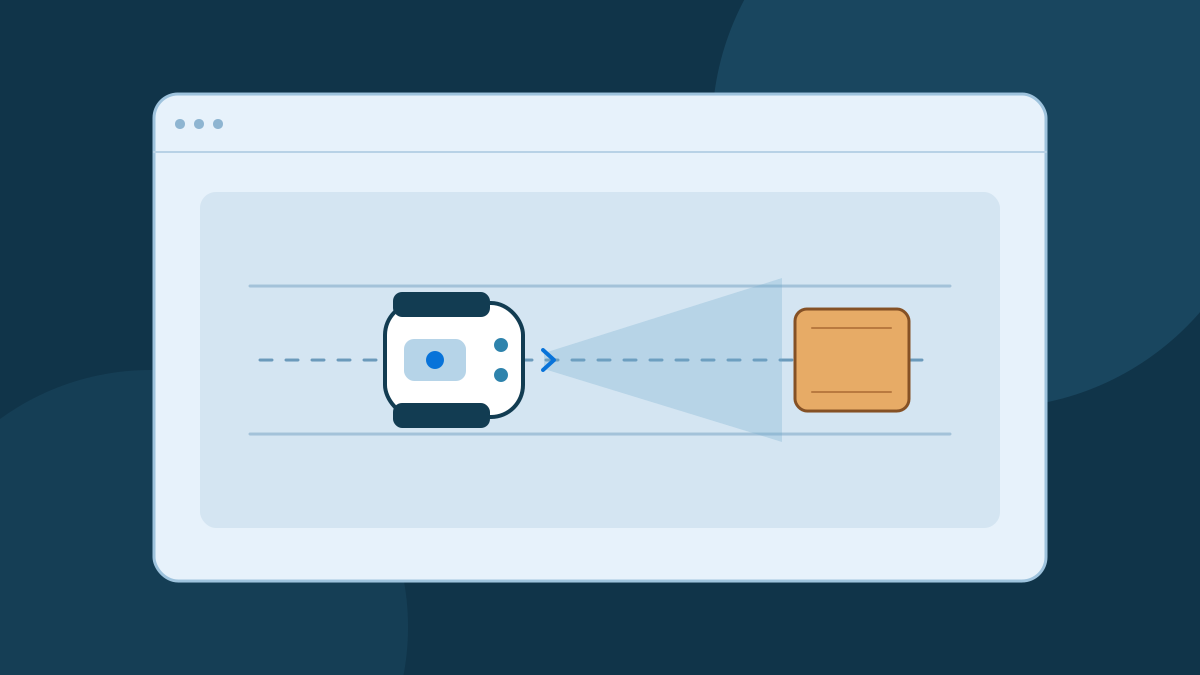
A robot simulator gives your software a model of a robot and a world to interact with. You can place a box in its path, run a controller, and repeat the same test after a change. The result tells you how the controller behaves under the assumptions you put into the model.
What a simulator models
Consider a wheeled robot moving toward a wall. A simulator may represent the shape of the chassis, the positions of the wheels, the joints that connect them, and the surfaces the robot touches. A physics engine can step this world forward and calculate effects such as contact and acceleration. The level of detail depends on the simulator and the scene you build.
Virtual sensors give the controller a view of that scene. A range sensor can provide a distance measurement and a camera can provide an image. The simulator can also expose the exact simulated position, often called ground truth, for comparison. Keep those two sources separate when a test is meant to represent a controller that would run on a real robot. Real software typically has to estimate position from measurements such as wheel rotation. Modern Robotics describes how wheel motion is used to estimate chassis motion.
A simple educational demo can illustrate a decision without modeling every force or timing detail. A more detailed environment lets you ask questions about specific sensors and physical properties. Gazebo's official guide introduces its simulation environment and example worlds.
Make a test repeatable
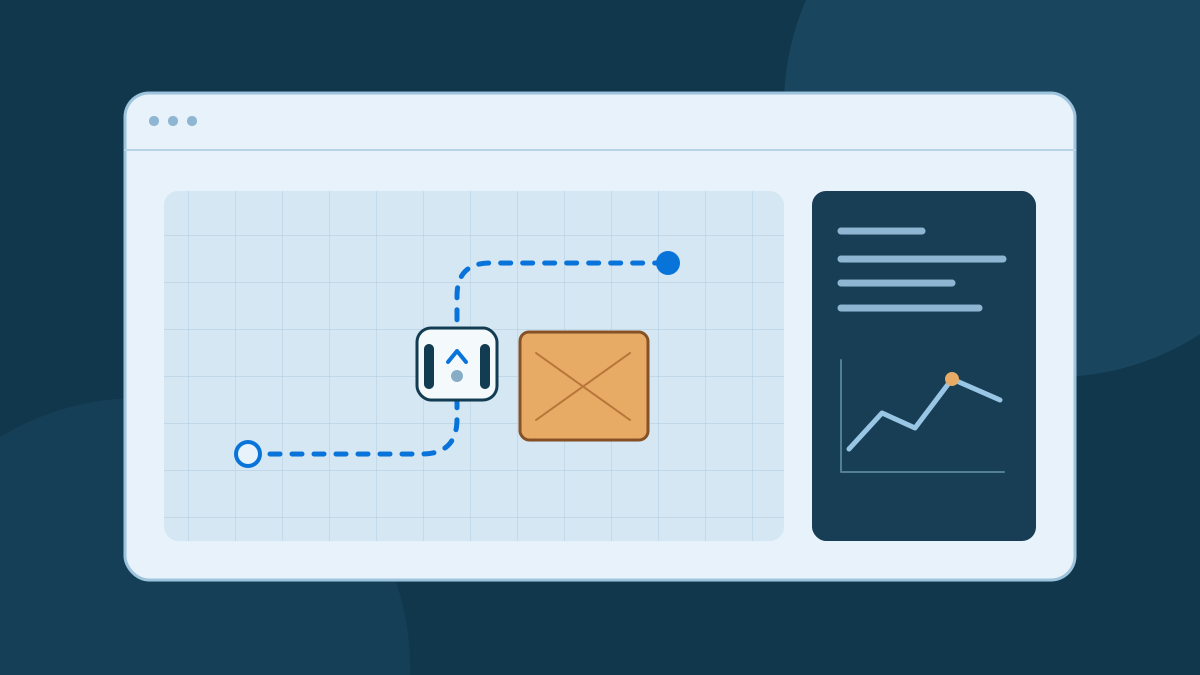
Start with a measurable goal. For a stop-before-the-box experiment, the robot should come to rest while keeping a defined minimum clearance from the box. Fix the starting pose and specify the speed and the placement of the box. Record the simulated clearance and any contact. A short table with one row for each run is enough to start.
Repeat the baseline before changing anything. Then vary one condition, such as sensor update rate or obstacle position. If the controller stops later with a slower update rate, check when it first received the near reading and when it requested a stop. Those events help you distinguish a sensing delay from a delayed response in the motion model.
Once the baseline works, run several trials with a known set of perturbations. If the tool supports a random seed, record it so that you can repeat a particular failure. Gazebo Sensors documents configurable sensor models and noise. A noise model is a test input, so record its settings along with the result.
Account for differences on real hardware
A virtual wheel and a physical wheel may behave differently when they slip. Lighting, reflectivity, uneven floors, battery state, and communication delays can also affect real behavior. How much those differences matter depends on the task. For a stop test, the useful question is whether the combined sensing and braking delays leave enough room under the conditions you plan to use.
Treat a simulation pass as evidence about the modeled case. Keep a record of assumptions so you can compare the same scenario on a physical platform. Where a platform supports it, use its established procedures and an independent way to stop the robot during controlled tests. Verify results again before expanding speed, surroundings, or task complexity.
Pick a first world
If you are new to the workflow, start with the Broxme Robotics Lab and watch a single obstacle response. For a configurable world, choose a documented example that already includes a robot and sensor. Cyberbotics offers Webots examples, tutorials, and model libraries. Run the example once before making your first change so you have a result to compare against.
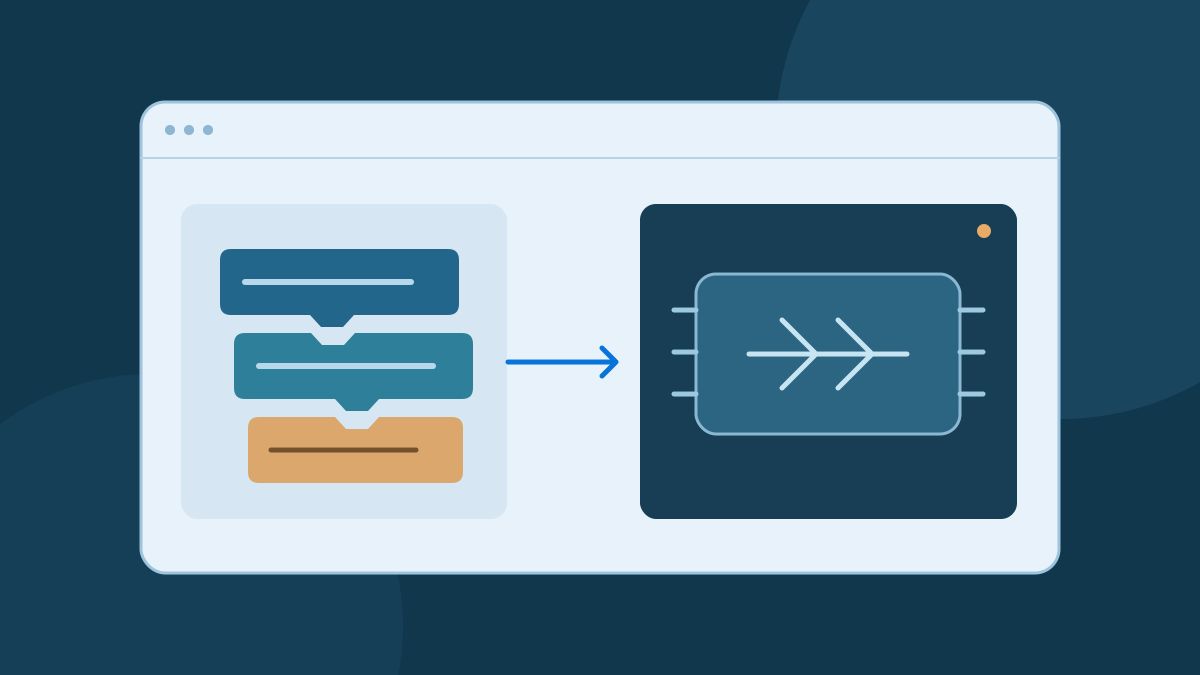
To decide what to change first, write down which part of the behavior you want to understand. The beginner's guide separates the sensor, controller, and motors. If you are ready to express the controller as code, see how a visual rule maps to text and a control interface.
Sources and further reading
Use the original documentation and author resources for technical details and current instructions.

About this guide
Published by the Broxme Journal. Examples use simplified robot models for learning. The projects and technical resources cited here are maintained by their respective authors.
Found an error or an outdated instruction? Tell us the page and the detail that needs attention. We review corrections against the relevant source.
How the Journal is put together