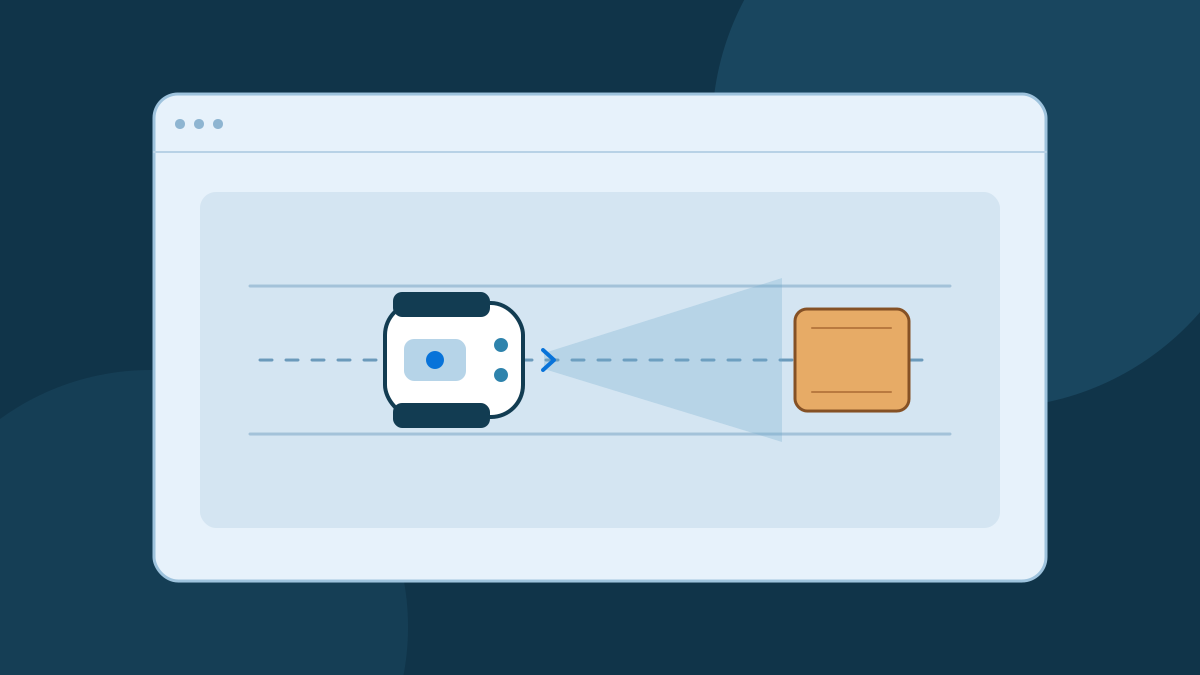
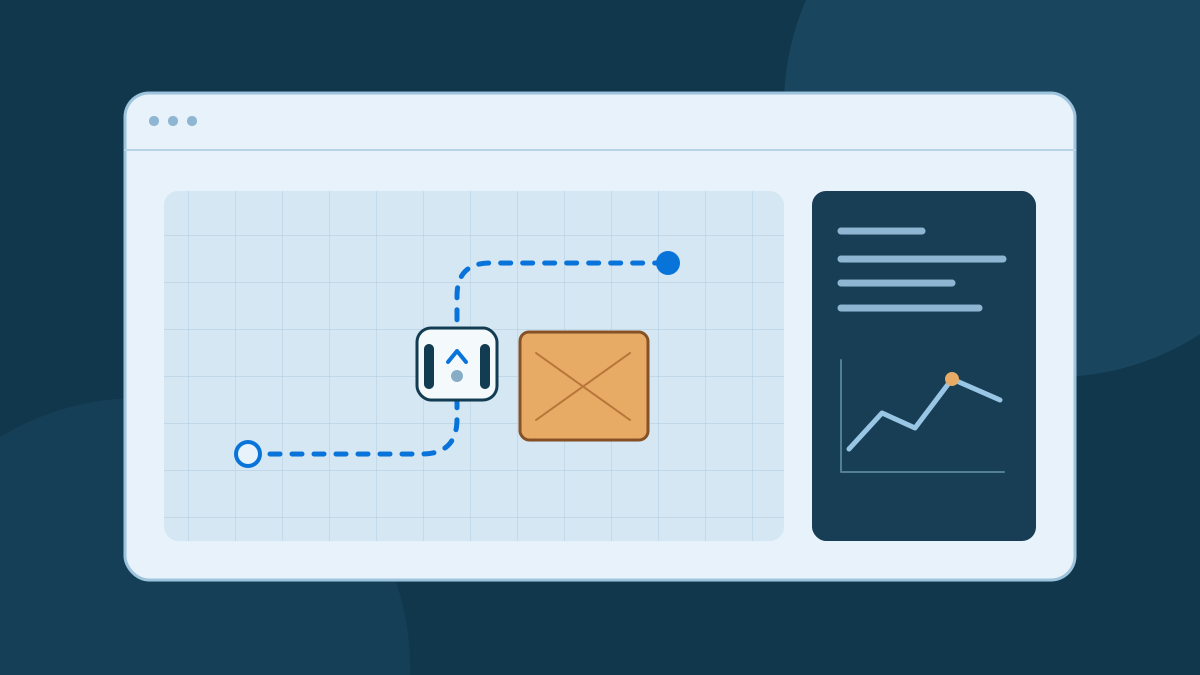
A visual program can express the same decision as a few lines of code. If the path ahead is clear, request forward motion. If an obstacle is too close, request a stop. The translation is a good way to learn programming. Putting that decision in charge of a physical robot adds a separate job of configuring and validating the hardware interface.
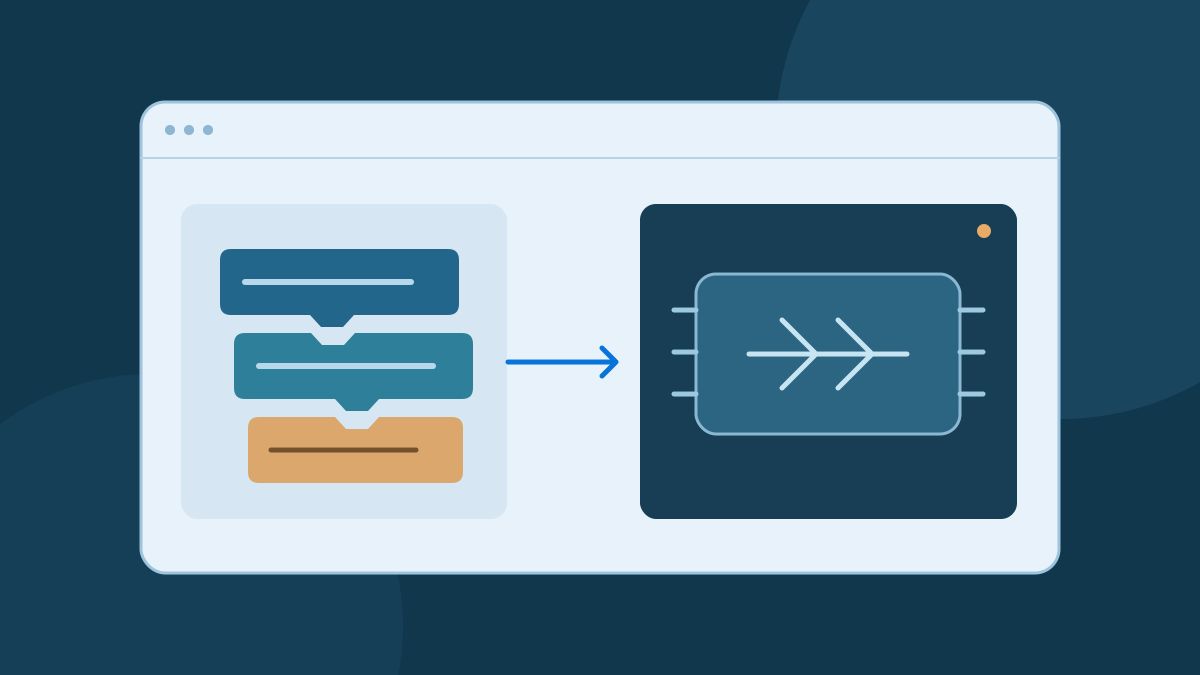
Start with the blocks
Imagine a distance block connected to an if/else block. The condition compares the reading with a threshold. Each branch selects one action, and the enclosing control loop repeats the check with the latest reading. An editor can make those relationships visible by showing which blocks belong inside the condition and which run in sequence.
Blockly is an example of an independent library for building block editors. Its developers describe how applications define blocks and the code those blocks generate. The surrounding application decides how to use the output. See Blockly's explanation of block editors and generated code.
Express the rule as code
The example below makes one decision. It assumes that distance_m is a valid reading in meters or None if the caller lacks a valid reading. It returns a named action, so you can run it with sample data in ordinary Python. The threshold is illustrative and belongs to this exercise.
def choose_action(distance_m):
    if distance_m is None or distance_m <= 0.30:
        return "stop"
    return "forward"

assert choose_action(0.20) == "stop"
assert choose_action(0.30) == "stop"
assert choose_action(0.45) == "forward"
assert choose_action(None) == "stop"
The boundary case at exactly 0.30 meters helps you check that the visual and text versions agree. The function has no sensor driver or motor command. A surrounding program can call it once per fresh reading and handle timing separately. Python's tutorial explains conditional branches and loops.
Give each action a control interface
Decide what a sensor reading means before connecting a driver. Agree on units, where the measurement originates, and how long it stays valid. When the sensor fails to report, a status field or timestamp lets the receiving program distinguish a fresh measurement from an old one. Convert invalid and stale samples before passing them to the decision function.
Then define how each action maps to a motion request. “Forward” can mean a bounded forward speed with no requested turn. A motor controller or software adapter converts that request into commands for the specific drive. For example, the independent ros2_control differential drive controller accepts body velocity commands, maps them to wheel velocities, and can stop after a command timeout. See the official controller interfaces and parameters.
Different block editors and runtimes use different execution models. Some generate text in a target language, while an application can also interpret a block arrangement through its own runtime. When inspecting generated code, identify where sensor reads occur and where motion requests are sent. Blockly's code-generation guide shows how applications define those mappings.
Verify the transition in stages
First, compare the two versions with the same set of inputs. Then test the behavior with a simulated controller and delayed or missing readings. When working with a supported physical platform, follow the hardware's setup and test procedures. Validate direction, speed limits, the command timeout, and the independent stop method under controlled conditions before trying the full obstacle scenario.
Measure what happens after a stop request, including the time before motion actually ends. Motor response and braking depend on the drive and the platform. Use those observations to determine what clearance is appropriate for the conditions under test. The example threshold is a way to test a software branch.
Read our simulation guide for a repeatable test setup, or explore the Broxme developer direction for more on testing and hardware interfaces.
Sources and further reading
Use the original documentation and author resources for technical details and current instructions.

About this guide
Published by the Broxme Journal. Examples use simplified robot models for learning. The projects and technical resources cited here are maintained by their respective authors.
Found an error or an outdated instruction? Tell us the page and the detail that needs attention. We review corrections against the relevant source.
How the Journal is put together