An extra sign-in check is useful until the phone carrying it is lost, broken, or replaced. That ordinary inconvenience is the reason to plan recovery when you turn on multi-factor authentication, not after the first failed sign-in. A good setup helps you protect an account while still understanding how you would regain access.
You do not need to memorize every authentication term. Start with the account, the method it supports, and the fallback you control. This guide is for people managing their own accounts in the United States. Work and school accounts may have different rules, so involve the administrator rather than trying to route around an organization’s controls.
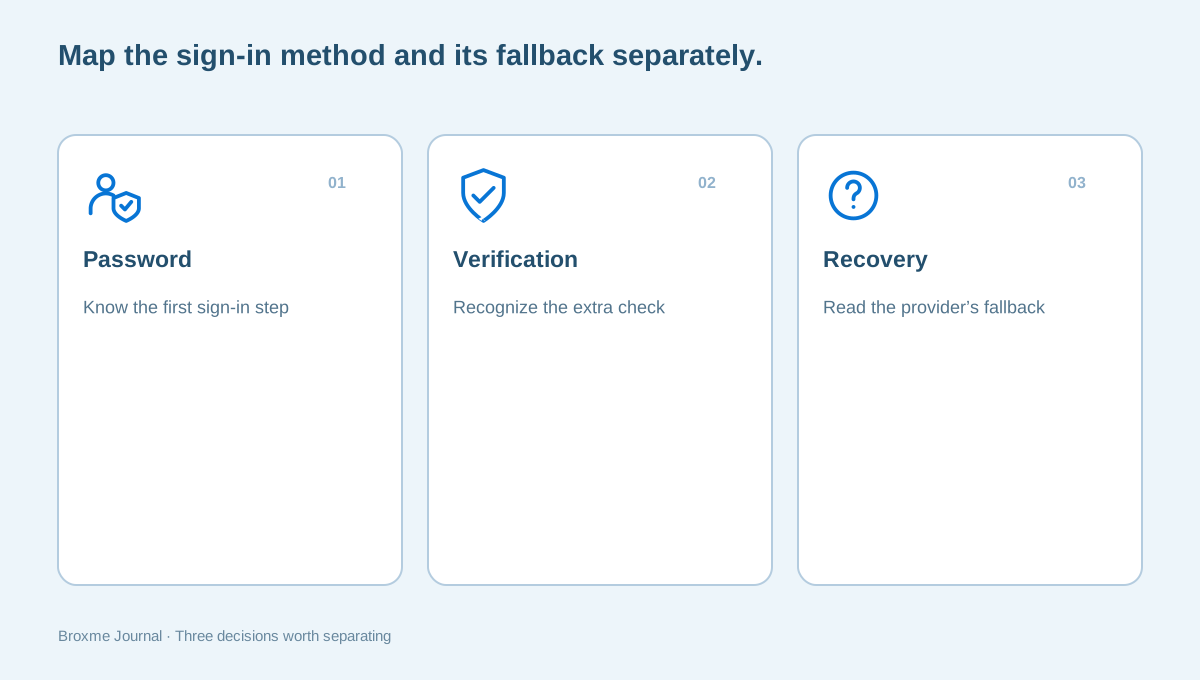
Separate the password, the extra check, and recovery
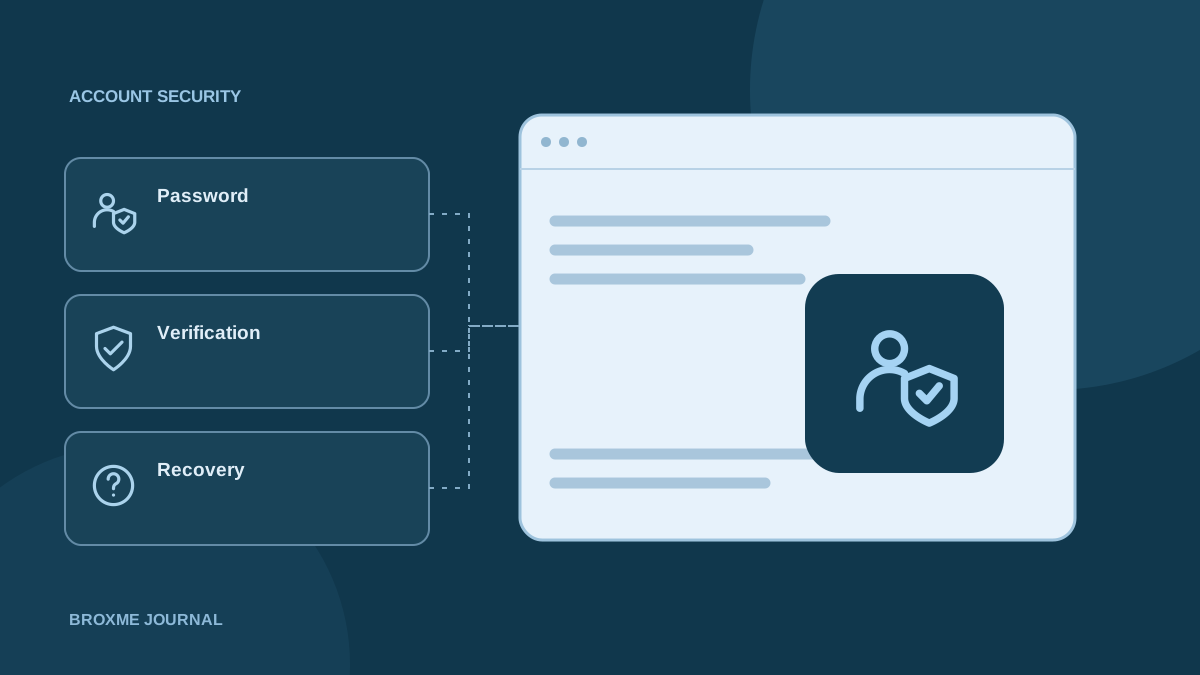
A password, an additional verification method, and account recovery are related but distinct parts of access. Changing a password does not automatically move an authenticator to a new phone. Adding a recovery email does not necessarily replace a required sign-in factor. Read the provider’s explanation of how those parts interact for your account.
Make a short inventory for an important account: the method used for everyday sign-in, any alternatives registered, and the provider’s documented recovery route. Do not write the actual password and codes into an ordinary task list. You are mapping access, not collecting secrets in one easy-to-share document.
Begin with your main email account if it receives resets for other services. Losing access there may complicate several unrelated tasks. The inventory can also reveal a loop, such as a recovery email that itself depends on the account you are trying to recover. Address the dependency deliberately instead of assuming that two email addresses always provide two independent routes.
Use the methods your provider actually supports
Providers may offer verification apps, prompts on a signed-in device, security keys, passkeys, text messages, or other arrangements. Availability and recovery behavior can differ. Do not choose from a generic checklist and assume every service supports the same method in the same way.
CISA’s MFA tip sheet explains the purpose of adding protection beyond a password. For setup, open the account’s own security page and follow its current instructions. A brief official overview can explain the concept, while the provider explains what is available and required for your particular account.
If more than one method is available, consider which you can use reliably. A method on a device you do not control is not a sound personal fallback. A work phone may disappear when employment ends. A family member’s number may create confusion about who should receive approvals. Choose access you understand rather than relying on whichever option was easiest to enter during registration.
Read the backup-code instructions before saving codes
Some providers offer backup codes for situations when the usual second step is unavailable. These are sensitive access material. Learn whether codes are single-use, how a replacement set affects the old set, and where the provider expects them to be entered. Do not assume codes from different services are interchangeable.
Google’s backup-code instructions describe its particular process. Use those instructions for a Google Account and the corresponding official information for other providers. Avoid following a stranger’s message to a page claiming it needs a code to keep your account active.
Choose a storage location you can access without the unavailable factor. Saving a screenshot only on the phone that generates your codes may not help if that phone is lost. Printing a code also creates a physical item to protect. The decision is about your access needs, living arrangements, and ability to keep the material private, not a universal instruction to use one storage method for everyone.
Avoid putting every fallback behind one device
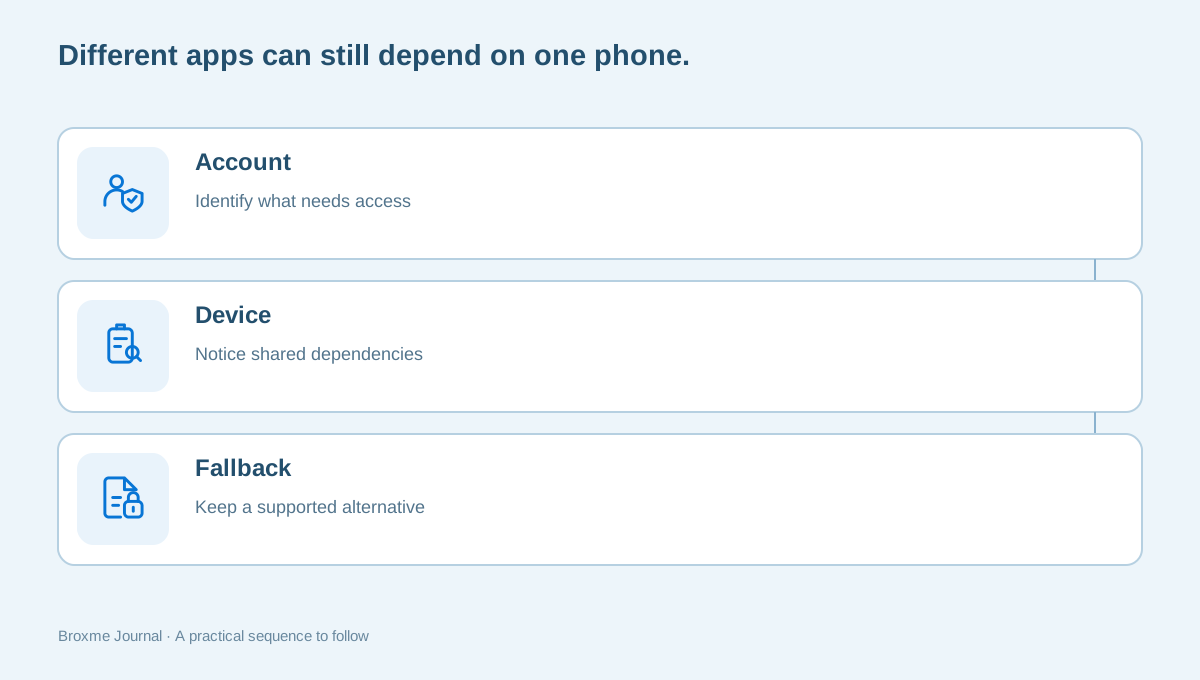
Look at the entire chain you would need if your phone stopped working. Can you open your email on another trusted device? Does your password manager require the same phone for approval? Are the recovery instructions stored somewhere you can reach? A collection of different app names can still depend on one unavailable device.
Our password-manager setup guide covers its own recovery planning. Review that alongside MFA rather than treating the vault and authenticator as separate projects that never interact. A short dependency sketch can be enough: the account, the device used for approval, and the fallback route.
Consider a concrete, illustrative scenario: your phone screen breaks on a weekday morning, while an important account needs an approval before you can reach a document. The useful question is what you can still use now, not whether the setup looked sophisticated last month. Plan a supported alternative while you have access; do not try to bypass the provider once the device is unavailable.
Move to a new phone in a deliberate order
Before erasing or trading in an old phone, review the accounts that depend on it for sign-in. The transfer process depends on the authentication method and provider. Some arrangements have a supported transfer or sync feature; others need a new registration. Read the actual instructions before assuming a general phone backup moved everything you need.
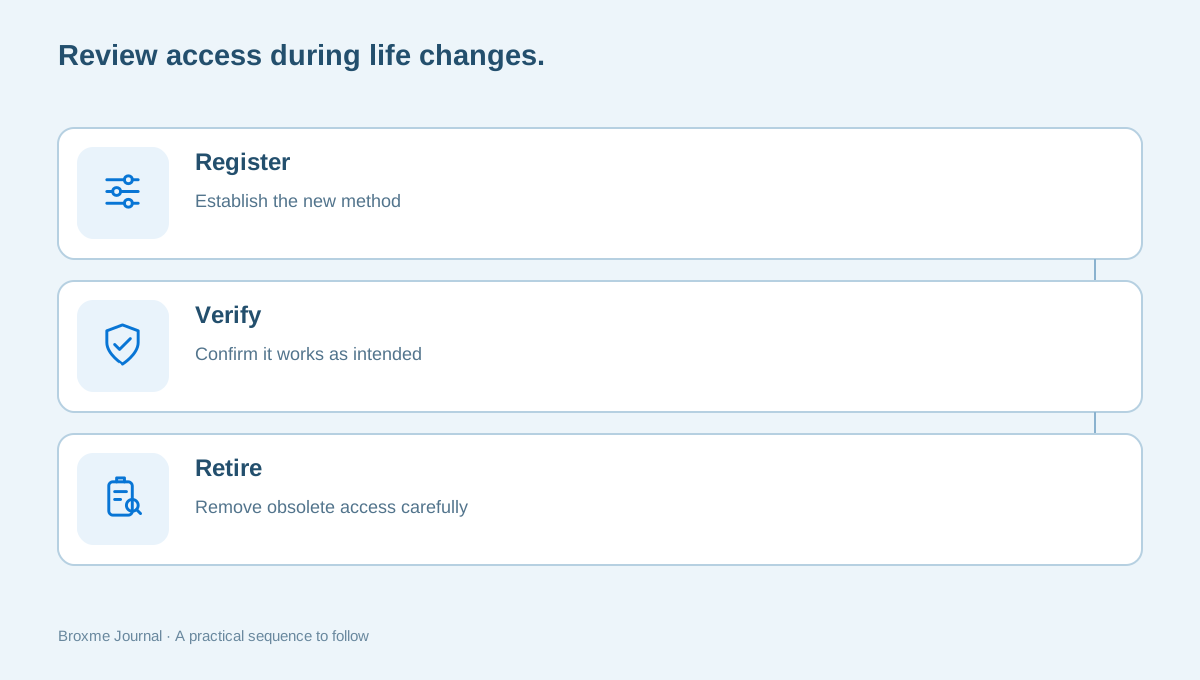
Where possible, establish and confirm the new method while the old device is still available. Check important accounts individually. Seeing an app icon on the new phone is not enough evidence that every account registration and recovery option works as intended.
Only retire obsolete access after you understand the replacement. Keep a list of the accounts reviewed and the method you intend to retain, without writing verification secrets into the list. This is also a good time to revisit unused accounts. You may decide that some services no longer need to be moved because they should be closed through the provider’s process instead.
Use recovery codes for their intended purpose
A recovery code may be different from a code used for the routine second step. For example, Microsoft explains its account recovery code as a specific account feature. Do not treat a code mentioned in one provider’s help page as a general solution for every account you hold.
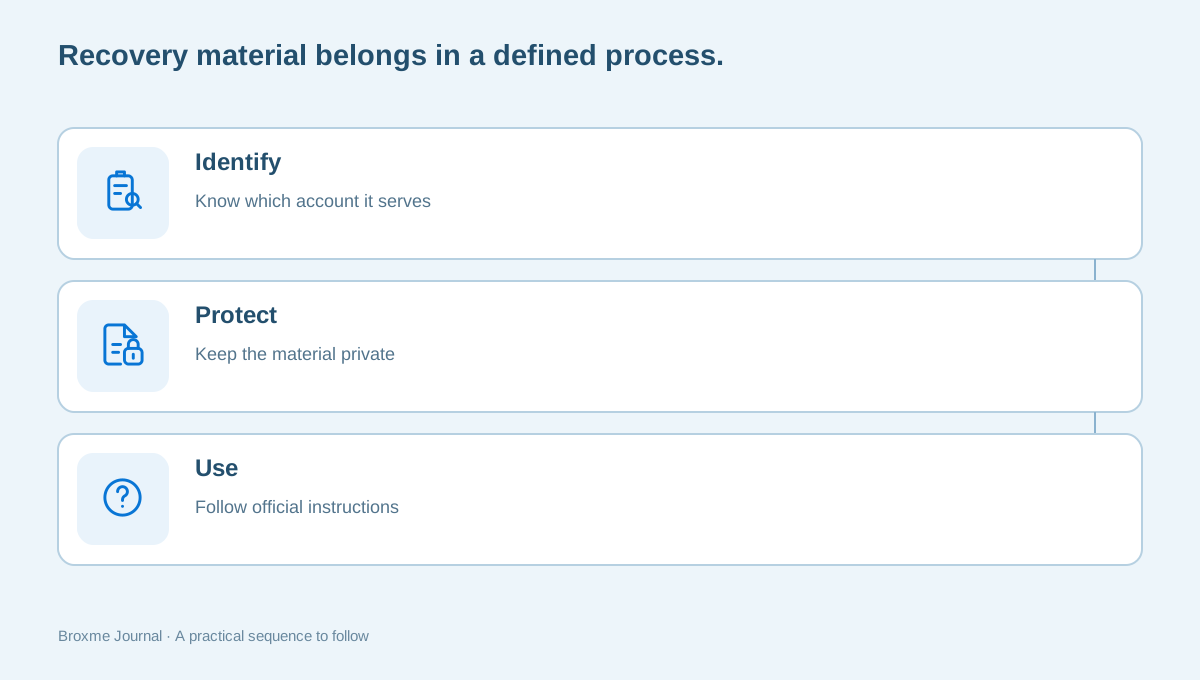
If you create recovery material, record which account it belongs to and protect it according to the provider’s instructions. A sheet of unlabeled numbers can become useless when you need it, while a plainly labeled code left in a shared space can reveal too much. Consider who can access the location and whether you will recognize the material later.
Be cautious about requests to read a code aloud or send it to someone offering support. Genuine recovery should happen through the provider’s own process. The unexpected-request guide is relevant even when a message includes personal details or arrives while you are dealing with a real access problem. Your need for help should not become a reason to skip verification.
Understand what an unexpected approval means
A prompt you did not initiate deserves attention. It might be associated with an attempted sign-in, but the prompt alone is not a complete account of what happened. Do not approve it simply to stop the notification. Open the service through a route you trust and look at its official security information.
If the account shows unfamiliar activity or changed settings, use the provider’s compromised-account guidance. Keep a factual note of what you observed and when. Do not respond by deleting evidence or making a series of unrelated changes whose effects are difficult to track afterward.
Also distinguish routine sign-in problems from an incident. A delay receiving a code may have several explanations. Microsoft’s verification-code troubleshooting page addresses issues for its accounts. Use the correct provider’s help and describe the symptom precisely: no prompt, an unexpected prompt, an error after entering a code, or a device you no longer have.
Keep workplace and household access boundaries clear
For a managed account, ask the administrator about replacement-device procedures, approved factors, and recovery. Do not register a coworker’s personal number as an informal workaround simply because a deadline is approaching. Temporary shortcuts can become unclear access arrangements long after the original problem is forgotten.
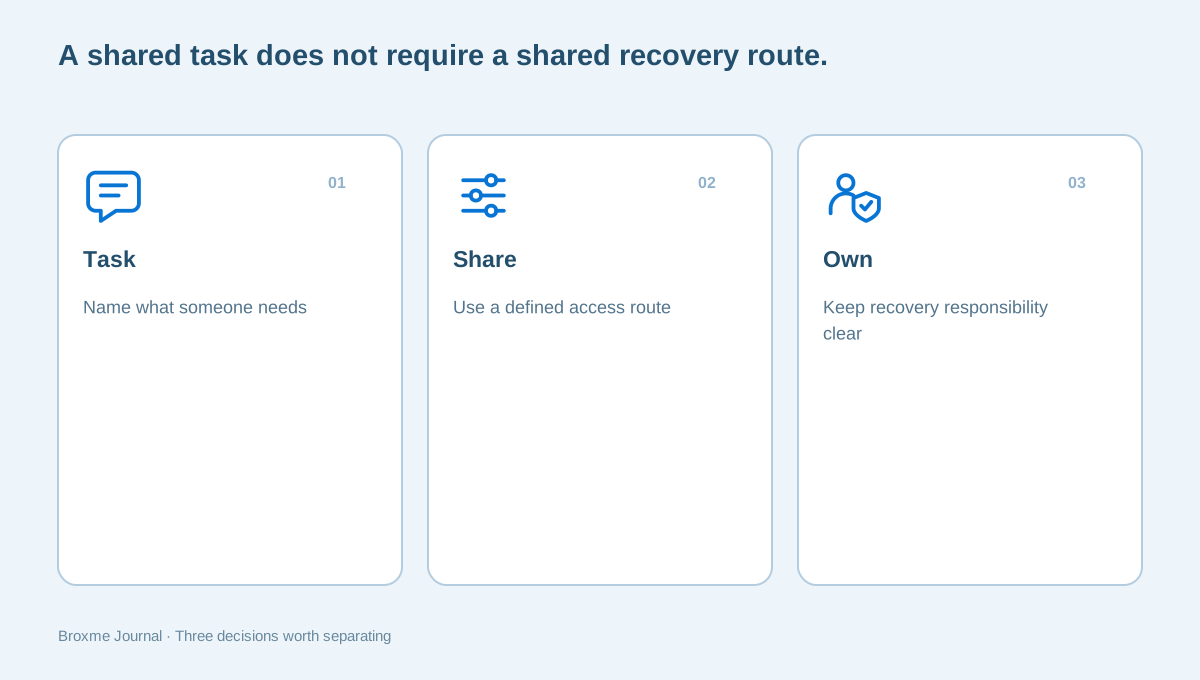
At home, decide which accounts are personal and which support a shared household task. A second factor is not meant to be casually forwarded whenever another person needs a document. Consider a supported sharing or delegation feature for the task instead of giving everyone a path through your personal recovery inbox.
Review the audience of shared information when someone only needs access to a file or folder. Fixing the sharing arrangement can be more appropriate than opening the whole account. For a business, a short system and ownership list can reveal which accounts need a formal access process rather than ad hoc approvals between colleagues.
Practice the plan without creating a lockout
You can review recovery readiness without deliberately losing access. Read the provider’s instructions, confirm the contacts listed, and identify where protected backup material is stored. Do not remove working methods or erase devices just to test whether support will let you back in.
If you need to test a new everyday method, use the provider’s supported process and keep a working session or alternative available where appropriate. Plan the task for a time when you can concentrate. A rushed change at the airport or immediately before an important meeting is a poor setting for learning how several accounts depend on each other.
Keep the result of the review in plain language. “New phone registered; old device removed after verification” is useful. A list containing the actual codes is not an appropriate general-purpose status note. If you discover a separate exposure notice during the review, treat it through a breach-specific action plan rather than assuming that the existence of MFA makes the notice irrelevant.
Return to the plan when your circumstances change
Phone replacements, changed numbers, travel arrangements, and employment changes can alter an access plan. Put account checks into those transitions. The review is usually easier while old devices and contact routes remain available than after an unexpected sign-in failure.
You do not have to revise every account on the same day. Start with the account that supports recovery for others, then work outward. Keep a short list of unresolved questions and look for the provider’s official answer to each one. Avoid turning uncertainty into a collection of improvised workarounds.
A Digital Identity & Account Security review can help organize the account and recovery questions when the dependencies are difficult to understand. You remain in control of the credentials. An initial inquiry can name the provider and the problem without including passwords, backup codes, or identity documents.
Imagine a college student moving out of a family home and changing both a phone plan and a mailing address. An account may still point to the old number, while its recovery email is tied to a school account with a graduation deadline. The useful work is not simply turning on another checkbox. It is identifying which contact routes will remain under the student’s control and updating them before either old route disappears. This is an illustrative example of planning, not a description of a provider’s guaranteed recovery behavior.
A similar issue can arise for a self-employed person who used a former employee’s phone during an urgent setup. Months later, nobody remembers which accounts depend on that device. Treat the discovery as an ownership question. Identify the account owner, agree who is authorized to change the registration, and follow the provider’s process. Do not ask the former employee to keep relaying codes indefinitely; that preserves the dependency rather than resolving it.
Keep the amount of sensitive material small when asking for advice. You can say that an account uses an old phone number, that you still have a signed-in laptop, or that a device transfer did not restore a particular method. Those facts help define the issue without exposing a code. If a support channel requests additional evidence, check the channel and understand the request before sending anything. A screenshot of a settings page should be reviewed for private details first.
It also helps to distinguish the person who can explain a problem from the organization that can approve recovery. A consultant or knowledgeable friend may help you find official instructions and organize the facts. They do not control the provider’s decision and should not promise an alternative route that bypasses account safeguards. Be wary of anyone who treats payment as a guarantee that an inaccessible account can be restored.
The final check is a practical one: if your usual method were unavailable tomorrow, could you identify the official next step without guessing? You do not need to rehearse a lockout to answer that. Read the instructions while access is working, keep the necessary material protected, and note any questions that still need an answer. An access plan earns its value when it makes an ordinary disruption less confusing, not when it contains the largest possible number of authentication methods.
Sources and further reading
Provider processes can change. Use the current instructions on the official website when making a request or changing an account.

About this guide
Published in the Broxme Journal for readers who want clear explanations of privacy and everyday online security. This guide provides general information; your circumstances determine the appropriate next step.
About Broxme