An unused account can look easy to delete until you discover it holds an old receipt, a shared folder, or the email address another service uses for recovery. Closing accounts is useful work, but the last button should come after a few deliberate checks.
This guide is for people in the United States sorting through personal accounts. Work accounts, customer records, and accounts controlled by another person need separate permission and handling. Start with one service you own and no longer use. The goal is to leave less unnecessary information behind without breaking access you still depend on.
Give the account a clear decision
Write down why the account exists and when you last needed it. A shopping account may hold nothing you need; a cloud account may hold years of documents. Decide whether to close, keep, or postpone while you investigate a dependency. “Not sure yet” is a useful temporary answer when it has a specific follow-up task.
Do not confuse uninstalling an app with closing the service account. The provider may still hold the account after its icon disappears from your phone. Likewise, signing out usually ends a session rather than deleting the underlying record. Look for the provider’s current explanation of account closure before assuming which action you are taking.
If you are reviewing many accounts, create a short inventory with the service, purpose, decision, and outstanding checks. Keep passwords and identity documents out of it. Our digital footprint review can help you choose priorities without turning the inventory into another file full of sensitive information.
For instance, a shopping account unused for two years may be easy to close once you save a warranty receipt. An old email account can require much more preparation. Use the dependency work, not the age of the account, to decide the order. Start with an account whose purpose and consequences you can explain clearly.
Check whether the account opens other doors
An account may be the sign-in route for another website. Before deleting it, list services where you use that account to authenticate. Open each important destination directly and establish another supported way to sign in if you intend to keep using it. Confirm that the replacement works before removing the old connection.
Email is especially important. Search your own records for password-reset messages, service notifications, and account confirmations that arrive at the address you plan to retire. You do not need to forward those records anywhere. The purpose is to identify accounts whose recovery or communication route needs updating.
A useful test is practical: if the old account stopped working tomorrow, could you still get into the services you care about? The main email security guide and recovery planning guide explain why it is worth answering that question while access is still available.
Pay attention to accounts created through a phone number as well. A number you are giving up may still receive verification messages elsewhere. Review the services you know depend on it and update them through their own settings. Do not treat removal from one profile as proof that every account using the number has changed.
Read the provider’s actual closure process
Use an official help page and open the account directly. A search result or unsolicited message offering to close accounts for you may introduce a different risk. Check the domain and make sure the instructions concern the particular type of account you own, rather than a work account or a different product.
Google’s account deletion guidance explains consequences to review before deleting a Google Account. Read the current instructions instead of treating the deletion of one product as identical to closing an entire account. Similar names can describe actions with very different effects.
Microsoft’s account closure guidance describes its own checks and process. Do not assume the same waiting period, recovery option, or subscription treatment applies everywhere. Make a note of any step that requires later attention, and use the provider’s current wording when you are unsure.
Keep the instructions close while you work and stop at any step you cannot explain. A destructive confirmation is not the place to improvise. If the provider offers support, ask a narrow question about the particular dependency or data category. A specific answer is more useful than general reassurance that closure is usually straightforward.
Decide what information you need to keep
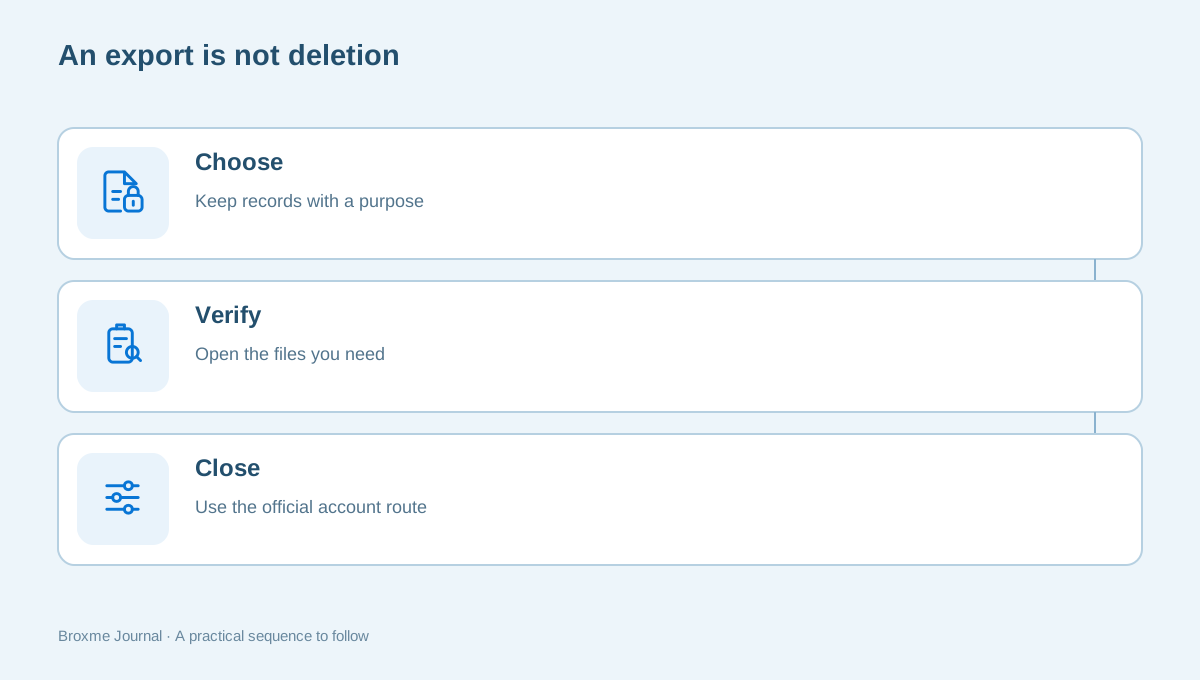
Before exporting everything, choose the records that still have value. Receipts, warranties, personal photos, contact details, and work you created can have different reasons to be retained. If a record belongs to a business or another person, confirm who is allowed to decide what happens to it.
Google’s data download instructions describe exporting information and distinguish a download from deletion. An archive is a copy to manage, not proof that the service account has been removed. Check where the archive will be delivered and whether that destination depends on the account you plan to close.
After downloading, open a small sample of the files you actually need. Confirm that they are readable and stored somewhere you intend to keep. An export left in a shared downloads folder may create new exposure. Avoid collecting unnecessary years of data simply because the export tool makes that option convenient.
An archive can be surprisingly difficult to navigate. Before relying on it, check whether the information is readable outside the original service and whether you need a particular application to open it. Confirm that your saved copy contains the records you chose, rather than assuming a large file size proves the export was complete.
Review purchases, subscriptions, and money separately
Look for active subscriptions, recurring payments, credits, pending refunds, and purchase history. The correct action depends on the provider. Do not assume closing an account cancels every payment arrangement, or that canceling a subscription deletes the account. Read the relevant policy and retain the confirmation of any action you take.
Give pending transactions time and attention rather than forcing a single-session cleanup. A refund may depend on access to the account or communication address. Keep enough information to follow up through the merchant’s official process without preserving an unnecessary copy of payment card details.
A small note such as “subscription canceled; confirmation saved; refund still open” is more useful than marking the whole account complete. If the account contains financial or tax-related records, determine what you need for your own recordkeeping before deleting access. This guide does not decide those obligations for you.
Consider practical timing. Closing an account the day before a return deadline or while an order is being disputed can make routine follow-up harder. A temporary decision to keep access until a transaction is resolved may be sensible. Put the condition in your notes so postponement becomes a deliberate plan, not another forgotten account.
Check shared files and other people’s access
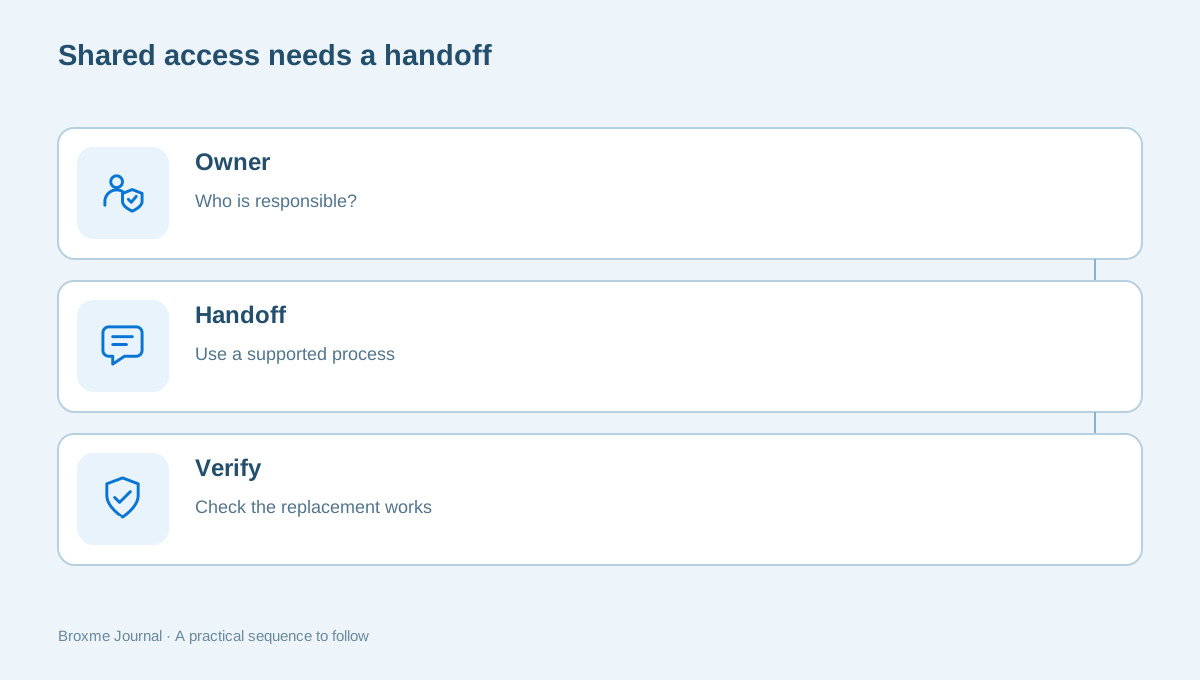
An account can be the owner of something others still use: a family album, a volunteer schedule, or a shared planning document. Find those items before closing the account. Ask whether they should be transferred through a supported process, copied with permission, or retired after the people involved have what they need.
Do not assume that sharing a file makes another person its owner. A recipient may still depend on the original account for continued access. Read the service’s ownership and sharing rules, and test the agreed replacement before closing the source account. The shared-document guide explains why access, ownership, and copies are separate questions.
Keep the coordination proportionate. Send a specific message to the people affected, not a broad export of the entire account. Where an organization controls the documents, ask its administrator how the account should be handled. A personal cleanup should not become unauthorized deletion of someone else’s records.
A shared household device can hide dependencies because someone else uses the account without thinking about ownership. Ask before closing an account that supplies a family calendar, media library, or shared photo collection. Establish a replacement arrangement that people understand, and avoid asking them to circulate the old password as a shortcut to preserving access.
Remove obsolete connections deliberately
Review connected apps, devices, and external services before the account disappears from your routine. Some connections may be harmless history; others may be how you still use a tool. Work through the meaningful ones and avoid treating every unfamiliar name as proof of compromise.
If you are keeping a service but removing a sign-in connection, establish the replacement first. A password manager can help record which account and login method you use. Read our password manager starting guide if this is a new part of your routine, rather than keeping login details in the cleanup spreadsheet.
Also review browser extensions and saved site permissions related to the account. Removing an extension does not close its associated online account, and closing an account does not automatically clean every browser setting. The extension review and site-permission review cover these separate tasks.
Keep saved passwords until the closure outcome is clear, but label the record appropriately so it does not look like an active account you should keep using. The right retention choice depends on your situation and the provider’s process. Do not erase the only record you need to resolve a pending issue merely to tidy the password list.
Submit the closure request and save the outcome
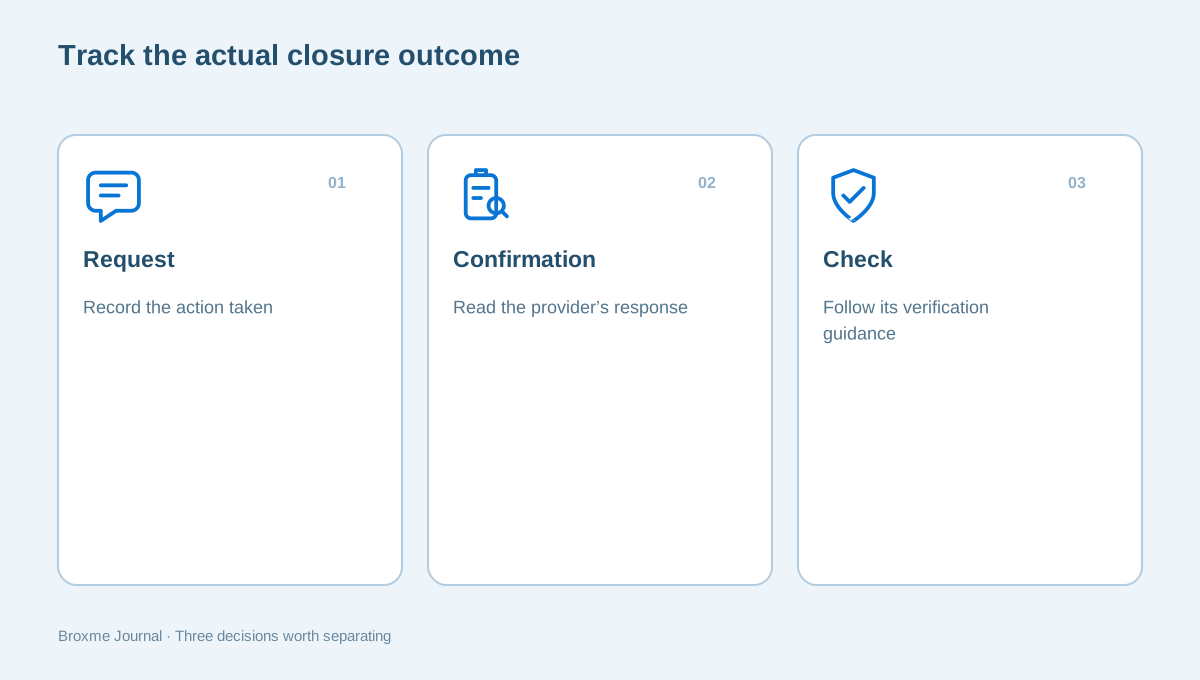
Once the dependencies are resolved, use the provider’s account controls to request closure. Read the final confirmation carefully. It may explain a delay, a chance to reverse the action, or conditions that still apply. Record what the provider confirms rather than replacing its explanation with a general assumption about deletion.
Keep the date and a limited confirmation record. Do not save a screenshot containing passwords, recovery codes, identification documents, or other unnecessary private details. If the provider sends confirmation to an address you are also retiring, ensure you have whatever record you reasonably need before that address becomes unavailable.
When instructions describe a later check, put that check on your task list. Avoid repeatedly signing in simply to see whether the account is gone if doing so could affect the process. Follow the provider’s current guidance for verification instead. A clear record distinguishes a submitted request from a completed, checked outcome.
Use one status vocabulary in your notes: reviewing, ready to close, requested, confirmed, and follow-up needed. These labels describe progress without claiming more than you know. Add a short reason when the status changes, such as “recovery address updated” or “shared folder transferred.” That makes the next session easier without recording confidential content.
Check what remains visible elsewhere
Closing an account does not establish what happened to every mention of it. Another website may have quoted a biography, a search engine may show an outdated snippet, or a friend may still have a shared photo. Treat those as separate items rather than assuming the closure request controls them all.
Google’s private-information removal guidance explains certain search-result requests and their limits. Check the source website first. You may need to address a page owner, a search listing, or both, depending on what remains available.
The public-profile guide helps you review information you can still edit. Keep expectations specific. If another organization retains a record for its own purposes, the closure screen alone may not explain every retention decision. Ask the provider about the particular information instead of assuming all copies vanish at the same moment.
Take a similar approach to messages arriving afterward. A marketing email does not necessarily describe the account’s legal or technical status, and a closure confirmation does not explain every unrelated mailing list. Use the sender’s genuine controls to address the particular issue. Do not reactivate an account through an unfamiliar link simply because a message says action is required.
Finish the cleanup without creating a new burden
Update your inventory with what was closed, what was retained, and which requests need follow-up. Then decide what to do with exports and temporary notes. Keep records that have a purpose, protect them appropriately, and remove redundant copies you no longer need to maintain.
For a family, it may help to identify which accounts are still intentionally shared and which ones belong to one person. Do not change another person’s access as a side effect of tidying your own list. A brief conversation can prevent a confusing lockout later.
If the dependencies feel hard to untangle, a personal privacy assessment can help define the work. You can also describe the question to Broxme without sending credentials. Closing one account carefully is a better result than deleting several quickly and discovering that your recovery route, records, or shared files disappeared with them.
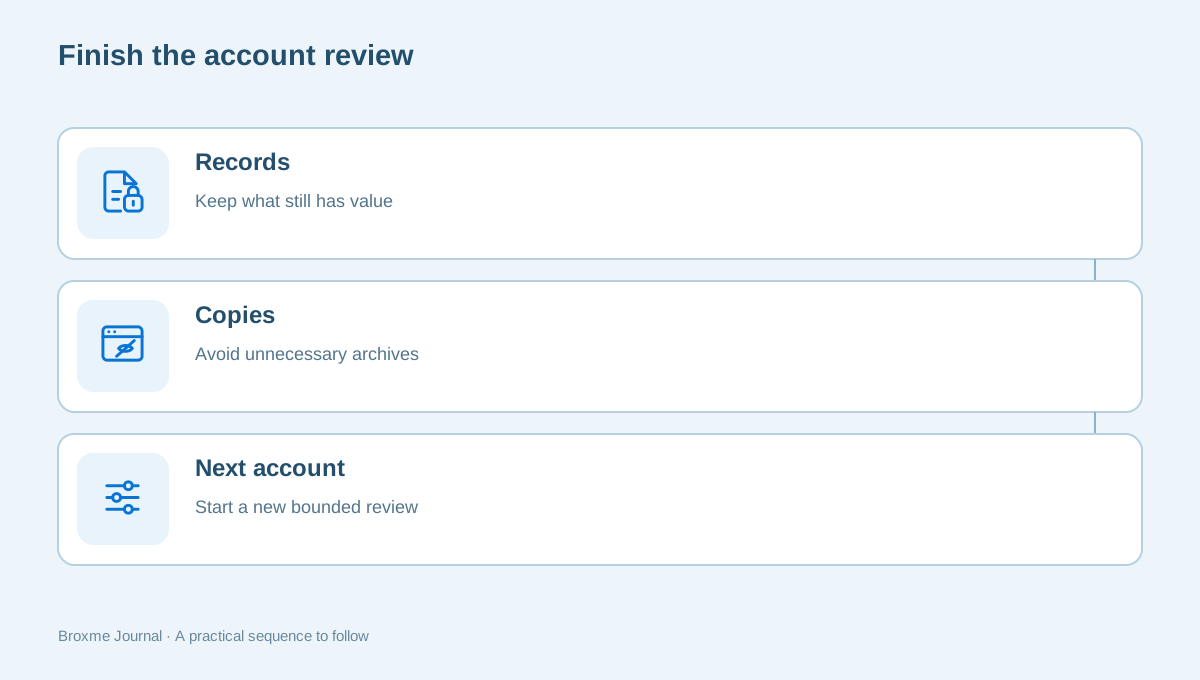
The review should reduce uncertainty. When the remaining task is a specific provider question or a single outstanding refund, write that down and stop broadening the project. You can return when the answer arrives. A bounded process protects useful access while still allowing you to retire accounts that no longer need a place in your digital life.
Sources and further reading
Provider processes can change. Use the current instructions on the official website when making a request or changing an account.

About this guide
Published in the Broxme Journal for readers who want clear explanations of privacy and everyday online security. This guide provides general information; your circumstances determine the appropriate next step.
About Broxme