Your own profile is a familiar place. You know which parts are current, which photos are old, and which joke was meant for three friends. A stranger gets none of that context. They see the information available to them and make connections from there.
A public-profile review helps you decide what that outside view should contain. It does not require leaving social media or hiding your professional work. For a U.S. reader balancing job searches, community groups, family updates, and everyday contact, the useful question is simple: does each visible detail still serve a purpose?
Decide what you want the profile to do
Give the account a job before you change its settings. A professional profile might help clients understand your work. A neighborhood account might keep you in touch with local events. A family account might be mostly for people you already know. Those purposes call for different choices, even when the platforms offer similar controls.
Consider an illustrative example: a freelance bookkeeper in North Carolina wants local businesses to find her experience, but not a personal phone number used for family accounts. Her goal is not to disappear. It is to make a business contact route easy to find while reducing unrelated exposure. Write your own goal in one sentence and keep it beside the review.
If you are unsure where a profile fits into the broader picture, start with our digital footprint guide. Review one account at a time. A short, finished review is more useful than changing several platforms at once and losing track of what happened.
Keep the goal realistic enough to evaluate afterward. “Make my professional experience easy to find without displaying a personal number” tells you what to preserve and what to change. “Make nobody know anything about me” offers no useful stopping point and can lead you to remove information that matters to your work or relationships.
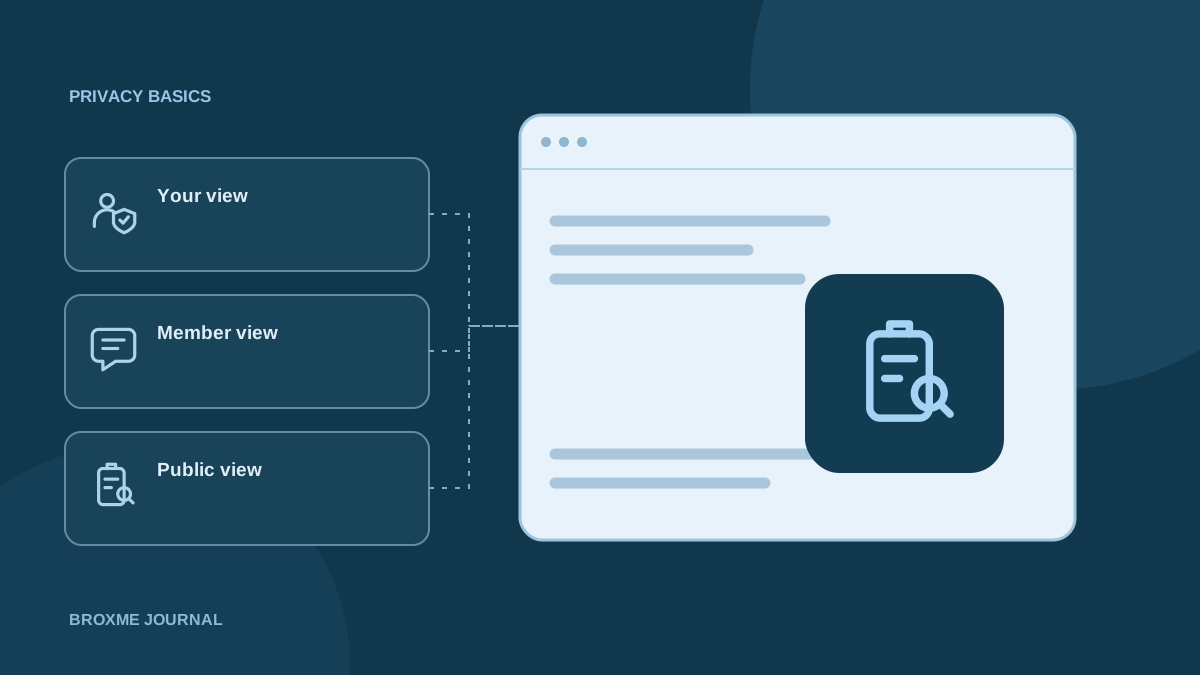
Look at the public view, not just your own view
Your signed-in profile can show editing controls, private notes, and information visible only to you. Look for the platform’s public-preview feature, if it offers one, or review what is available outside your usual session. Avoid asking a stranger to test access or sharing account credentials with someone who offers to check it for you.
LinkedIn’s public-profile guidance distinguishes visibility outside its signed-in member experience. Read the current settings for the service you use; a control governing how you appear to other members may address a different audience from a control governing search visibility.
Keep a small list of differences between what you expected and what you found. “Personal email visible” is a useful observation. “Privacy is bad” is not an actionable finding. Save the relevant page address and the name of the setting, without creating a new document full of sensitive personal details.
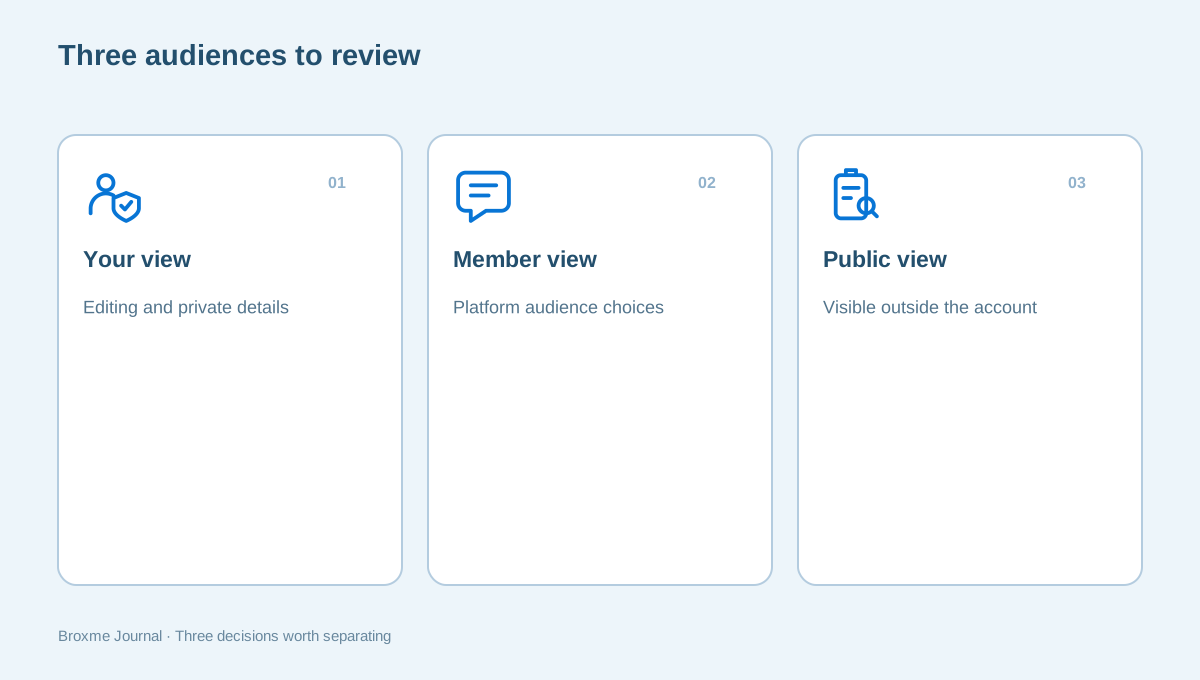
When checking the result, account for the context you can actually test. A public preview is evidence of that view, not proof of everything every visitor can see. Note any uncertainty instead of expanding the claim. If the platform describes different audiences, keep those descriptions with your task list so you know which setting you changed.
Give contact details a current purpose
Look at phone numbers, email addresses, business links, and location fields. Details often remain public because they were useful during a past event, volunteer role, or job search. Ask whether the same contact route is still appropriate for the audience viewing the page today.
A city or service area can help someone understand where you work without publishing a residential address. A business inbox may be more appropriate than the email account used to recover personal accounts. These are decisions to weigh against your actual needs, not universal rules that require everyone to use the same setup.
Also check profiles attached to accounts that do not feel like social media. Your display name and image may appear in reviews, shared files, or other interactions. Google’s information-visibility controls explain how to review certain details across its services. Treat each service’s audience as its own question.
Check automated contact routes too. A button labeled “email” may send people to a different address than the one shown in the biography. A portfolio contact page may include an old resume with additional details. Test the route using a normal inquiry perspective, without sending unnecessary messages to other people just to confirm the link works.
Separate profile visibility from post audiences
A profile can be public while individual posts have narrower audiences, or the reverse can happen with information attached to an interaction. Do not assume that changing a profile-level setting rewrites the audience of every older post, comment, or shared item.
Review a sample of older activity: a public reply, an event photo, a group post, and something you shared during a busy period. Look at what someone without the original context would learn. A photo may reveal a workplace badge, a vehicle plate, or the name of a regular location even when its caption says very little.
Decide which changes are worth making rather than treating every old post as a mistake. You might edit one caption, narrow an audience, or remove an item that no longer has value. Our everyday security habits guide can help turn that decision into a manageable routine instead of a one-time purge.
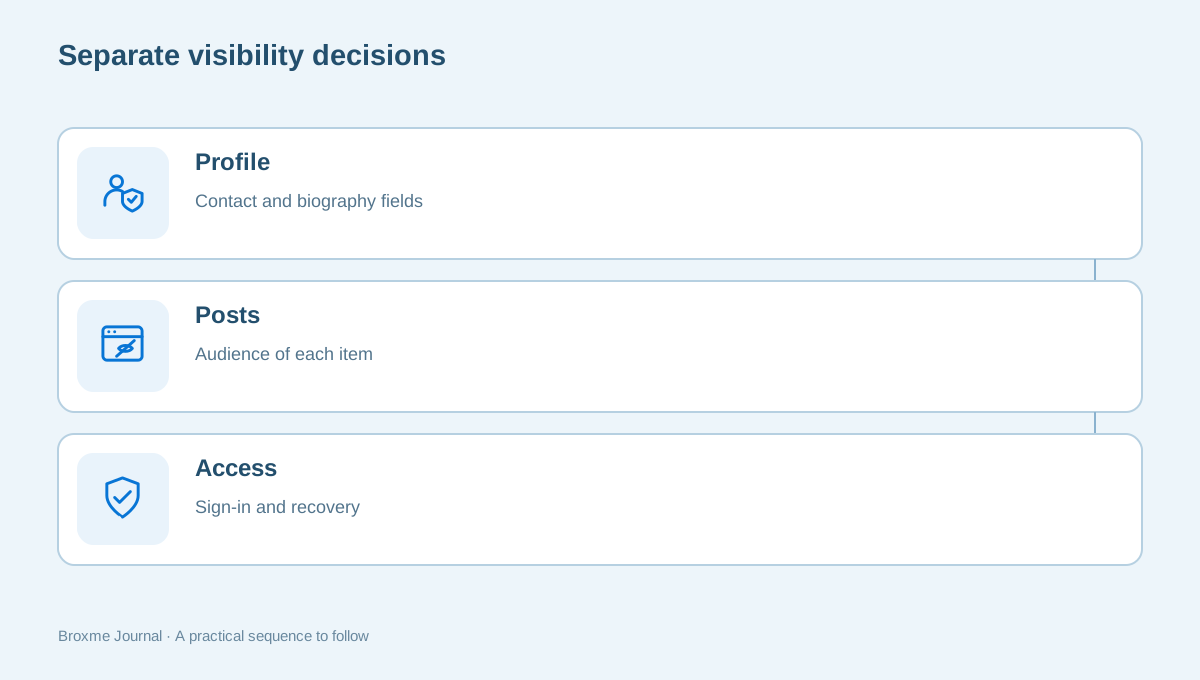
Audience changes can also affect useful community activity. Before deleting a post that people rely on for event details, consider whether updating it or moving the relevant information to an organizational page would solve the privacy concern. Deliberate editing preserves useful context while removing details that do not need to remain attached to your personal account.
Review connections between accounts
A username, biography link, or identical profile photo can make separate accounts easy to connect. That may be useful if you want customers to move from a professional profile to a portfolio. It may be unwanted if an account serves a different part of your life.
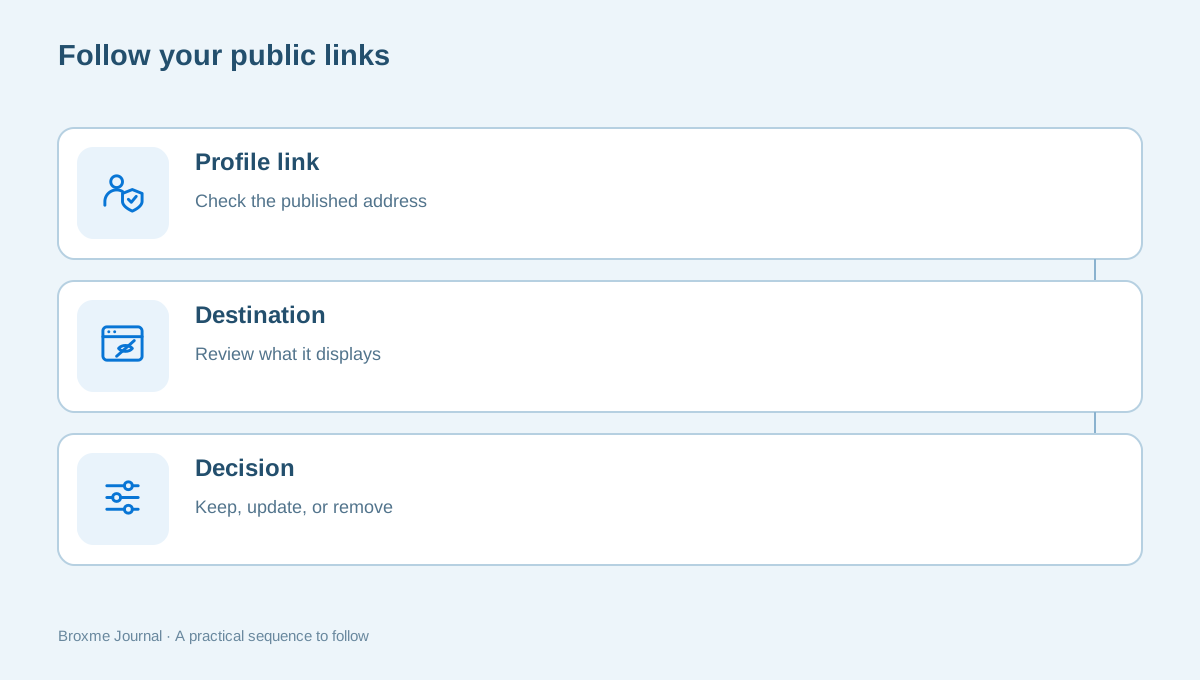
Follow the links you publish and check where they lead now. An old website can redirect somewhere unexpected. A booking link may reveal contact details on a separate page. A public reading list or activity feed may show more than the profile that links to it. The review should include the destination, not merely the label you remember adding.
This is also a good time to distinguish a public link from connected account access. A button in your biography is different from an app authorized to read account information. Read our extension access guide and email-account review for the access side of that work.
Your professional presence may intentionally be consistent across platforms. That is not automatically a problem. The decision is whether the connection serves your purpose. For a separate hobby account, you might choose fewer links; for a client-facing portfolio, a clear connection may help people confirm they found the right person. Treat consistency as a choice, not a score.
Handle information posted by other people
You may not control a tagged photo, an organization’s staff directory, or a community event page. Start with a specific request to the person or organization responsible. Include the page address and identify the detail you want changed. You usually do not need to explain every personal reason behind the request.
Keep the tone clear and practical: the profile lists an outdated personal phone number; you would prefer the organization’s contact form; please remove the home-address field. A concrete request is easier to act on than asking someone to erase all information about you from every system they operate.
If a request involves a dispute, harassment, or an immediate safety concern, a routine profile edit may not be the right first step. Consider what records need to be preserved and what support fits the situation. The scam and threat advisory service describes a scoped review, not a guarantee about another website’s actions.
Keep copies of correspondence where it is useful, but limit who receives them. Forwarding a long email chain may disclose other people’s information or a reason you meant to keep private. A clean message identifying the page and requested edit usually creates less confusion than attaching every document collected during your review.
Understand search listings and people-search results
Search for the profile name and one or two identifiers that distinguish you from someone with the same name. Record results you want to investigate. Avoid buying reports or entering additional personal information into unfamiliar sites just to see whether they know you.
The FTC explains people-search opt-outs and why those requests have limits. A listing on one site is a separate task from the account profile you can edit yourself. Check the genuine site’s process and keep the request date and outcome in a short record.
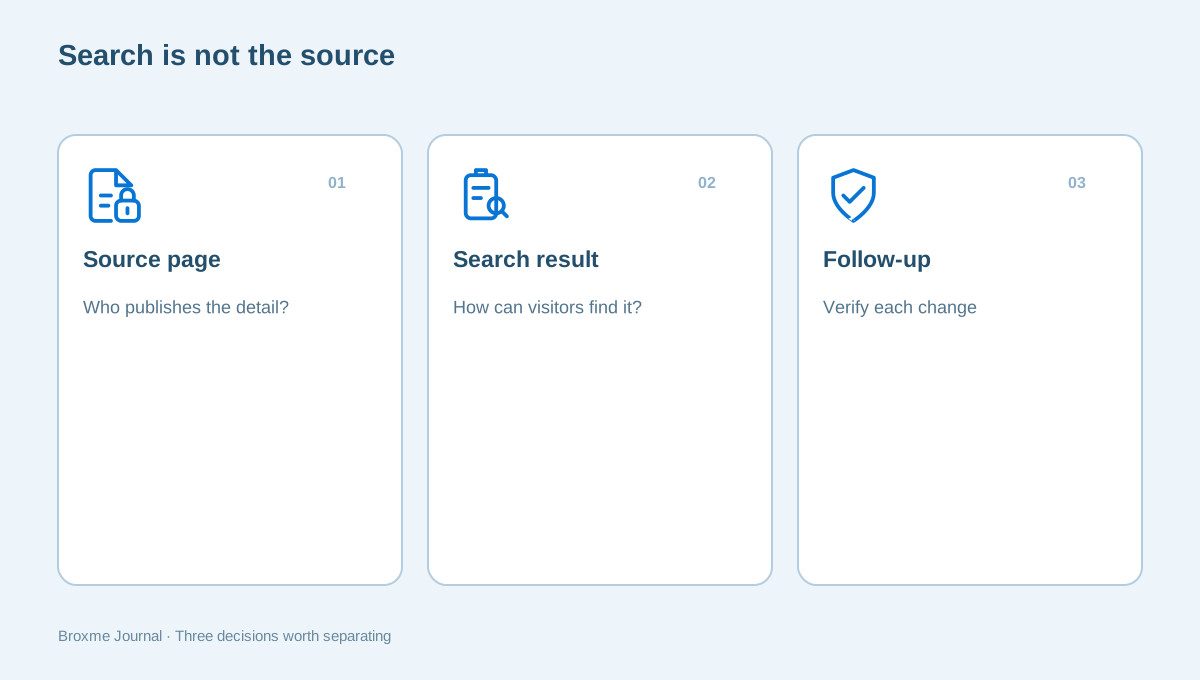
Google’s personal-information removal guidance concerns certain search results, not automatic deletion of the underlying webpage. When a source profile changes, check the actual page and the result separately. Submission is one milestone; verifying what happened is another.
Do not confuse an ordinary result for another person with an inaccurate record about you. Check the details carefully before submitting a request. A common name can lead to a mix of unrelated pages. Your task list should distinguish “not me,” “about me but inaccurate,” and “accurate information I would rather limit.” Those are different conversations.
Protect access while changing visibility
A public-profile cleanup should not accidentally weaken the account holding it. Keep your sign-in and recovery review separate from decisions about what strangers can see. A private audience does not prevent unauthorized access if an account still uses a reused password or an obsolete recovery address.
Before removing an email address from account settings, establish whether the field is a public contact detail, a sign-in identifier, or a recovery destination. Similar-looking fields can have different consequences. Read the provider’s explanation rather than guessing from the label. If needed, stop and clarify before saving the change.
Our account security service covers a considered review of access and recovery. You can also work through the multi-factor recovery guide yourself. Never send a password or live verification code to someone simply because they say it will make the review faster.
After a significant account-setting change, confirm that your usual sign-in still works and that you can reach the current recovery route. Do this while you have access and time to resolve a mistake. Avoid making several major access changes immediately before travel or an important work deadline when losing access would be especially disruptive.
Make household and work boundaries explicit
Other people can have reasonable preferences about shared information. A spouse may want a family photo kept within a smaller group. A coworker may be comfortable being named in a company announcement but not in a personal location update. Discuss the relevant item without assuming everyone shares your privacy choices.
For a work profile, follow the organization’s rules for public contact information, client names, photographs, and staff details. Do not remove information from a company-managed account without authority, or move customer conversations into a personal inbox to make the profile simpler. Ask the responsible person to resolve any unclear boundary.
Parents and caregivers should think about information that identifies routines, schools, or other children as well as their own family. Focus on the specific audience and purpose of a post. You do not need a dramatic incident to decide that a photograph belongs in a more limited setting.
Keep agreements simple enough for people to follow. You might ask family members not to post a live travel itinerary or ask colleagues to use a business contact address when publishing an event listing. A clear boundary attached to a real example gives others a better way to help than a broad request to make everything private.
Finish with a short change log
Record the changes you completed and the items still waiting on another person or website. Note when you last checked the public view. Keep this record small enough that it helps rather than becoming another collection of private information you must manage.
A useful first session might update a business contact route, narrow one old post, and send a directory correction request. Leave the next session with a clear task instead of an instruction to investigate everything online. If an unused account repeatedly complicates the review, use the account-closure checklist before deciding to remove it.
Return when your circumstances change: a new job, move, public-facing role, or shift in how you use an account. If the review still feels difficult to define, a personal privacy assessment can help organize the question. The goal remains yours: publish deliberately, keep useful connections, and remove details that no longer have a good reason to be public.
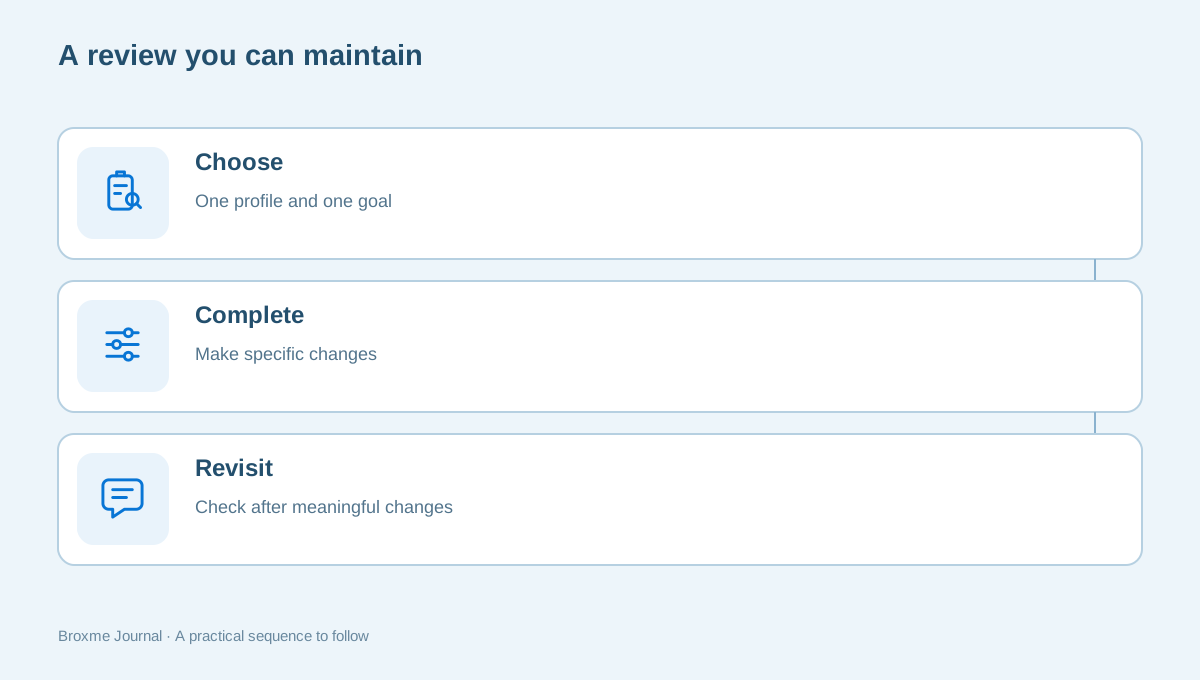
The finished review should leave you with fewer unanswered questions, not another system to maintain every day. Pick a few checks you can repeat and retire tasks that are no longer relevant. If a request is declined, record that outcome and consider the remaining options rather than repeatedly submitting the same request without new information.
Sources and further reading
Provider processes can change. Use the current instructions on the official website when making a request or changing an account.

About this guide
Published in the Broxme Journal for readers who want clear explanations of privacy and everyday online security. This guide provides general information; your circumstances determine the appropriate next step.
About Broxme