Security advice becomes easier to use when it fits into ordinary life. You should not need a new hobby to protect your email, keep your phone current, or question an unexpected payment request. Start with five habits: use unique passwords, add a supported sign-in check, keep software updated, verify unusual requests another way, and remove access that no longer has a purpose. Then build a routine small enough that you will actually return to it.
Begin with the accounts that connect your day
Before changing anything, identify a short list of accounts you depend on. Your primary email often belongs near the top because it receives password resets and important notices. Add the services that would disrupt your life if access became difficult: financial accounts, work systems, utilities, or a school portal, depending on your situation.
Keep the list free of passwords and account numbers. You are identifying priorities, not creating a new sensitive document. For each item, note the official sign-in route and whether you understand the recovery method. A list of five understood accounts is a better starting point than an inventory of fifty you never review.
Use the main email security guide for a closer look at the account that connects everything. If you run a small business, identify who owns the company systems as well; a personal habit cannot substitute for clear administrative responsibility in a shared environment.
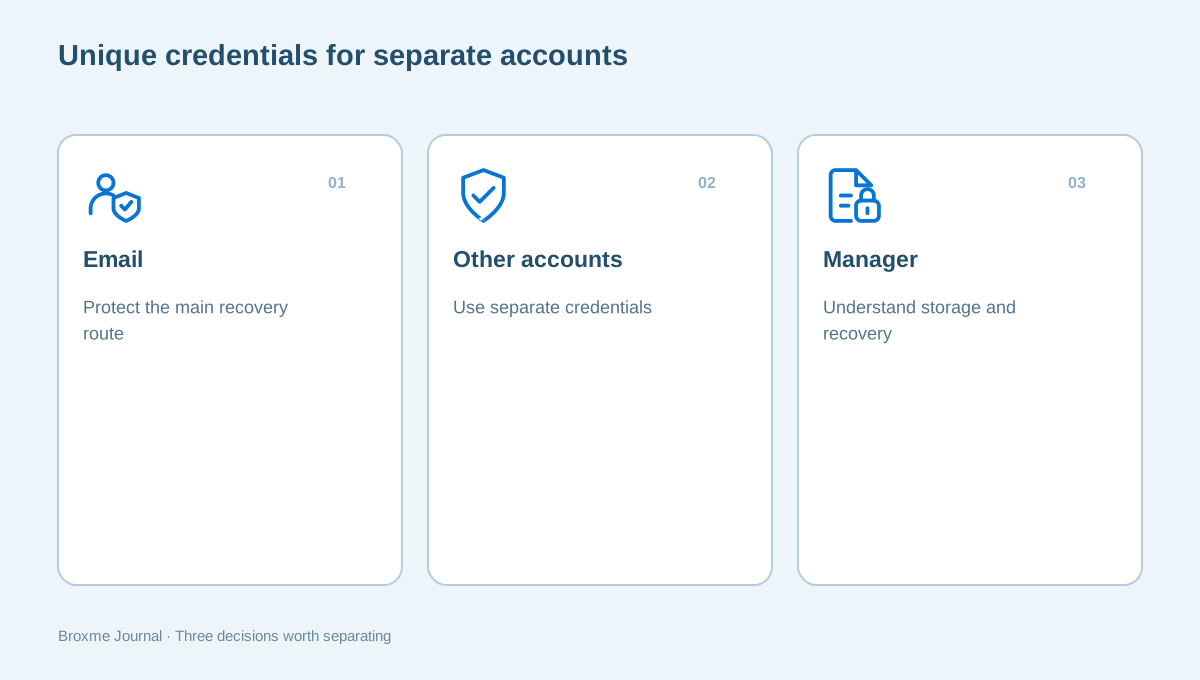
Habit one: give each account a different password
Reusing a password creates a connection between accounts that otherwise have little to do with one another. The useful habit is to maintain unique credentials, especially for the services you identified as essential. Avoid solving the problem by making a small predictable variation of the same familiar password everywhere.
The FBI’s online safety guidance for adults recommends unique passphrases and a reputable password manager. For your own workflow, start with a few accounts and confirm that the new credentials work. Do not delete an old record until you understand where the replacement is stored and how to retrieve it.
A password manager should make the routine more manageable, not become an unexplained dependency. Learn its sign-in and recovery process before moving everything. Our first-week password manager guide breaks the setup into smaller decisions so you can build confidence without rushing a complete migration.
Habit two: add a supported sign-in check
Where a provider offers a second factor or a passkey, review the options in its official settings. The goal is an additional protection that you understand and can use. Keep the current recovery route available while confirming a new method rather than making several changes and hoping the next sign-in succeeds.
NIST’s multifactor authentication guidance explains the additional verification concept. The practical question for an individual account is which supported method fits the service and your circumstances. Avoid treating every method as identical or relying on a setup you have not practiced.
Plan the fallback as part of the same habit. A phone can be replaced, a device can fail, or a recovery contact can become outdated. The second-factor recovery guide helps connect protection and recovery. If you are considering a passkey, read what to check before switching so the credential’s location and access are not a surprise later.
Habit three: make updates part of the routine
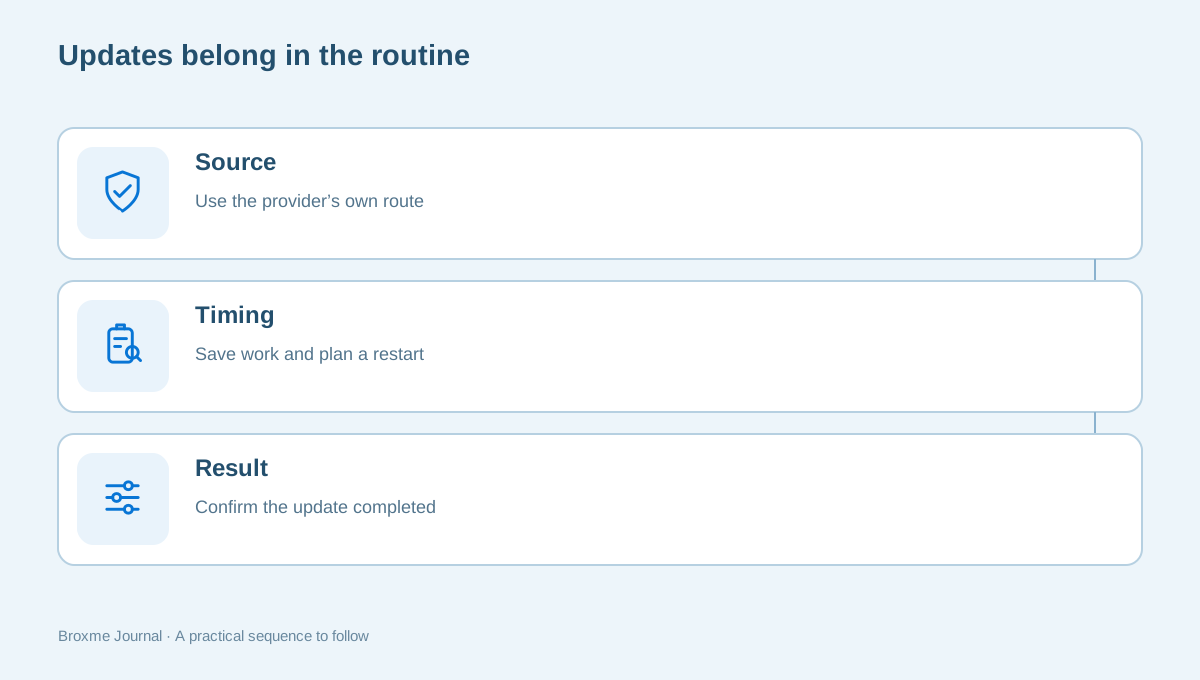
Use the supported update paths for your operating system, browser, and applications. Choose a convenient time for the restart or installation that the update requires. A persistent pending update is easy to ignore when it interrupts a task, so give maintenance an ordinary place in the week instead of relying on constant reminders.
CISA’s four-actions tip sheet includes software updates alongside passwords, multifactor authentication, and phishing awareness. Those actions work together; one does not cancel the need for the others. Use a browser’s own controls rather than an unexpected website pop-up offering a supposed urgent update.
On a work or school device, follow the administrator’s process. If the device repeatedly fails to update, report the behavior rather than downloading unrelated repair software. Before a significant update, save work and consider any account access you may need when applications restart. Good maintenance protects the task as well as the software.
Habit four: verify unusual requests through another route
An unexpected message can arrive during a busy day with a familiar logo, a convincing name, or an urgent story. Read the action being requested before deciding how to respond. A demand for payment, a sign-in, an attachment download, or a verification code deserves a separate check when it was not expected.
The FTC’s phishing guidance explains common message tactics and practical responses. Use the general lesson without trying to judge every request by spelling or design. A polished message can still ask you to take an action that needs verification.
Open the service’s app, use a saved address, or contact the person through details you already had. Do not let a new number inside the suspicious message become the only verification route. The unexpected-message checklist makes that pause concrete. For business payment changes, a separate supplier verification process helps keep urgency from replacing approval.
Habit five: remove access that no longer has a purpose
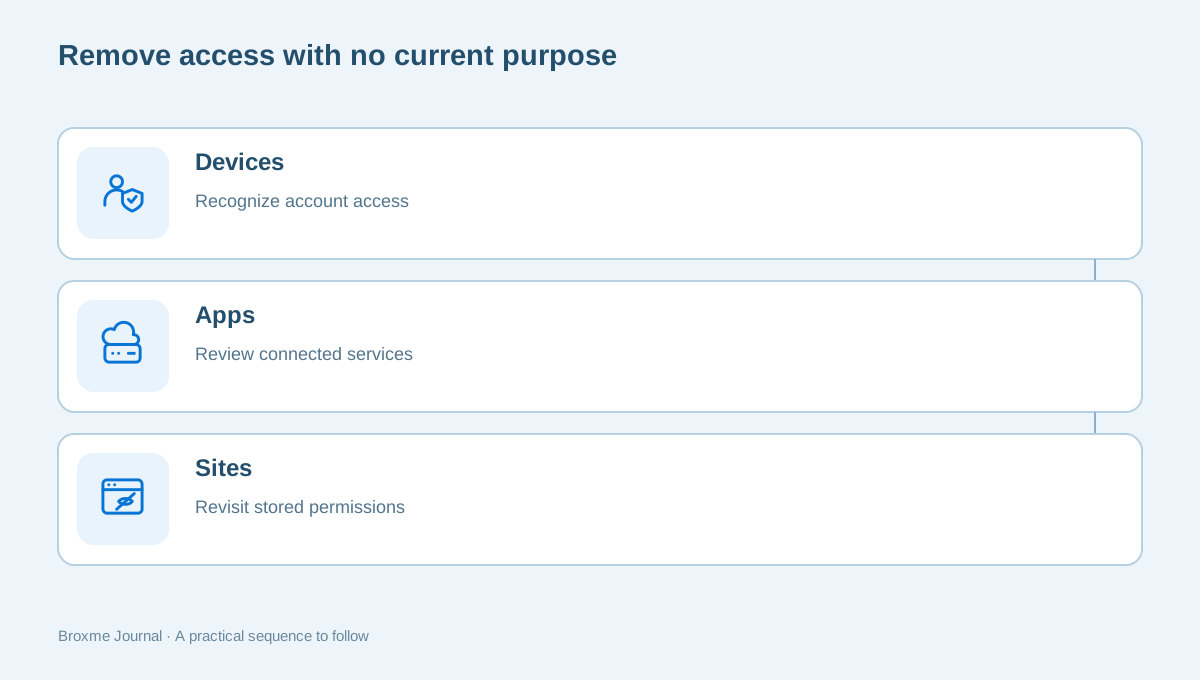
Accounts, connected applications, shared files, and browser permissions accumulate over time. An access decision can outlive the project or appointment that justified it. Choose a small category and review what remains: old devices in an account, third-party connections, shared links, or websites allowed to use a feature.
Ask who still needs the access and what task it serves. If the reason is unclear, investigate before treating it as permanent. Keep work-system owners involved and do not remove a colleague’s access without understanding responsibilities. A privacy habit should create clearer ownership, not a new operational problem.
Use the website permissions guide for camera, location, and notification choices. Use the old-account checklist when the intention is to leave a service entirely. Removing an app, clearing cookies, and closing an account are different outcomes, so choose the action that fits the goal.
Build a first week you can actually finish
Give each habit a small, visible task. On the first day, identify your essential accounts. Next, improve the password for your main email if it needs attention. Then review the supported sign-in checks and recovery route. Schedule a software update at a convenient time and finish with one old permission or connection you no longer need.
You do not have to follow that exact order. The useful principle is to finish one change and verify it before starting another. An unfinished collection of account changes can create confusion about what still works. Keep a short list of outcomes rather than a long wish list of everything you could theoretically improve.
For example, a household in Georgia might begin with the shared laptop used for utility accounts and school messages. The family can agree who maintains the device and how to ask before changing a shared setup. This is an illustrative routine, not a claim about any particular provider or family’s risk.
Keep recovery information useful and private
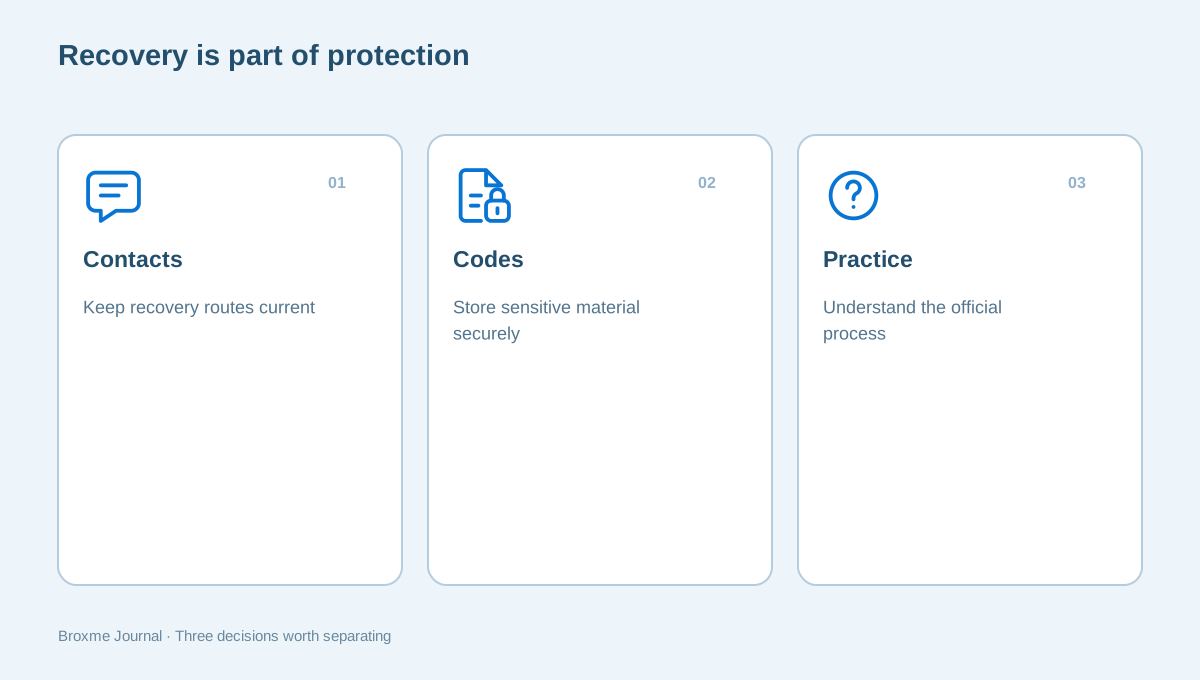
Recovery needs attention because a strong sign-in setup can still be difficult to use when its fallback is neglected. Review contact details you control and read the provider’s instructions for recovery codes or other backup methods. Keep sensitive recovery material somewhere intentional under your control.
Do not place passwords and recovery codes in the same casual task list you use to track completed work. If someone is helping you, they can discuss the process without receiving those secrets. Explain the issue and show relevant non-sensitive settings where appropriate instead of sending a full export of your account information.
If access is already lost, use the provider’s official recovery route. Be wary of unsolicited offers promising restoration in exchange for payment or additional credentials. A helper can clarify the process, but the provider controls account recovery decisions. That boundary should remain clear even when the situation feels urgent.
Treat a concrete incident differently from routine maintenance
An unfamiliar account transaction, a sign-in you did not initiate, or a credible breach notice may require targeted action. Do not assume that a browser cleanup or a new password everywhere is the right first response for every situation. Record the facts and use the relevant provider’s official security or support route.
For a breach notice, read what information is involved and distinguish confirmed details from uncertainty. Our breach-notice guide helps you organize that review. If money was sent, contact the bank or payment provider directly through a trusted route rather than waiting for a routine privacy inquiry to be answered.
The five habits remain useful, but they should not become a substitute for understanding the actual problem. A task such as reviewing recovery methods may fit the response; a task such as deleting every account may not. Clear descriptions help you get relevant assistance without spreading private details further.
Make the routine work for the person using it
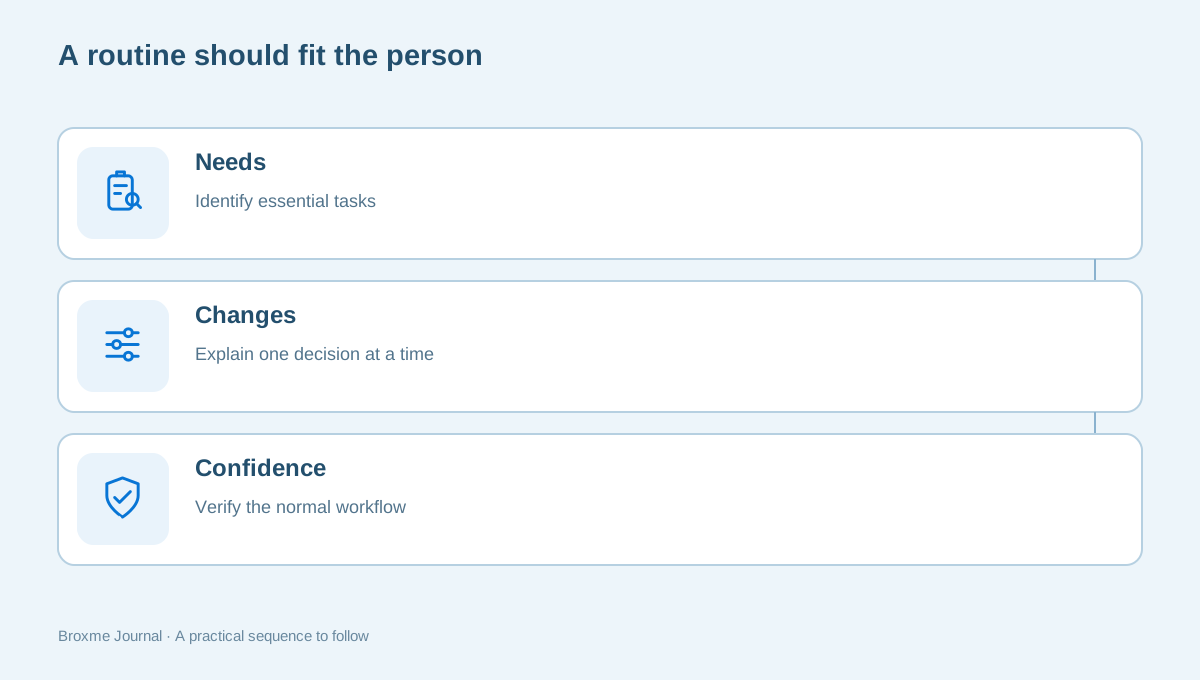
When helping a parent, partner, or colleague, start with their normal tasks. Ask which accounts they rely on and what they find confusing. A setup you can maintain confidently may be difficult for someone else to use. The aim is not to make their device look like yours; it is to leave them with choices they understand.
Explain the purpose of each change and confirm that the person can complete a normal sign-in afterward. Account for accessibility tools, shared responsibilities, and existing recovery arrangements. Do not replace a working process with a more complicated one simply because it sounds more advanced.
Keep instructions in their language. “Open the utility provider from this saved address” may be more useful than a discussion of browser internals. A short written checklist can help, provided it does not contain credentials or private records. Invite questions before making changes that affect how the person uses the device every day.
If the helper relationship changes, review access and recovery arrangements appropriately. Someone who assisted during an illness or a work project should not automatically retain ongoing access without a continuing reason. The same habit of explaining purpose applies to people as well as applications.
Recognize useful progress without promising perfect security
A good routine leaves you able to answer practical questions. Where are the current credentials managed? How do you recover the main account? What is the official route for a sensitive request? Who handles updates on the shared device? Which old access did you remove, and why?
None of these answers creates a guarantee against every threat. They create a clearer setup and fewer avoidable mysteries when something changes. Keep the next review tied to a useful event, such as a new device, an account change, or the end of a project. You do not need to spend every evening adjusting settings to maintain a sensible routine.
If you need a closer look at your own circumstances, explore digital identity and account security or a personal privacy assessment. Describe the concern and what you want to achieve. A defined review should help you choose the next useful action, not leave you with another overwhelming list.
A useful monthly conversation can be short. Ask whether an essential account changed, whether a device is being replaced, and whether any unfamiliar access needs review. If nothing material changed, there may be no reason for another round of settings adjustments. Maintenance should support ordinary life, not create a recurring burden that people learn to avoid.
For a household, decide who keeps track of shared responsibilities. One person may handle the router or computer updates while each adult manages personal accounts. Make that arrangement explicit enough that everyone knows where to ask a question. Avoid relying on a single person’s memory for every recovery route, especially when the people involved have different devices or comfort levels with technology.
For a small workplace, connect the habits to a reporting route. An employee who pauses at an unfamiliar request should know who can verify it and what information to include. A process that praises caution but provides no way to get an answer can encourage shortcuts. Give the person a concrete next step instead of simply telling everyone to be more careful.
Keep evidence modest and useful. Record that an account’s recovery details were checked, not the secret codes themselves. Record that a device update completed, not a screenshot containing unrelated personal messages. A maintenance note should reduce uncertainty without turning into another collection of sensitive information. If the record would be uncomfortable to share with the wrong person, reconsider whether all of its contents are necessary for the task.
Over time, the strongest improvement may be that fewer decisions are made under pressure. You know the provider’s address before an urgent email arrives, understand recovery before replacing a phone, and schedule updates before a critical appointment. That preparation does not eliminate every problem. It makes the next sensible action easier to recognize when the day becomes busy.
Start today with one account and one decision. Complete it, check that it works, and write down the next small task. The habits become valuable through repetition and understanding, not through the number of security features you can say you enabled in a single afternoon.
Sources and further reading
Provider processes can change. Use the current instructions on the official website when making a request or changing an account.

About this guide
Published in the Broxme Journal for readers who want clear explanations of privacy and everyday online security. This guide provides general information; your circumstances determine the appropriate next step.
About Broxme