Your main email address is where ordinary life collects: receipts, school notices, insurance messages, appointment reminders, and links for resetting other passwords. That makes the account worth a closer look even when nothing appears wrong. A short review can reveal an outdated recovery number, a connected app you stopped using, or access that no longer has a purpose.
The goal is not to turn your inbox into a complicated security project. It is to understand how you get in, who else can reach it, and what happens if your usual phone is unavailable. This guide walks through those decisions for personal accounts. If your email is managed by an employer or school, involve its administrator before changing organization-controlled settings.
Begin with the account you actually depend on
Many people have several inboxes but rely on one for the important things. Identify the address that receives account recovery messages and communications you cannot easily replace. A secondary address used for newsletters may need attention too, but it should not distract you from the account connected to banking, utilities, health portals, or your household’s everyday administration.
Open the provider through its app or an address you already know. Avoid starting this review through an unexpected warning message. A genuine-looking notice can still lead somewhere you did not intend to go. If a message prompted your concern, compare it with information shown inside the account itself. The unexpected-message checklist explains that separate verification route.
Write down a few questions rather than sensitive account information: Is the password unique? Which verification methods are available? Are recovery details current? What devices are signed in? Keep the actual passwords and backup codes out of this checklist. The list should help you organize a review, not create another collection of credentials that needs protecting.
Give the password its own job
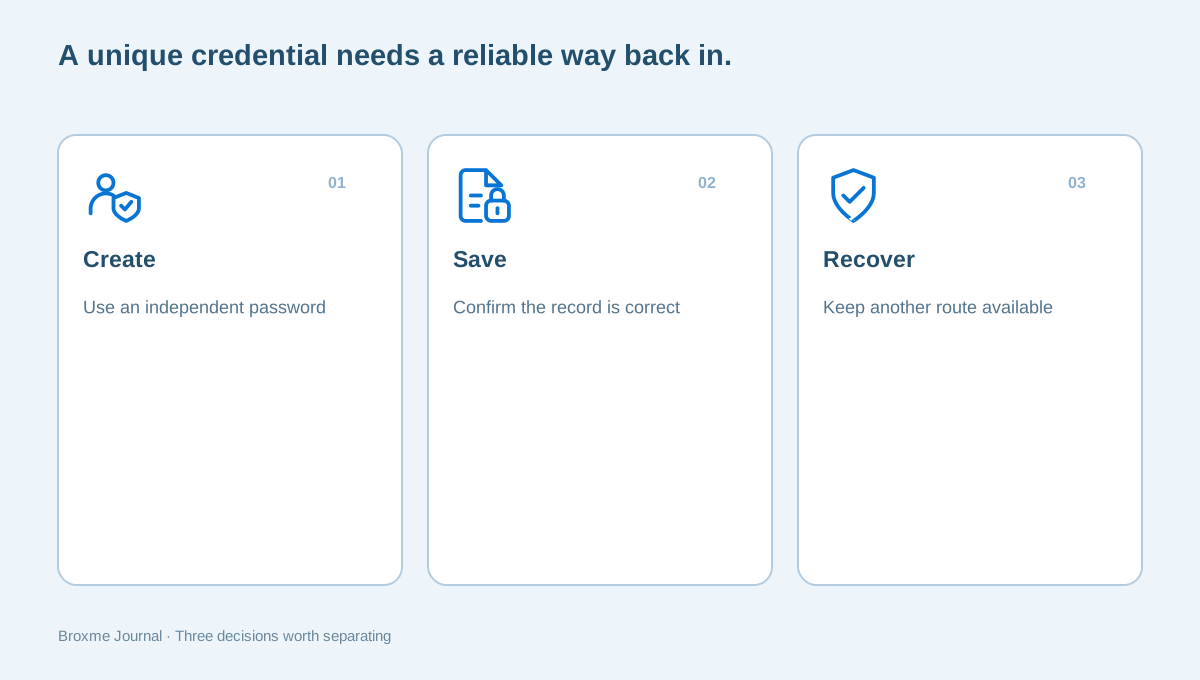
A password reused across accounts can connect a problem on one service to another. Give your main email a password that is not used elsewhere. A small variation of an old password still leaves you managing a pattern rather than an independent credential. If you cannot comfortably maintain unique passwords, consider a manager that fits your devices and recovery needs.
The CISA password tip sheet is a useful official starting point for strong, unique passwords and password managers. Before changing anything, confirm how the new credential will be saved and how you will reach it after signing out. Updating a password and losing track of the replacement creates a different access problem.
Change one important account at a time. Confirm that the manager saved the correct address, username, and new password. Keep the account’s current session open while you verify the replacement through the provider’s supported sign-in process. Our first-week password manager guide provides a slower migration plan if you are introducing a new tool at the same time.
Review the extra checks at sign-in
Look at the verification methods your provider supports and the ones already attached to your account. An authenticator app, a security key, a passkey, and a text message are different arrangements. The practical question is not only whether another check exists; it is whether you can use and recover that method reliably.
Take setup instructions from the provider’s own security page. Complete any confirmation it asks for, and make sure the method belongs to you. Do not approve an unexpected sign-in notification simply because it is persistent. If you did not request the sign-in, use the account’s official activity and security controls to investigate.
You do not need to replace every method during one review. Understand what is available first, then make deliberate changes. Read our guide to second-factor recovery before removing your previous method. If you are considering a different sign-in approach, the passkey checklist focuses on devices, storage, and recovery rather than assuming that every account behaves the same way.
Check the recovery route before you need it
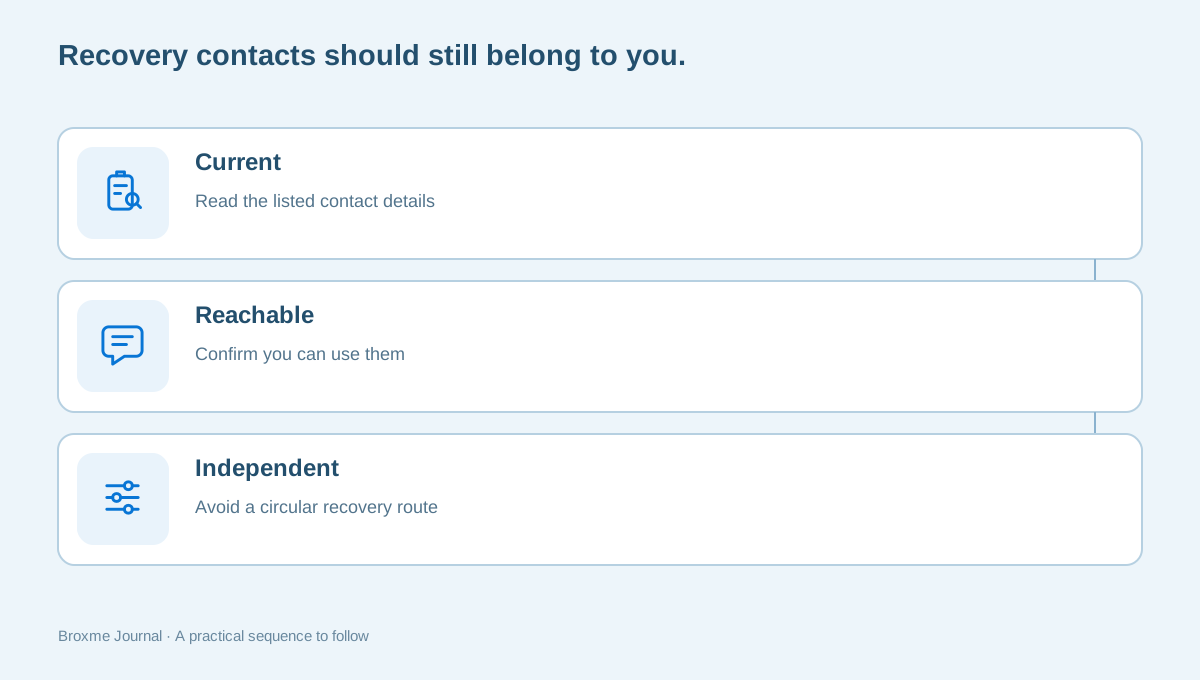
A recovery phone number from an old carrier account or an email address you no longer control deserves attention. Review the contacts shown in account settings and confirm that they are yours, current, and accessible. Do not assume that a familiar-looking address is correct without reading it carefully.
Google’s recovery email information illustrates why a provider may ask for an alternative contact. Other providers have their own process. Check the instructions for your service instead of expecting a recovery address to override every other security check. A recovery method is an option within the provider’s system, not a promise of automatic access.
Think about dependencies. If the recovery address depends on the account you are reviewing, you may have created a loop. If it belongs to a former employer, consider what happens after that organization disables it. Keep a short note of which recovery routes you use, without putting codes or identity documents into the note.
Look at signed-in devices with context
An account may list phones, browsers, tablets, or other sessions. Recognize them by more than a location label, which may not describe your physical location precisely. Compare the device, approximate timing, and your own use. A work trip or a replacement phone can explain an entry; an unfamiliar listing still deserves a closer look.
When a session is clearly obsolete, follow the provider’s process for removing its access. Before doing so, make sure you understand which device you are using now. Signing out every device while you are unsure of the password and recovery method can interrupt the review at an inconvenient point.
If an entry suggests unauthorized access, switch from routine cleanup to the provider’s compromised-account guidance. Google provides a compromised Google Account help page. It is a route for that provider, not a universal set of buttons for every inbox. Use the corresponding official help for your own service and preserve relevant account notices.
Review connected apps, forwarding, and rules
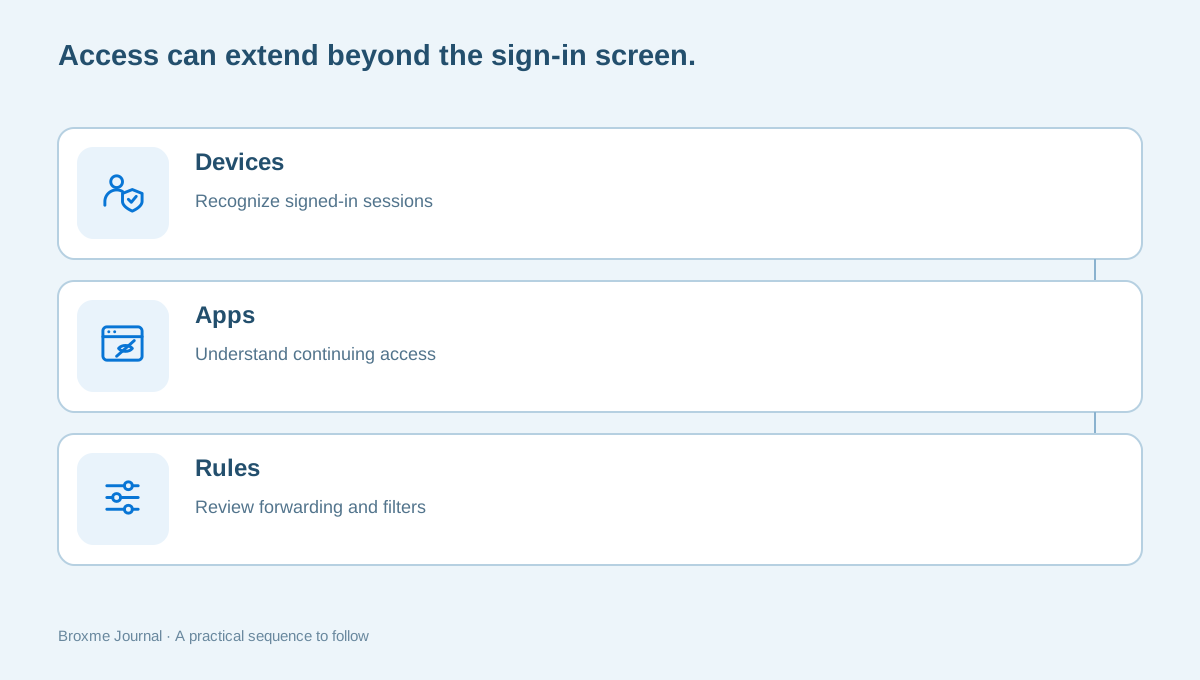
An inbox can have access paths beyond its usual sign-in screen. Look at connected apps, mail clients, delegates, and any forwarding or filtering rules the provider exposes. Some connections will be legitimate. A calendar tool or mail application you still use may need access, while a service from a past project may not.
Read what a connection does before revoking it. If you use the inbox for business, ask the person responsible for that workflow whether it supports a current process. You want to remove access that no longer serves a purpose, not break a needed integration without understanding the consequence.
Check where messages are being sent and how rules move them. An unfamiliar forwarding destination or a rule hiding security notices deserves investigation. Even when everything is legitimate, documenting the purpose of an unusual rule makes the next review easier. The broader extension permission review offers a similar approach to access inside your browser: understand the purpose, then decide whether it belongs.
Make shared access explicit
Household administration can blur the boundaries of an email account. One person may manage utility bills, another may need appointment information, and a shared tablet may stay signed in. Decide which access is intentional. Passing a primary password around is not the only way to handle a shared task.
Where a provider offers delegation or shared features, review whether those tools meet the need. Otherwise, consider a separate arrangement for the specific information that must be shared. Keep a personal recovery inbox separate from a casual household device when possible. The right choice depends on the people involved, not on a universal rule that every family must organize accounts identically.
For work accounts, do not improvise around company policies. Ask how a colleague should cover an absence or receive operational messages. A business should know who owns an account and how access changes when a role changes. Our document-sharing guide covers the related problem of giving access for a defined purpose instead of leaving it open indefinitely.
Handle a possible compromise differently from housekeeping
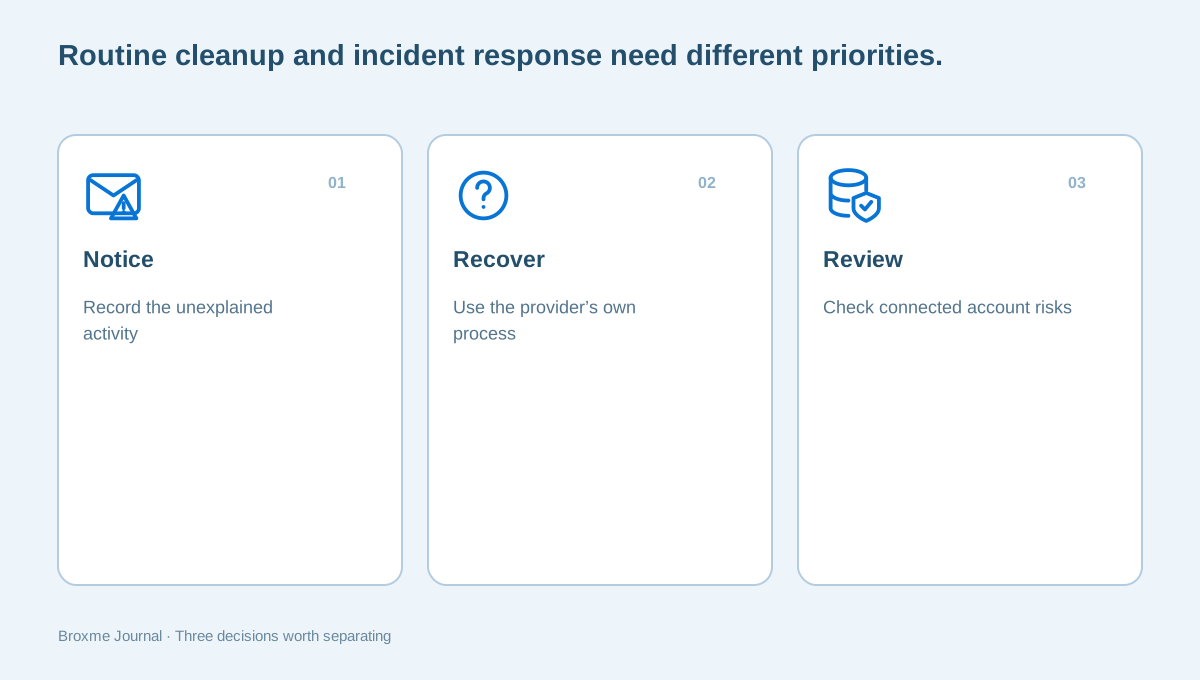
If you see messages you did not send, changed recovery contacts, or other evidence of unauthorized activity, record what you noticed and when. Use a device you trust and the provider’s official recovery and security route. Do not send your password to someone claiming that they need it to diagnose the problem.
The FTC’s hacked-account guidance points readers toward recovering access and reviewing account protection. The useful distinction is between restoring access and deciding what else was affected. An inbox may connect to other services, so regaining control should be followed by an organized review of those relationships.
Keep a factual record of provider notices and actions you take. Avoid repeatedly changing unrelated settings without understanding the result. If the concern began with a breach notification, start with what the notice actually confirms. A breach, a phishing attempt, and a compromised inbox can overlap, but they are not interchangeable descriptions of an incident.
Make your browser part of the review
Your email account is used through a device and often through a browser. Review updates, browser extensions, and site permissions as separate pieces of the picture. Changing an email password does not explain every permission granted to an extension or every device that still holds account access.
Close the review with a small browser check: identify extensions you still need, inspect their permissions, and remove obsolete items deliberately. Our browser privacy checkup helps you separate that work from account settings. Do not assume that installing a privacy tool substitutes for checking sign-in and recovery arrangements.
Also look at what your email address reveals publicly. A public contact address can be useful, but it may deserve separation from an inbox used for sensitive recovery messages. Reviewing a public profile can help you decide which contact route belongs where. You are choosing a workable boundary, not hiding every way someone might contact you.
Finish with an access plan you can maintain
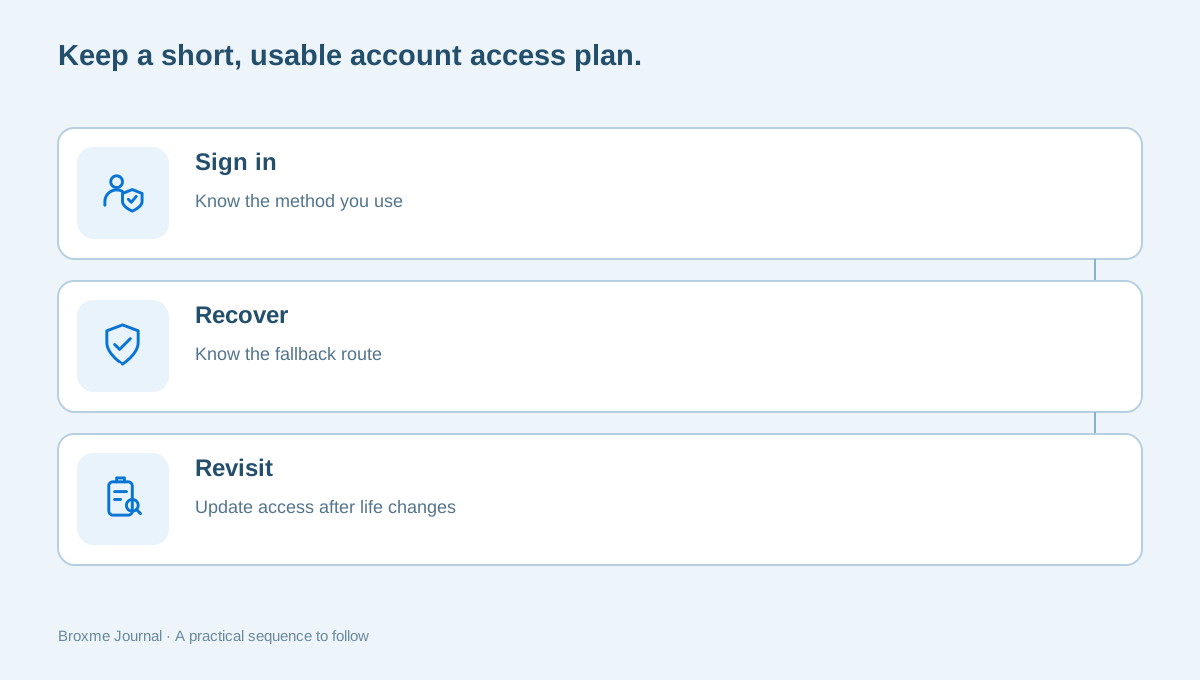
At the end of the review, you should be able to answer three ordinary questions: how do I sign in, how do I recover access, and which other devices or apps can reach the account? If one answer remains unclear, put that question on the next session’s list instead of making a rushed change.
Revisit the plan when you replace a phone, change a number, leave an employer, or stop using a connected service. Those events are easier to manage while you still have the old device or address available. Avoid waiting until you are locked out to discover that a recovery contact was never updated.
If the account setup is difficult to untangle, a Digital Identity & Account Security review can provide a defined starting point. Keep credentials to yourself when making an inquiry. Explain the provider, the concern, and the access you still have; any further evidence should be discussed before it is shared.
Imagine you are replacing a phone before a move. The old device still receives sign-in approvals, your recovery number is changing, and the inbox contains apartment paperwork and utility confirmations. The sensible order is to establish and test the new access arrangements while the old phone is still available. Only then should you retire the device and remove obsolete methods. This is an illustrative planning example, not a claim that every provider offers the same transfer process.
Use a simple handover note for yourself: the provider, the methods you intend to keep, where the provider’s recovery instructions are found, and the date you checked them. Do not put the password or backup codes in the same note. If a family member might need help finding important household information, decide how that should happen without casually granting access to every personal message and recovery link in your inbox.
A useful review also has a stopping point. You might finish after confirming the password record, updating one recovery contact, and removing an old app connection. Leave the less urgent tasks for a second session. Reopening the settings every few minutes to make another uncertain change is not evidence of better protection. What matters is that you understand what changed and know whether the account still works as intended.
Finally, distinguish an access question from a customer-service question. If you cannot find a bill in your inbox, the account may be working perfectly; a search or provider inquiry may be enough. If someone changed a recovery contact without your involvement, the priority is different. Describe the exact symptom when seeking support, including the time and the device you were using, so that a helper can address the actual issue rather than guessing from a broad statement that the email is broken.
Sources and further reading
Provider processes can change. Use the current instructions on the official website when making a request or changing an account.

About this guide
Published in the Broxme Journal for readers who want clear explanations of privacy and everyday online security. This guide provides general information; your circumstances determine the appropriate next step.
About Broxme