A delivery text arrives while you are waiting for a package. A manager emails about a payment just before a meeting. A message warns that your account will close unless you act immediately. Each request can feel plausible because it fits something already happening in your day. That is exactly why a separate verification route matters.
You do not have to decide whether every message is fraudulent from its appearance alone. A more useful habit is to identify the requested action, pause, and confirm it through a contact method you already trust. This guide focuses on that practical decision for U.S. readers, including what to record if you already replied or shared information.
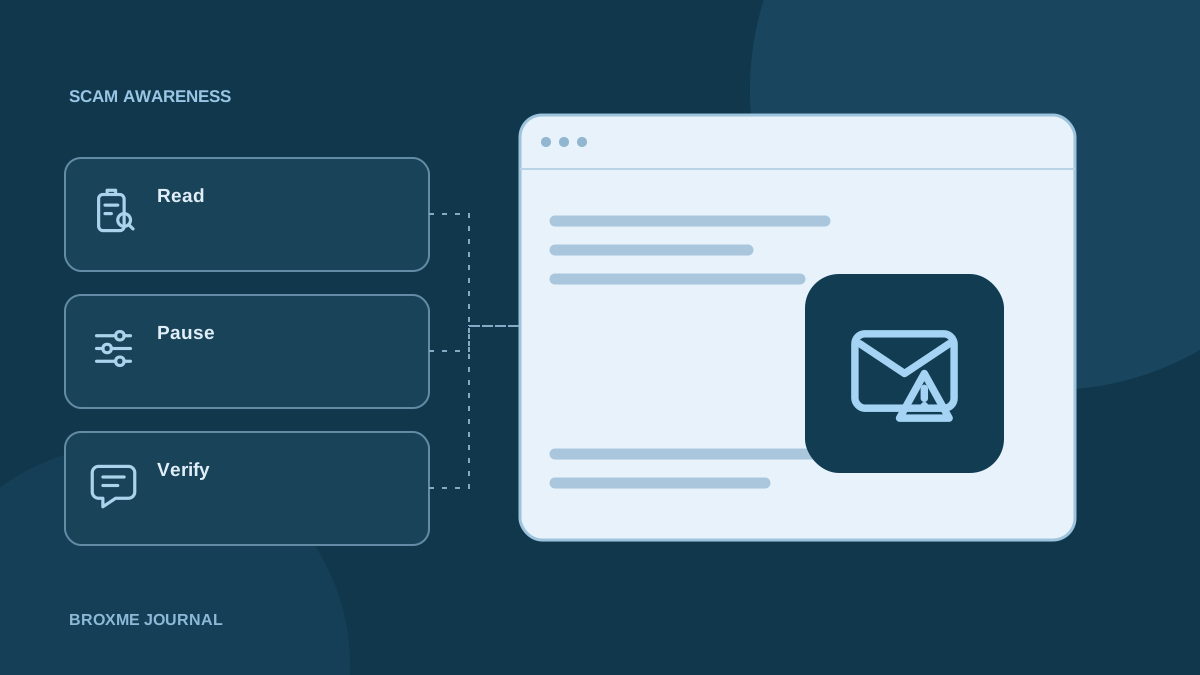
Read the requested action before judging the branding
Begin with what the message wants you to do. Is it asking for a payment, a password, a verification code, an attachment download, or a change to account details? The requested action is more important than a familiar logo or a sender name that looks right.
A message can contain accurate personal details without establishing that the sender is authorized to make the request. An old address, an order reference, or a name from a public profile may make the message more convincing, but those details should not replace verification.
The FTC’s phishing guidance explains common warning signs and reporting options. Use it as context, not a promise that suspicious messages always contain obvious spelling mistakes. Your digital footprint can also explain why someone may know enough about you to make a request feel personal.
Give yourself permission to pause
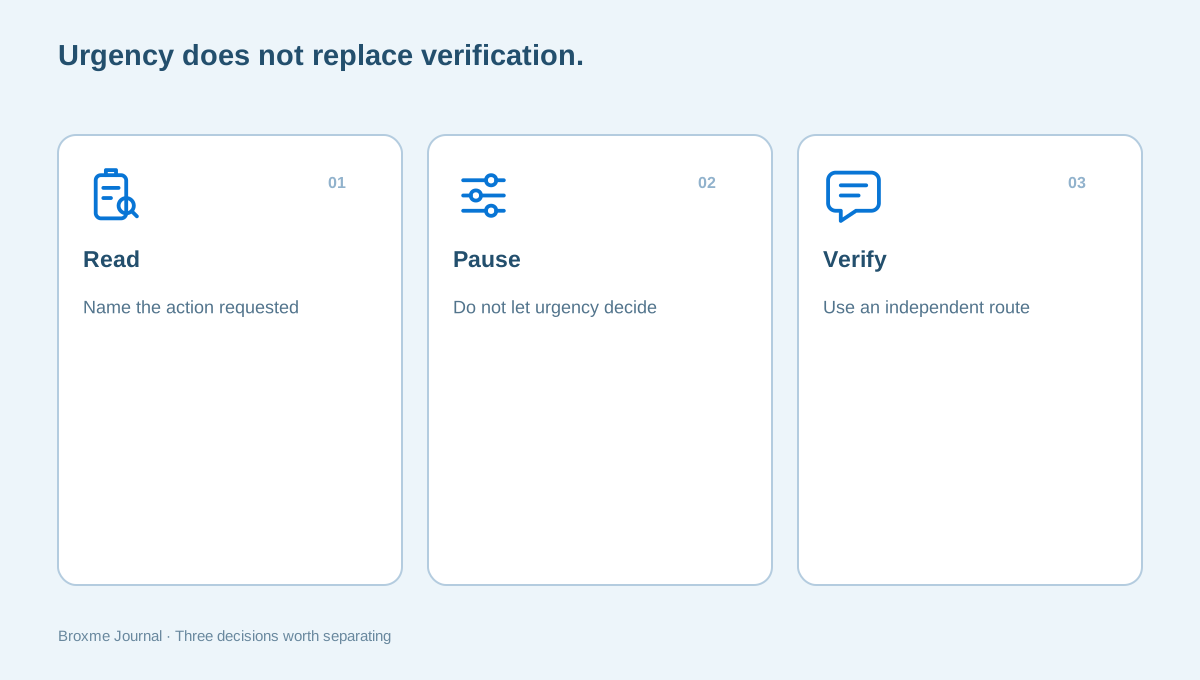
Urgency can be part of an ordinary business request, but it is not a reason to skip the usual checks. If the message threatens an immediate penalty, asks you to keep the request secret, or discourages independent contact, pause before changing anything.
Name the task in plain language: someone wants me to move money, reveal account access, or install software. That description helps separate the action from the story wrapped around it. A request to send a code is still a request for a code even when it comes with a long explanation about keeping your account safe.
In a workplace, know who can review an unusual request. A clear escalation route is more useful than telling staff to use their judgment while leaving them afraid to delay a supposed executive. The Workforce Security & Awareness service can help a business discuss those everyday decisions without turning every mistake into a blame exercise.
Open a route you knew before the message arrived
Use the service’s app, a saved website address, a phone number from an existing statement, or contact details already held in your records. Do not rely solely on a new number or link supplied inside the message you are trying to verify. That would leave the sender in control of both the request and its supposed confirmation.
If the request claims to come from a person, contact them through an established route. Ask a specific question about the requested action instead of forwarding the message with a vague question about whether it is real. Specific verification is easier for the other person to understand and answer.
The Office of the Comptroller of the Currency’s phishing advice is a relevant U.S. reference for unexpected financial communications. When contacting a bank, use its verified app, card, or other established channel. An unsolicited message should not be the source of the only contact information you trust.
Check account warnings inside the account
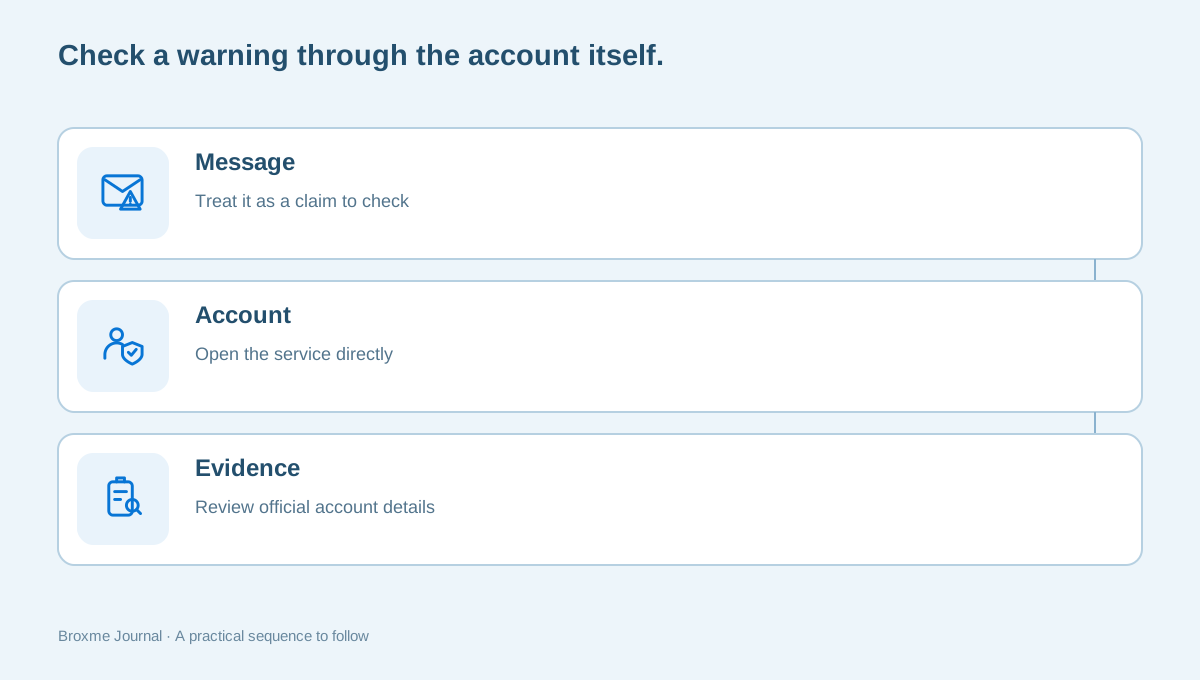
If a message says your password, subscription, or security settings changed, open the account directly. Look for corresponding information in its official settings or support process. A lack of an obvious matching notice does not prove every message is false, but it gives you a better starting point than entering credentials through an unverified link.
Watch for the account you are actually using. People often have multiple addresses and subscriptions, so a genuine notice may refer to a different account than the one currently open. Resolve that ambiguity deliberately rather than responding to the message with more personal information.
Reviewing your main email is especially useful when it receives recovery messages for other services. If you see evidence that access has changed without your involvement, follow the provider’s compromised-account route. Routine message verification and account recovery are different tasks, even when the same email prompted both.
Treat payment changes as a process question
A request to change bank details or send funds needs a defined verification process. The issue is not only whether the sender looks familiar. A convincing conversation can still request an unauthorized change, and an existing email thread should not become the only proof that the new destination is correct.
The FBI’s business email compromise guidance describes a relevant category of fraud. A small company should make its own approval and independent-contact steps clear before a real request arrives. Staff need to know who can approve an exception and how to pause a request when the usual person is unavailable.
Our supplier payment-change guide walks through that workplace conversation. The useful outcome is a repeatable check, not a rule that every urgent request is fake. Confirm the change through records you already trust and keep the evidence required by your organization’s payment process.
Do not let a download become the first investigation step
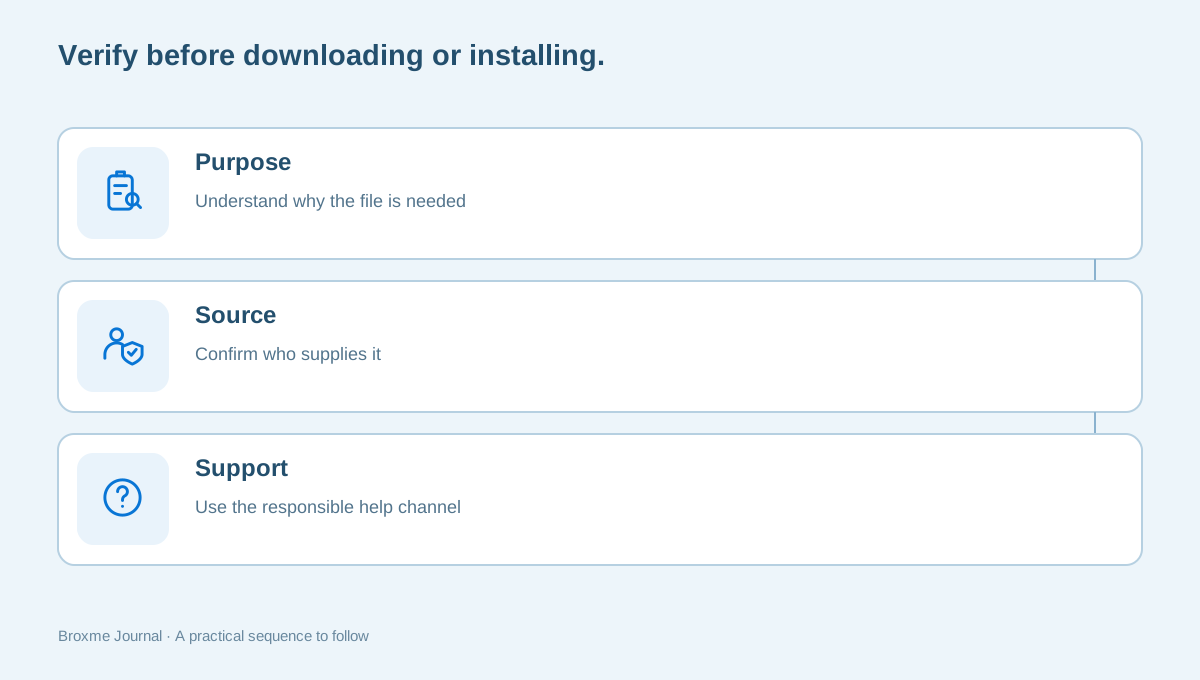
An attachment or helper application may be presented as the way to inspect an invoice, fix an account, or receive support. Do not open or install it simply to find out what the message is about. First verify why the file is needed and who is providing it.
If you are using a work device, follow the organization’s reporting route. Do not run experiments on a live business computer to decide whether an unexpected file is harmless. A screenshot or description may be enough for the appropriate support team to identify the next step without asking you to interact further.
The same caution applies to browser extensions. A message claiming that a new security tool is required should not override your normal installation checks. Review how to choose and review an extension. A genuine product name or a recognizable icon does not establish that a particular download or link is the official distribution route.
If you already responded, describe the action precisely
Start with a factual sequence: the message arrived, you opened a page, you entered certain information, or you sent a payment. Avoid saying only that you clicked something if several different actions followed. The next step depends on what actually happened, not on how worried you feel about the message.
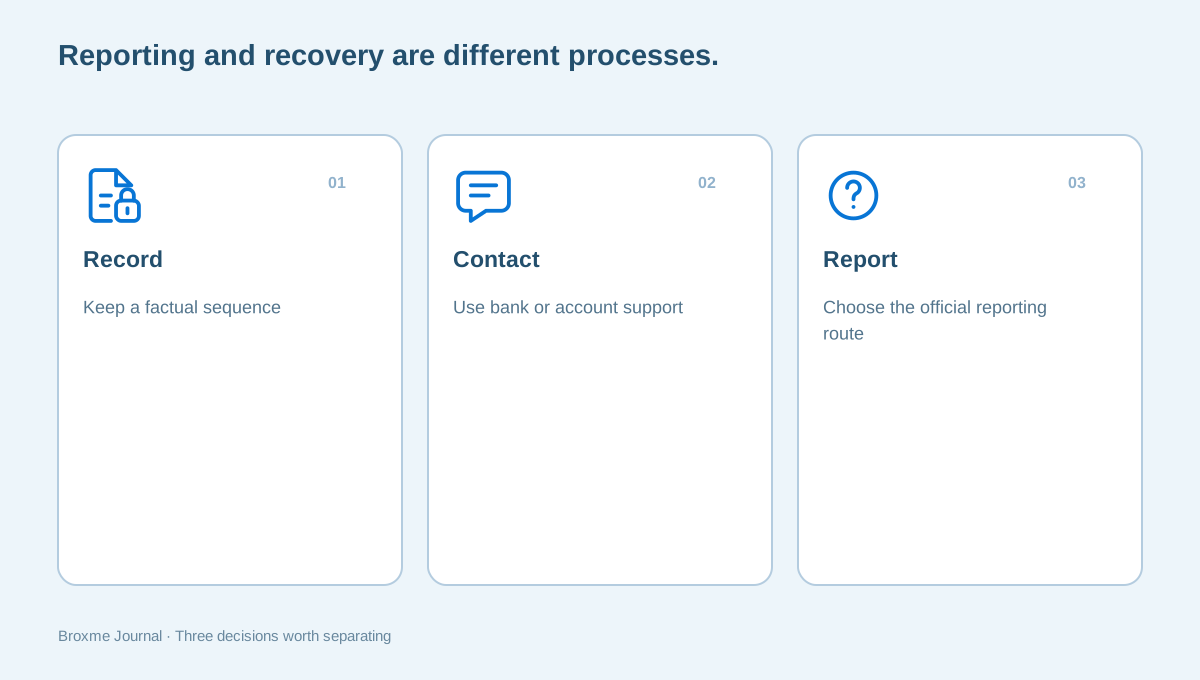
If payment information or a transfer is involved, contact the relevant bank or payment provider promptly through a known route. Ask about its process without assuming recovery is guaranteed. If you entered account credentials, use the account provider’s official security and recovery controls. If the device is managed by an employer, notify its support team.
Keep relevant messages and transaction records without circulating sensitive information widely. A support inquiry can describe that a password was entered without containing the password itself. The exposure-notice guide offers a related way to separate known facts from open questions, although a message incident and a provider breach are not the same event.
Report through the appropriate official route
For U.S. readers, the FBI’s Internet Crime Complaint Center is an official reporting resource for internet crime. Use the genuine website rather than a recovery service introduced by a stranger. A report is not a promise that funds will be recovered or that an individual case will receive a particular outcome.
Your bank, account provider, employer, and law enforcement may need different information for different purposes. Keep a concise record of the facts and provide only the material relevant to the recipient. Do not forward private records to every address suggested in an online discussion.
After making a report, be careful about new messages offering a guaranteed solution. A person who knows that you are seeking help may use that fact to make another request sound credible. Apply the same independent-contact habit again. A second message about the first problem is still a new request that needs its own verification.
Review the information that made the message convincing
After the immediate concern is addressed, consider which details made the request feel plausible. Was a personal number public? Did an old profile name your employer and role? Did a shared document expose a supplier contact or workflow? The answer does not make the recipient responsible for the sender’s actions, but it can guide useful privacy work.
Review a public profile or check the audience of a shared document if the situation points to unnecessary exposure. Keep that follow-up separate from the incident record. Editing a profile does not reverse a payment or restore an account, and reporting an incident does not automatically change public information.
Choose a few specific changes rather than trying to hide every detail about your life. A work biography may need to remain public. The useful boundary might be a business contact route instead of a personal number, or a clearer approval process for requests aimed at your role.
Build a habit that survives a busy day
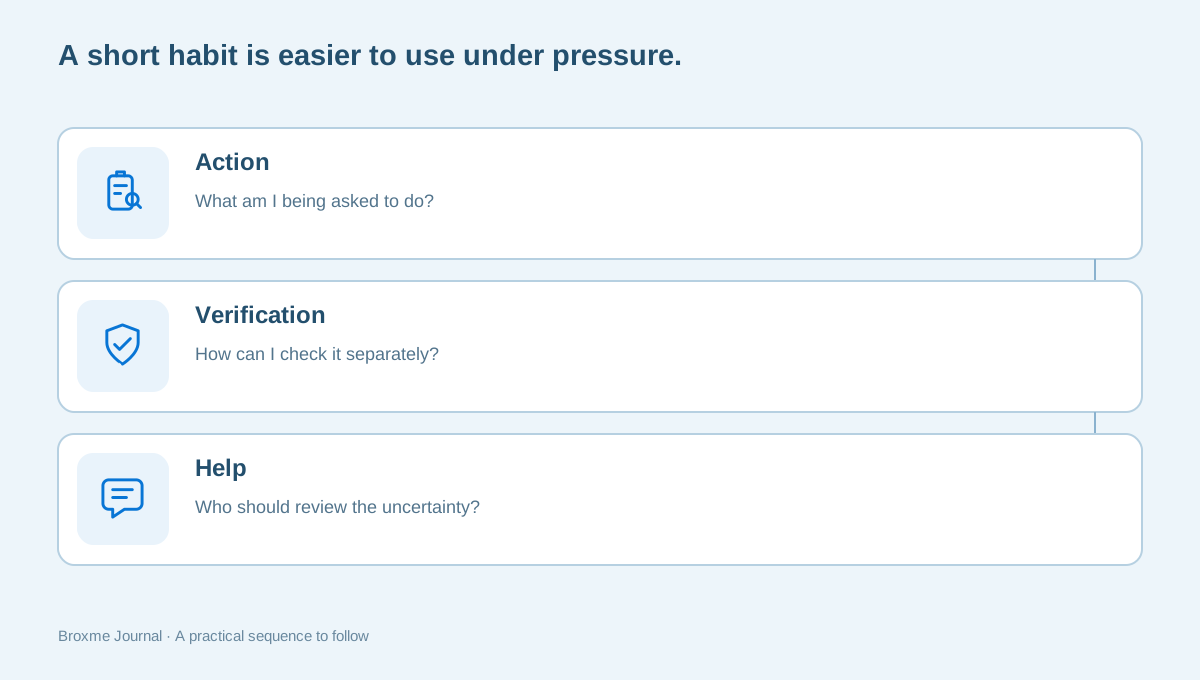
The strongest checklist is one you can remember when distracted: what is being requested, how can I verify it independently, and who should help if it remains uncertain? A long list of visual warning signs is less useful if it leaves you unable to act when a message looks polished.
Practice with a harmless example rather than waiting for a real financial or account concern. In a household, discuss how family members will verify an unusual request for money. At work, agree how staff can pause a request and reach an approver. Make the procedure clear enough that asking a question does not feel like breaking a rule.
If you need a defined assessment of a particular message or website, consider Scam & Threat Advisory. An initial inquiry can explain the situation and the action requested without sending passwords, codes, or payment details. Describe what is known, keep the verification route separate, and give yourself room to make a considered decision.
Consider a few ordinary situations. A text about a missed delivery arrives during a week when your household expects several packages. You do not need to resolve the message by clicking its tracking link. Open the retailer or carrier through the route you normally use and compare the order information there. If the message refers to an order you cannot identify, keep that uncertainty visible. An account you already trust is a better place to investigate than a page introduced only by the unexpected text.
A second example is an apparent request from a relative who says they have a new phone and need money quickly. Contact the person using an existing number or another established family route. Do not accept the new number as proof simply because the message explains why the old one is unavailable. Family members can agree in advance that a request may be paused for verification, especially when a payment or confidential information is involved.
At a small business, a message may appear to come from the owner while the owner is traveling. It might ask an employee to purchase gift cards, change a payment destination, or send a confidential file. The employee needs an accepted way to verify the instruction without being criticized for delaying it. A defined contact and approval process is more reliable than expecting staff to infer intent from the owner’s usual writing style. These are illustrative situations, not reports of Broxme client incidents.
When a request is legitimate, verification can still be useful. A supplier with a genuine banking change should be able to work through your established process. A colleague with an urgent request can clarify the purpose through a known channel. The goal is not to accuse every sender of fraud. It is to keep consequential decisions attached to a method that does not depend entirely on the message’s appearance.
Preserve context when asking someone else to review the message. Say what you expected, how the message arrived, what action it requested, and whether you already acted. Remove unnecessary personal details from screenshots. Avoid forwarding active attachments to colleagues as an informal test. If a qualified support team needs a sample, use its documented route and follow its instructions rather than distributing the message widely to see who recognizes it.
Finally, do not mistake a quick answer for a verified one. A search result, social-media reply, or phone caller may confidently declare a message safe or promise to fix the consequences. Ask what evidence supports that conclusion and who controls the proposed action. You can take time to use the actual provider’s process. A calm sequence of specific checks is more useful than a guarantee from someone whose only connection to the situation is that they contacted you after you asked for help.
Sources and further reading
Provider processes can change. Use the current instructions on the official website when making a request or changing an account.

About this guide
Published in the Broxme Journal for readers who want clear explanations of privacy and everyday online security. This guide provides general information; your circumstances determine the appropriate next step.
About Broxme