Search your name and you may find a professional profile, an old race result, a people-search listing, and a photo you forgot was public. None of those details has to be especially sensitive on its own to make you uncomfortable. Together, they can tell a story you never meant to publish.
Reducing your digital footprint starts with making that story more deliberate. You decide what helps people find your work, what belongs with friends, and what has no reason to remain public. This guide walks through a practical review for people living in the United States, without assuming you want to delete every account or spend your weekends filing removal requests.
What counts as your digital footprint?
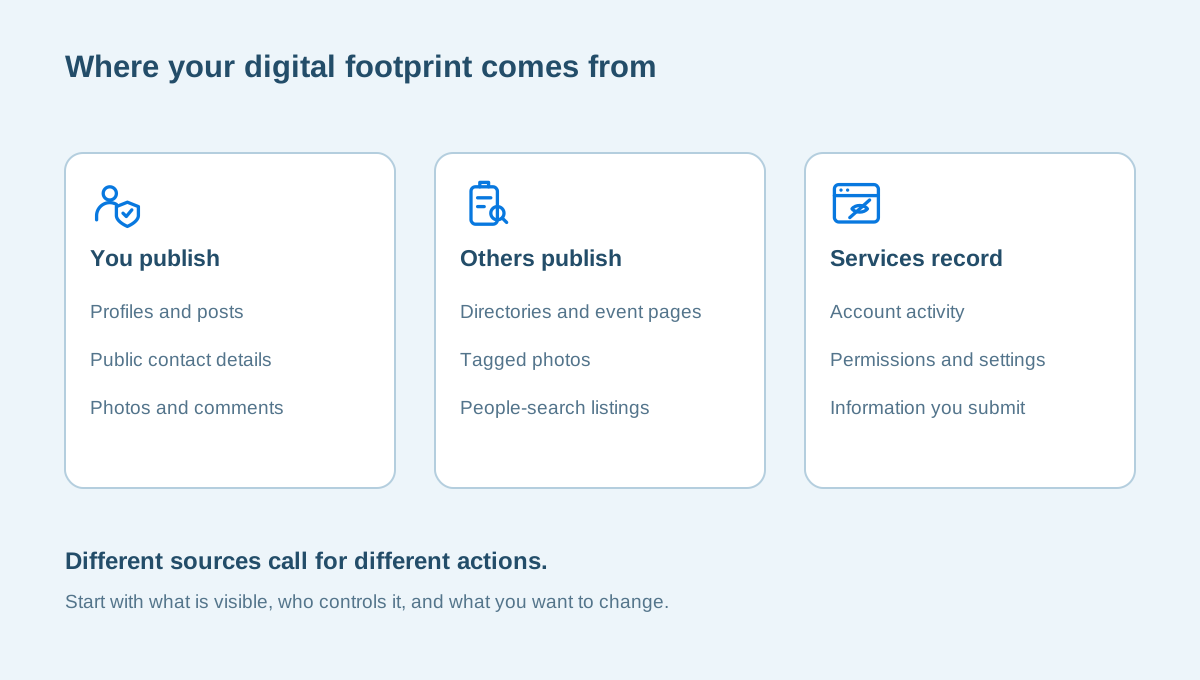
Your digital footprint includes information you publish, information a service records, and information other people or organizations publish about you. Those categories overlap, but separating them helps you choose the right response. You can edit a public biography yourself. A website owner controls an old event page. An account provider controls the records it keeps about your use of its service.
Consider an ordinary week. You update a professional profile, sign up for a neighborhood newsletter, pay a utility bill, post a restaurant photo, and use an app to book an appointment. Some of that activity becomes public; some stays inside accounts. A privacy review is not a claim that every service is exposing you. It is a way to understand which information is visible, who can access it, and whether that still fits your needs.
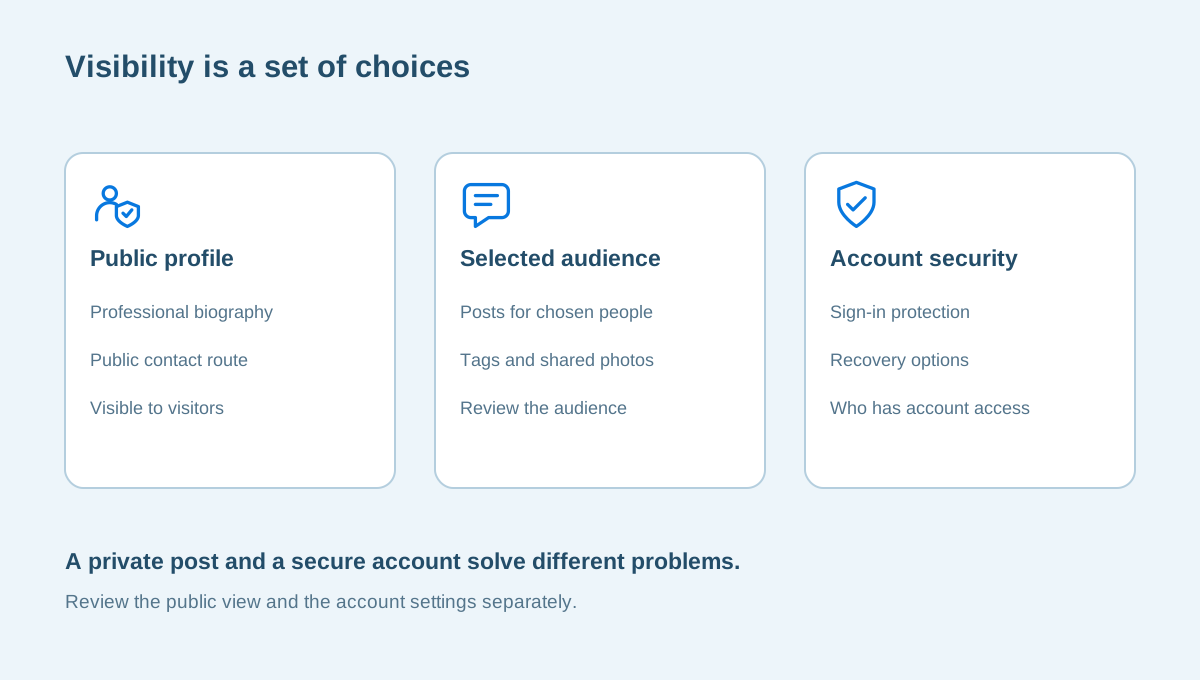
Also separate privacy from account security. A well-protected account can still have a very public profile. A private profile can still use a weak, reused password. You will often need to address both, but changing one does not automatically fix the other. Our public profile review guide looks at the first question; securing your main email is a useful place to start with the second.
Choose the concern you want to address
Before opening a dozen settings pages, ask what prompted the review. Are strangers finding your personal phone number? Is an old profile appearing when clients search for your business? Did you discover a people-search page that connects your name with previous addresses? A specific concern gives you a finish line that is more useful than “be private online.”
For example, a self-employed designer in Ohio may want clients to find a portfolio while keeping a home address out of casual searches. A parent in Arizona may want to reduce public family details without leaving a school community group. These are illustrative situations, not customer stories. They lead to different choices, even though both people are reviewing a digital footprint.
Write down three outcomes you would be satisfied with this month. Keep them concrete: remove a personal number from a biography, close two unused accounts, or check the audience of older posts. If the concern involves threats, stalking, or an immediate safety issue, routine profile cleanup may not be the right first action. Consider the support appropriate to your situation before changing information that might need to be preserved.
Search for yourself without turning it into a project
Use your full name, the names you use professionally, and one or two familiar usernames. Add a city, employer, or other detail when it helps distinguish you from someone with the same name. Review a manageable number of results and record the pages that matter. You do not need to visit every unfamiliar website or purchase a background report to begin.
Make a simple list with four columns: the page address, the information shown, who controls it, and the action you want to take. Save the actual page URL rather than only a screenshot of a search result. A screenshot may help you remember the issue, but a provider usually needs to know which page you mean.
Be selective about what you record. An inventory should not become a new file containing your Social Security number, identification documents, passwords, and every previous address. A note such as “personal phone visible on old association profile” is enough to track a task. Keep the list somewhere private and share only the part needed when asking a website owner for help.
| What you find | Who can change it? | A practical next step |
|---|---|---|
| An old biography with a personal number | You or the organization hosting it | Edit the biography or contact the page owner |
| A public social profile | You, through account settings | Review profile details and audience choices |
| A people-search listing | The site operating the listing | Read its removal or opt-out process |
| An outdated search snippet | The search provider and original website | Check the source page before requesting a refresh |
Review the profiles you can change yourself
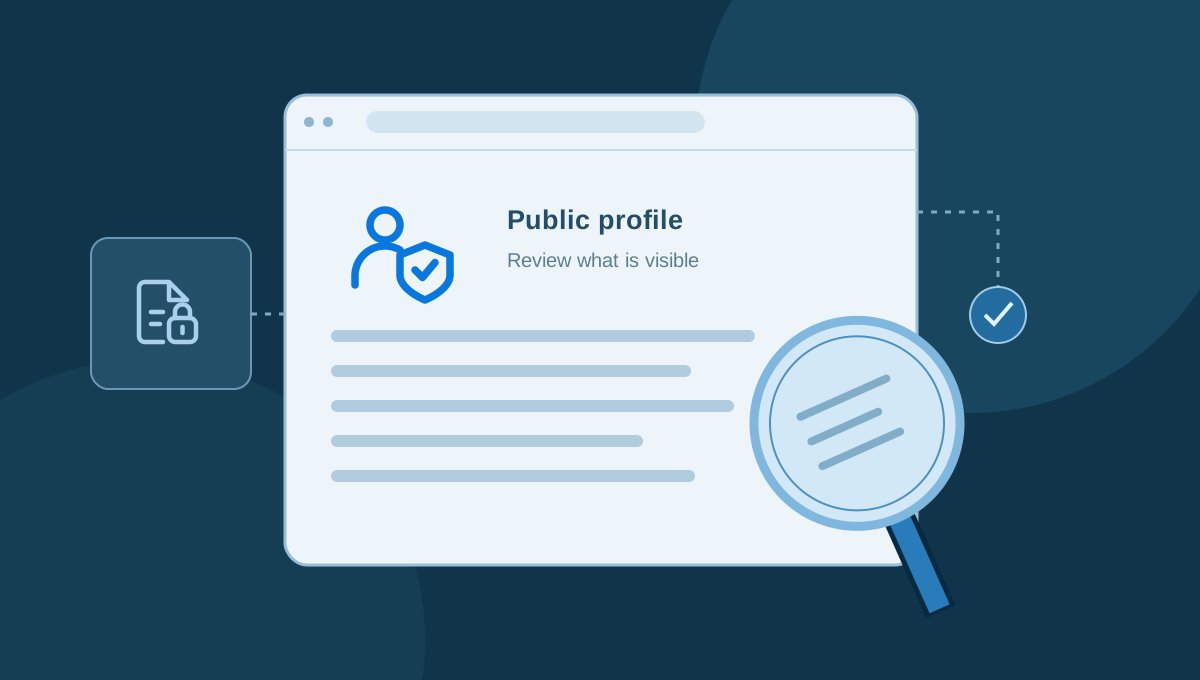
Start with the profiles that are easy to find. Look at biographies, contact fields, birthdays, location information, profile photos, and links to other accounts. Ask what each detail does for you today. A professional city or business contact route may be useful; a personal cell number added for a volunteer event years ago may no longer belong there.
Use the platform’s public-view feature where available. Your signed-in view can hide the difference between what you see and what a stranger sees. Then review audiences for older posts, tagged photos, comments, and community activity. Do not assume that making new posts private changes everything published in the past.
When another person posted the information, you may need a conversation rather than a setting. Ask specifically about the photo, caption, tag, or contact detail you want changed. You can explain the boundary without sharing your entire reason for the review. If an organization has an old directory entry, a short request with the page URL is usually clearer than a broad request to remove you from the internet.
Handle people-search listings one at a time
People-search sites are a familiar part of the U.S. privacy landscape. You may find your name linked with contact details or other records. The FTC’s explanation of people-search sites describes opt-out options and their limits. Read the process on the particular site you are addressing; one request should not be treated as a universal removal.
For your own task list, note the listing URL, the date you submitted a request, and what confirmation you received. Keep the record short. If a form asks for additional information, pause and consider whether you are on the genuine site and whether you understand what it is requesting. Do not respond to an unrelated message claiming that payment is necessary to complete a request you did not initiate.
Decide how much time this part of the review deserves compared with other changes. You might get more immediate value from removing a phone number you control or securing an important account. A privacy service can help organize the work, but the useful questions are still specific: what sources are covered, what actions are included, and what outcome is within the provider’s control?
Know the difference between a page and a search result
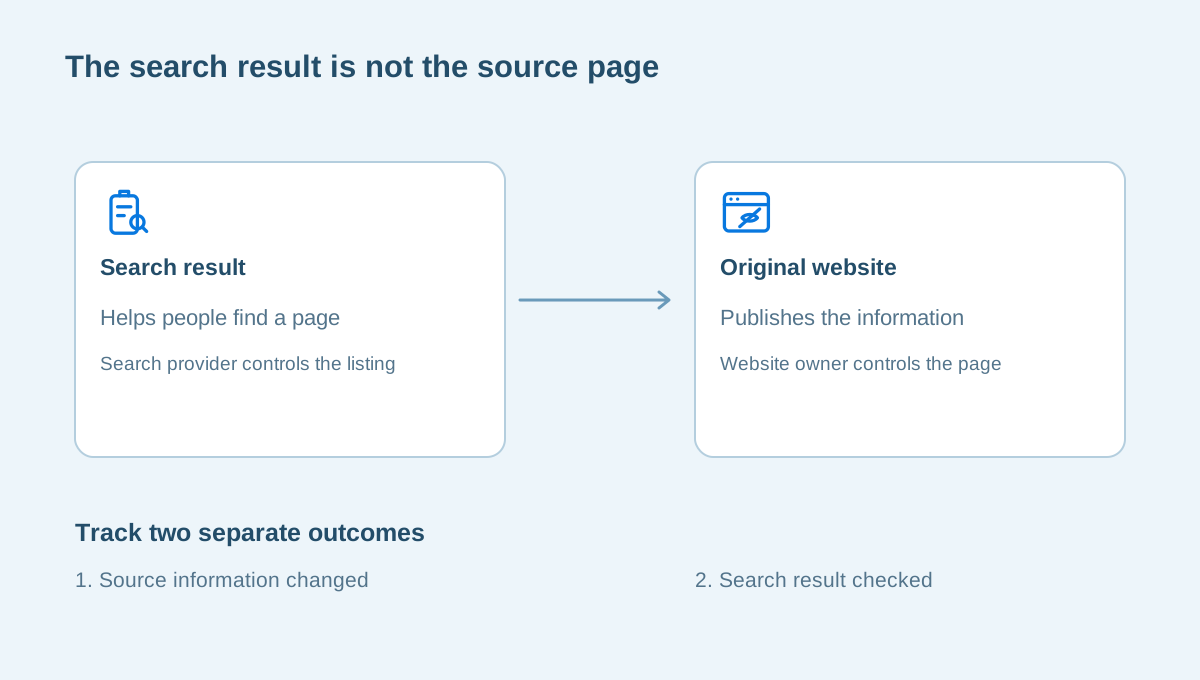
A search engine helps people discover information; it is not necessarily the website publishing that information. That difference matters when you want something changed. Removing a result from a search engine and removing the original page are separate tasks.
Google’s personal-information removal guidance explains which requests it considers and the URLs needed for a request. Its guidance also makes clear that removal from Google Search does not remove the information from the source website. Check the current policy for your particular situation rather than assuming every uncomfortable result qualifies.
If you can edit the original page, begin there. If you cannot, identify the organization or person responsible for it and use an appropriate contact route. After a page changes, check whether a search result is simply showing outdated information. Keep your task list precise: “source page updated” and “search result reviewed” are different milestones. Neither should be recorded as complete because you submitted a request and have not checked the result.
Close old accounts without losing access elsewhere
Old accounts deserve a decision: keep them for a clear reason, or make a plan to close them. Before deleting anything, look for dependencies. An old email address may still receive password resets. A social account may be the way you sign in to another app. A subscription may need to be canceled separately from removing an app.
Save records you actually need before closing a service. Receipts, work files, and contacts can have a continuing purpose. Protect any export you download, because it may collect years of private information into one convenient file. Put it somewhere intentional rather than leaving it in a shared downloads folder.
Our old-account closure checklist walks through these checks in more detail. If you decide to keep an account, update its recovery options and visibility instead of treating it as finished because you changed the password. Account cleanup is a series of decisions about access, information, and purpose; deleting everything is not the only useful outcome.
Protect the accounts and browser behind your footprint
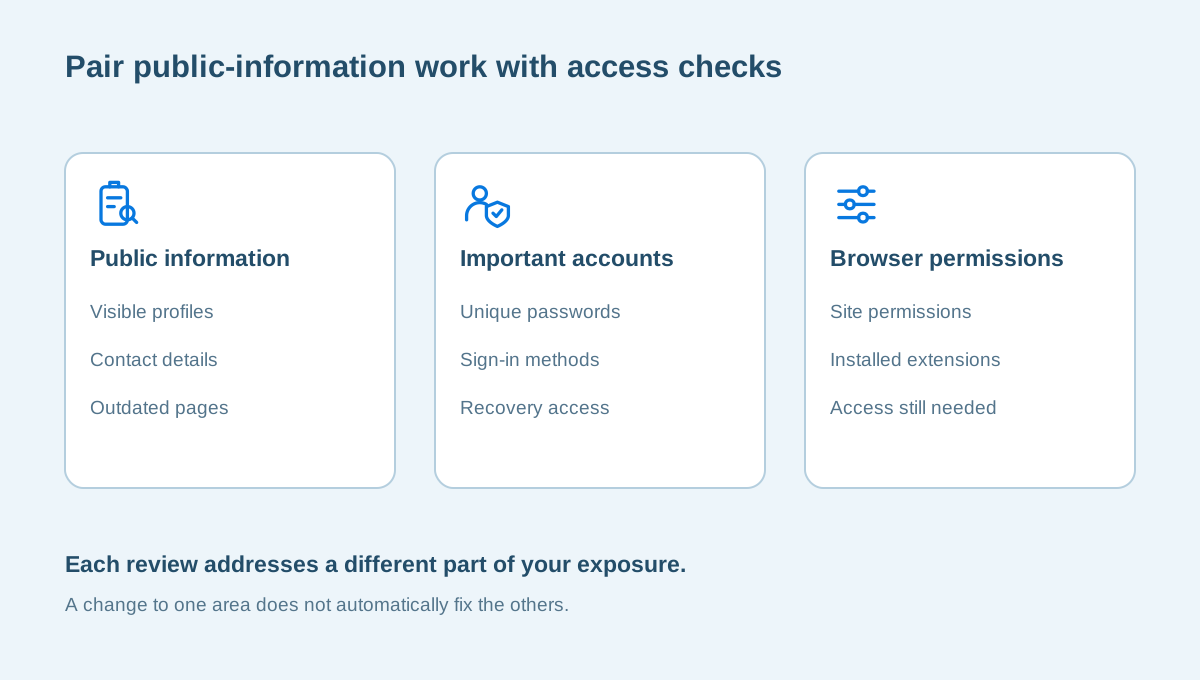
Public information is only one part of the picture. Your main email account often connects the rest of your online life. Review its sign-in protection, recovery details, and connected access. Do that by opening the provider directly, not by following an unexpected security warning in an email.
CISA’s password guidance recommends using a password manager to help create and maintain strong, unique passwords. If that is a new tool for you, begin with a few important accounts rather than trying to reorganize everything in one session. The first-week password manager guide can help you break that work into smaller tasks.
Then look at browser permissions and extensions. A site that needed your microphone for one meeting may not need continuing access. An extension installed for a single project may no longer serve a purpose. Our guides to website permissions and extension permissions explain where to start. These changes do not erase public records, but they help you make more deliberate choices about what happens next.
Recognize when this is more than a routine cleanup
Finding an old profile is different from discovering someone is using your identity. If you notice accounts you did not open, unfamiliar transactions, or evidence of identity misuse, do not assume that removing a public listing resolves the issue. Keep relevant notices and use the official routes for the organizations involved.
For U.S. readers, USAGov’s identity-theft guidance points to government reporting and recovery resources. Use official contact routes and keep the task focused on the actual problem. Routine privacy editing and identity-theft recovery should not be treated as interchangeable services.
A suspicious message also deserves its own assessment. Before sharing additional information with someone who offers help, verify who you are contacting and what they are proposing to do. Read our unexpected-message checklist if urgency is driving the conversation. A personal privacy assessment can help define ordinary exposure concerns, but no review should promise to erase every copy of information or guarantee a particular website’s decision.
Build a routine you will actually maintain
Give the first review a reasonable stopping point. Choose an hour, a short list of profiles, or three changes you want to finish. Keep a record of requests that need follow-up, and separate waiting tasks from work you can do yourself. That makes progress easier to recognize.
For example, your first session might remove personal contact details from an old biography, update your main email’s recovery information, and check who can see a public social profile. A later session can address unused accounts or specific listings. You do not need a long checklist to prove that the work matters.
Return to the review when something changes: a move, a new job, a new public-facing role, or a service you no longer use. Invite family members to review shared posts and contact details without assuming everyone wants the same privacy choices. A manageable everyday security routine should fit the people maintaining it.
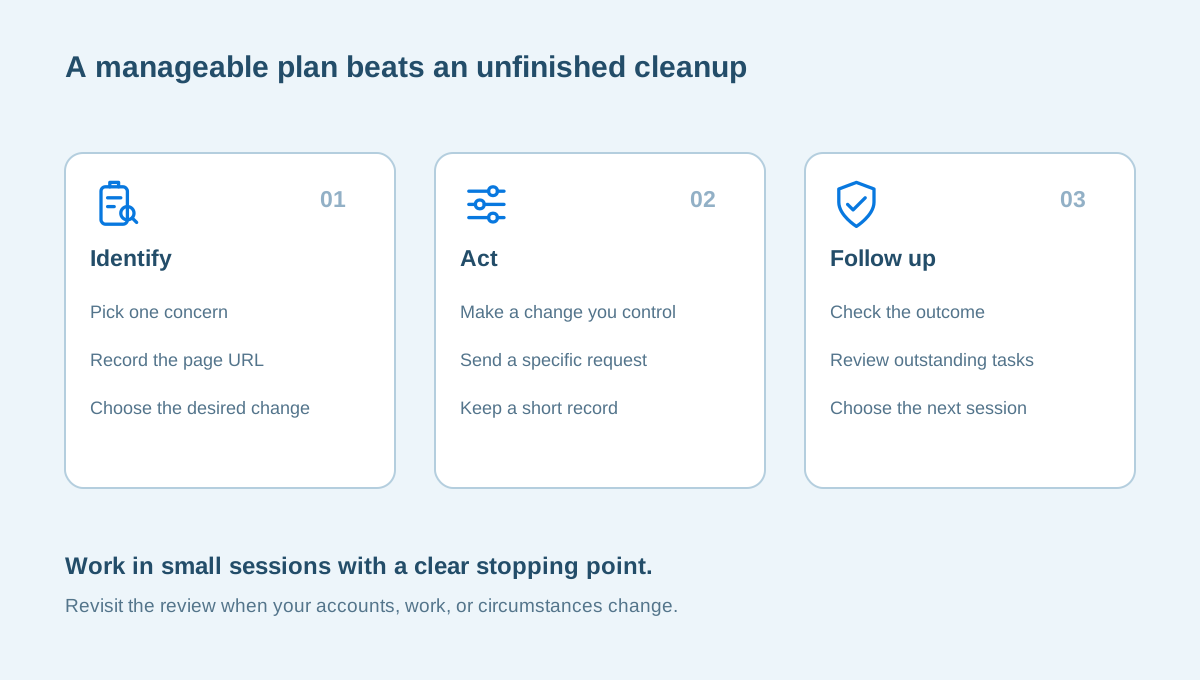
Try assigning the next session a concrete job. If you have thirty minutes after work, spend the first ten checking one profile, the next ten making the changes you control, and the last ten recording any request that needs a reply. If a task turns out to depend on another account, note that dependency rather than starting several unrelated resets. Keep one small list of completed changes so you can distinguish work you finished from work you only considered. When a website confirms a removal, revisit the original URL and record what you can actually see. That simple follow-through is more informative than counting how many forms you submitted.
Your goal is not a perfect score or an empty search result. It is a set of choices you understand: what you want people to find, which information no longer needs to be visible, and which accounts deserve stronger protection. Start with the concern that brought you here, finish one useful change, and let that guide the next session.
Sources and further reading
Provider processes can change. Use the current instructions on the official website when making a request or changing an account.

About this guide
Published in the Broxme Journal for readers who want clear explanations of privacy and everyday online security. This guide provides general information; your circumstances determine the appropriate next step.
About Broxme