A security review starts more effectively when someone can explain how the business works. You do not need a polished network diagram to begin. A short list of the services, people, and information you rely on can give a specialist a much clearer question than “Please check our security.”
This guide is written for U.S. small-business owners and the people who coordinate their technology. It helps you prepare a useful inventory and review brief without collecting passwords, handing out unnecessary access, or confusing a configuration review with permission to test everything. Work with the administrators and providers responsible for your systems as you build the list.
Start with the work the business must keep doing
List the activities that matter to an ordinary working day: receiving orders, answering customers, scheduling staff, delivering services, sending invoices, and paying suppliers. Then identify the systems supporting those activities. A list organized around the work is easier for a business owner to evaluate than a list of unfamiliar product names.
Use a concrete example from your own operations. If the booking system becomes unavailable, who notices first, what stops, and what temporary process exists? If the shared-file platform is inaccessible, which jobs cannot continue? These questions help distinguish critical dependencies from tools that are merely convenient.
NIST’s Small Business Quick-Start Guide provides a starting point for thinking about cybersecurity risk management. Use the current document as background, not as a claim that completing your inventory makes the company certified or proves that every relevant requirement has been met.
Keep the first list short enough to finish. Five essential services can be a better starting point than a half-completed catalog of every application anyone has ever used. The point is to establish priorities you can explain and expand the inventory as the review reveals what else matters.
Ask the people doing the work to check your description. A manager may know the official software while staff rely on another tool for the daily handoff. Resolve the difference without blame. An accurate starting point is more valuable than an inventory that repeats the approved list while leaving the actual workflow unexplained.
Record a service and the business purpose it serves
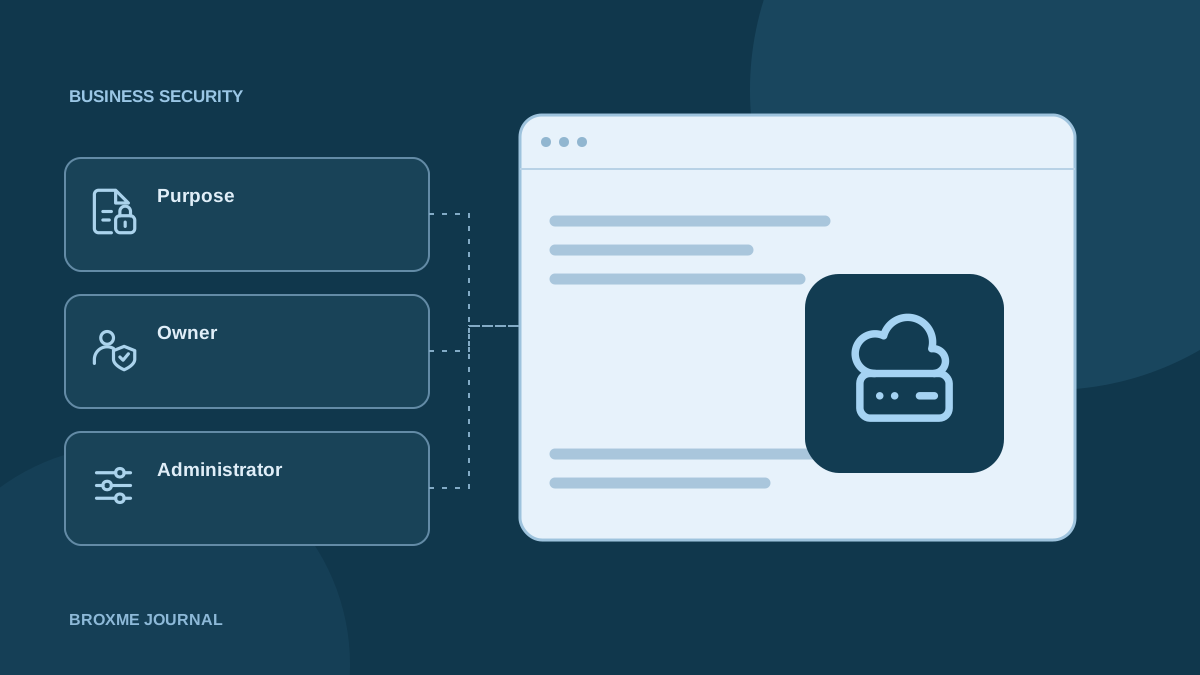
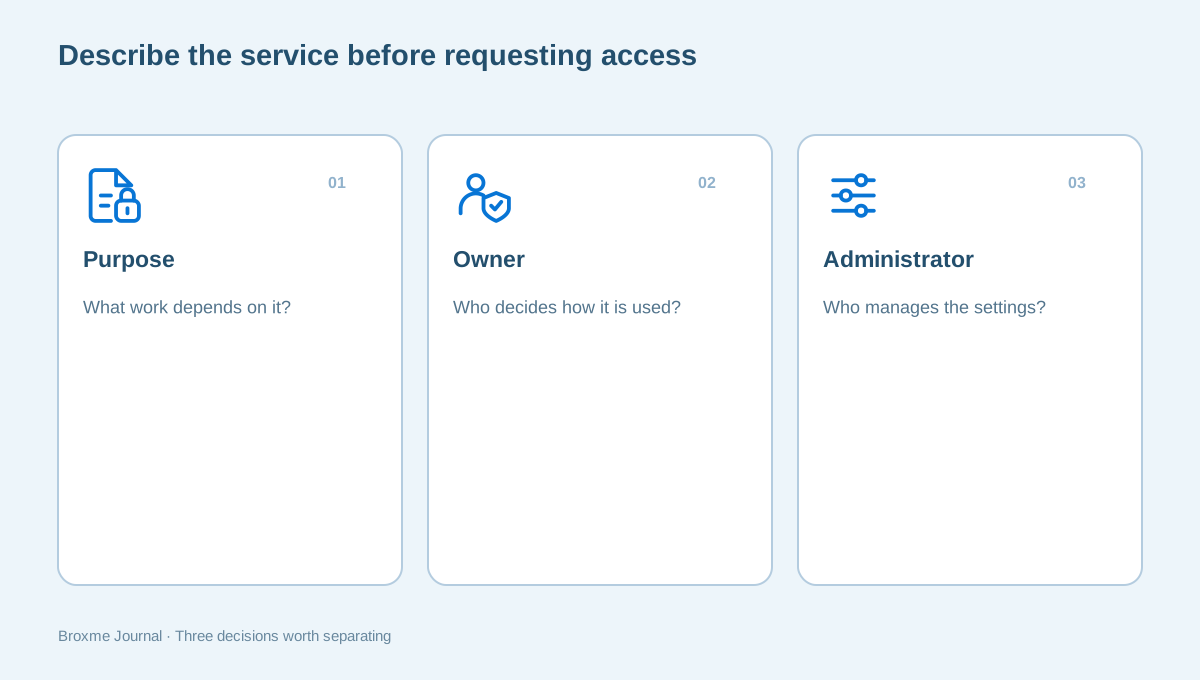
For each service, record its name, purpose, account type, owner, administrator, and the information it handles. Include the supplier or outside provider if one is involved. Avoid vague entries such as “email” when the business uses several separate platforms or account types.
Distinguish a shared workspace from a personal account used for work. Two people may describe both as “our cloud drive,” even though the ownership, administration, recovery, and sharing arrangements differ. The review needs to know which setup actually holds the information rather than which brand the team recognizes.
Your inventory should help a reviewer identify the system, not grant access to it. Do not include passwords, recovery codes, API keys, or full private records. If someone later needs access to carry out agreed work, establish that separately through the appropriate owner and the platform’s supported controls.
The business privacy service looks at information handling as well as access. Recording the purpose of a service helps connect the technical setup with the customer, employee, or business information moving through it.
Identify the person who can make a decision
A service owner is the person accountable for its use in the business. The administrator may be a different person or an outside provider. Someone else may approve expenses. Record those distinctions where they matter instead of assuming whoever receives the invoice also controls the settings.
Ask who can approve a review, create a temporary access role, authorize a configuration change, and confirm that normal work still functions afterward. For a small business these responsibilities may sit with one or two people, but they should still be explicit enough to avoid unauthorized changes.
If a provider administers the system, involve it early. A review that surprises the existing IT company can lead to conflicting instructions or unnecessary duplication. Agree how questions, evidence requests, and proposed changes will reach the person responsible for the service.
The IT and cloud security service describes a scoped review rather than automatic permission to alter live systems. Your owner list should make that scope easier to establish. If no one knows who has administrative control, that uncertainty is itself an issue to resolve.
Map sign-in and recovery dependencies
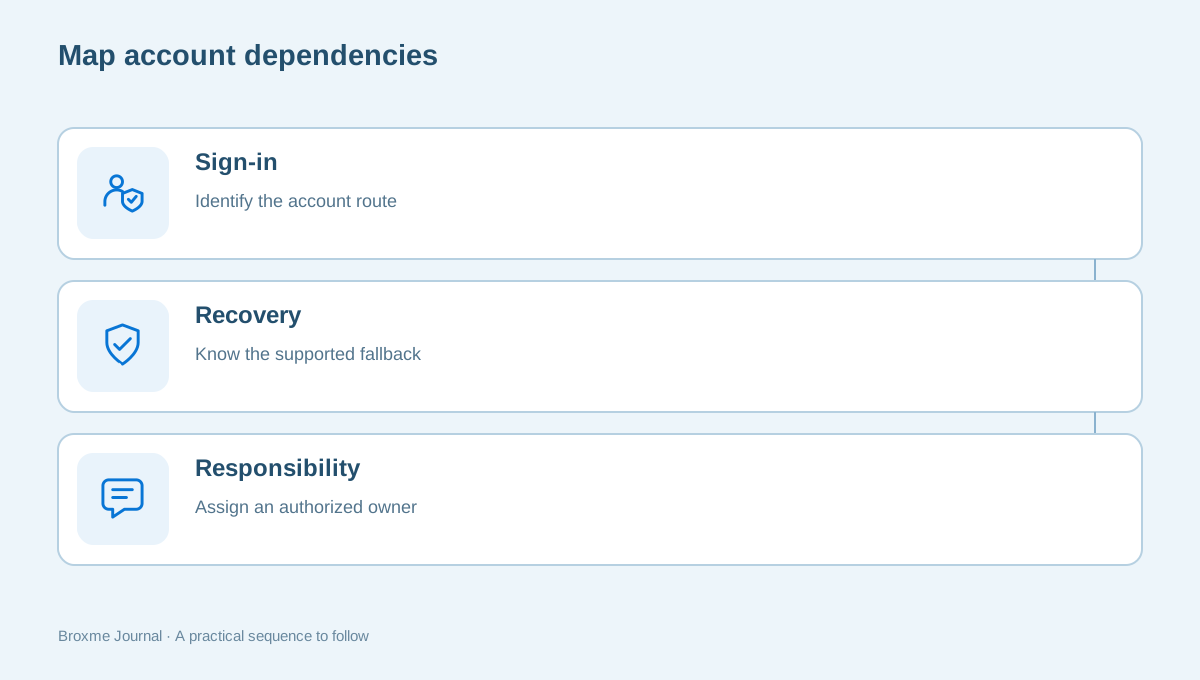
Identify the main account routes that connect the services. Does the company use a central identity provider? Which email address receives administrative recovery messages? Is a departing employee’s phone still involved in verification? Record the dependency and owner without storing the recovery secret in your inventory.
Microsoft’s business security guidance describes controls available in its business environment. Use the documentation for the platform and plan you actually have. Do not assume that a feature mentioned in a general guide is already configured, licensed, or enforced in your company.
Account recovery deserves its own question: if the administrator is unavailable, what supported route can the business use? Work through that question with authorized staff before a crisis. The recovery planning guide and important-email review explain the practical issues in more detail.
Keep personal and company responsibilities clear. Do not solve a business recovery problem by asking staff to circulate a personal password or make an undocumented account share. The replacement arrangement needs to be authorized, understandable, and maintainable after the immediate review ends.
Include devices, locations, and everyday access
The service list is only part of the environment. Identify the devices and locations used to reach the systems, including remote staff and outside contractors where relevant. A review may need to distinguish company-managed equipment from personally owned devices, but it should not assume authority over personal equipment without an agreement.
CISA’s Cyber Essentials material includes knowing the systems and assets supporting operations. Use that as a prompt to understand what is in use. A device list is preparation for decisions about responsibility and scope, not proof that every device has been checked or is secure.
Record who maintains the equipment and which devices are essential to the workflow. You may not need a detailed technical export in the first conversation. A clear description of the environment can help the reviewer decide what evidence is appropriate and avoid collecting unnecessary private information.
Browser settings can be part of the picture too. Read the site-permissions guide and extension review for background. On managed equipment, coordinate changes with the administrator rather than applying a personal-browser checklist indiscriminately.
Note information flows and outside connections
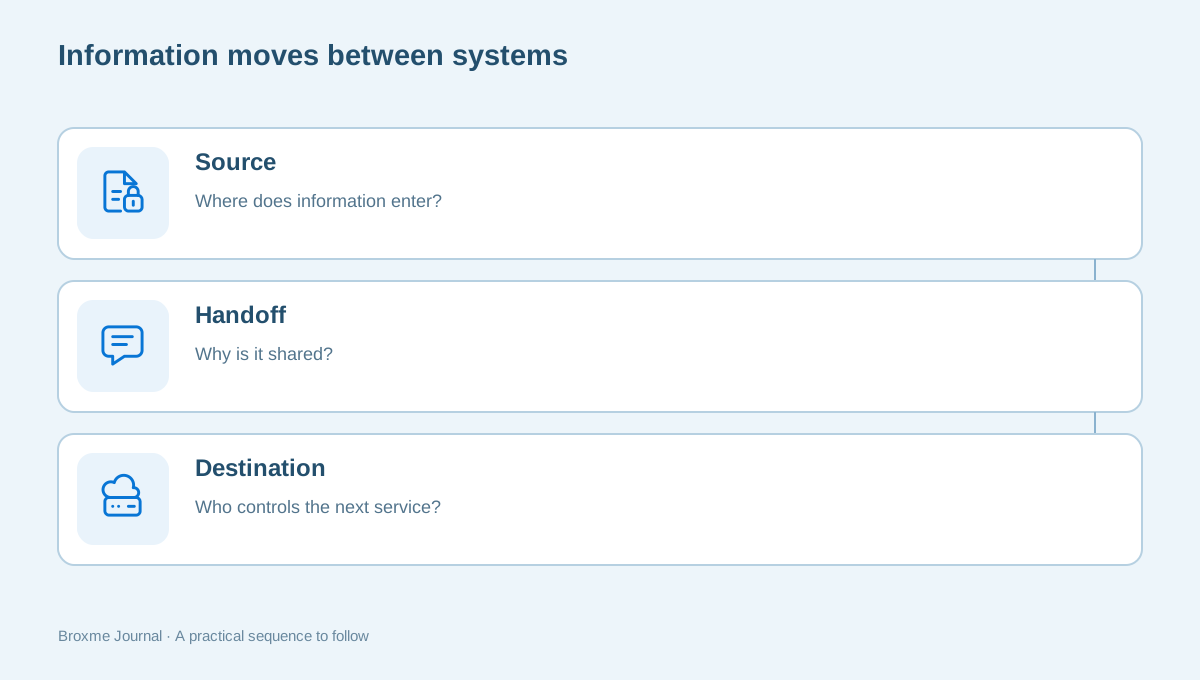
List the important places information moves between systems or organizations. Customer inquiries may enter a website form, reach an inbox, and then be copied into a scheduling tool. Payroll information may go to an outside provider. Those handoffs can be more important than a single application setting viewed in isolation.
The FTC’s small-business cybersecurity resources include vendor security considerations. Read the relevant guidance and discuss your own responsibilities with appropriate advisers. An inventory helps you identify which providers are involved; it does not establish that every contract or regulatory obligation has been satisfied.
For each significant handoff, note the business reason, the destination, and the owner who can explain it. You do not need to put customer records into the inventory as examples. A description such as “customer contact details sent to booking platform” can be enough to establish the review question.
The shared-document guide covers one common handoff: a file made available to another person. Include recurring links, contractor access, and old shared folders in the conversation rather than assuming only formal integrations count as connections.
Ask what backup and recovery really mean for the business
Record the backup arrangements you know about and identify who can explain the recovery process. Separate the fact that a backup exists from evidence that the business can restore what it needs. A dashboard saying a task completed may answer a different question from whether an important workflow can resume.
For each essential service, ask what information would need to be recovered, who would authorize the work, and what temporary process would be used while it is unavailable. Keep the discussion grounded in business operations. Restoring one file and recovering an entire service may require very different preparation.
Do not perform an unplanned restoration or disruptive test just to fill an inventory field. Testing needs an agreed scope, owner, timing, and rollback or recovery route. Record uncertainty honestly: “provider says backup is enabled; restore evidence not yet reviewed” is more useful than marking the service fully protected.
If the company is planning to retire a system or close an account, check whether that account owns recovery material or shared records. The account-closure checklist provides a way to think about dependencies before access disappears.
Turn a broad concern into a defined review brief
Now identify the question you want the reviewer to answer. Examples include administrative access to agreed cloud services, external file sharing, recovery readiness for a critical application, or the handoff for supplier payment changes. A defined question makes the work more assessable than an open-ended request to confirm that everything is safe.
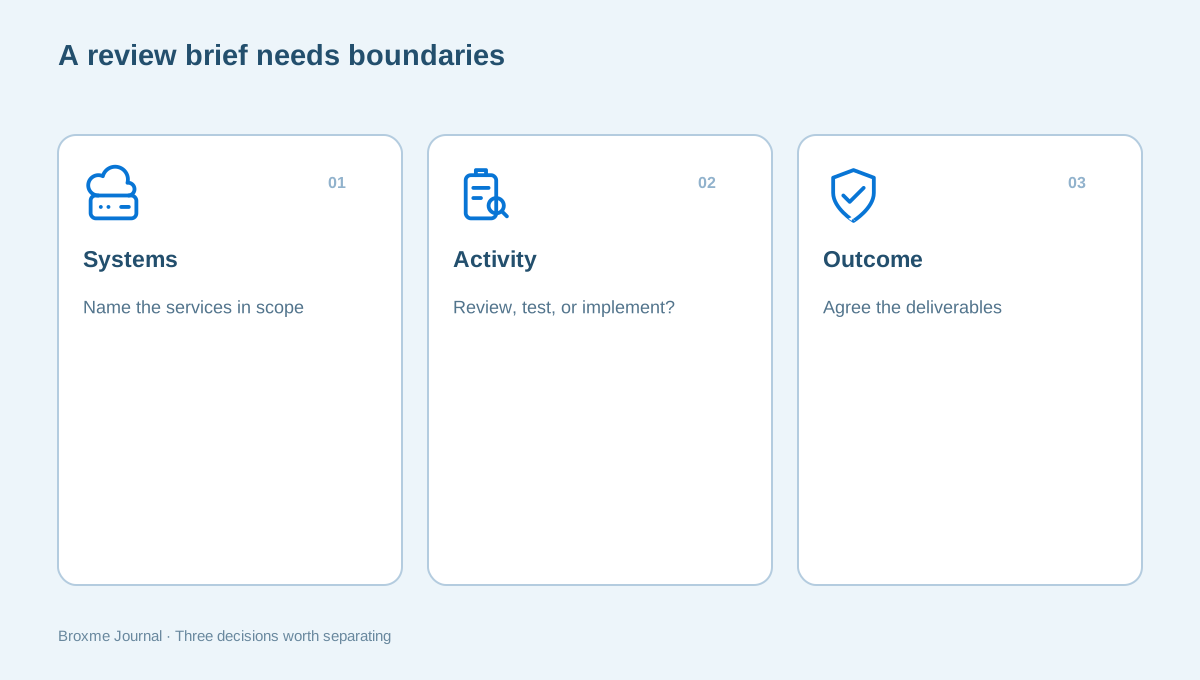
List the systems included, the people involved, and what the review should produce. Ask whether the proposal covers document review, settings inspection, active scanning, testing, or implementation. These are different activities. Permission for one does not automatically authorize the others, especially where outside providers or customer-facing systems are involved.
If payment instructions are the concern, bring the process as well as the software. Our payment-change guide shows why contact records, approvals, and staff handoffs matter. The reviewer should know whether the business wants guidance on that workflow or a technical check of the email system supporting it.
Agree fees, timing, deliverables, access arrangements, confidentiality, and responsibilities before the work starts. The brief should explain who receives findings and who decides whether changes proceed. A sensible review ends with information the right people can act on, not a report sent to an inbox nobody owns.
Prepare evidence without granting excessive access
Begin with evidence that fits the question. A service inventory, a workflow description, or redacted settings screenshots may answer part of it. Avoid sending administrator credentials, full customer exports, or confidential employee records merely because someone asks for “everything useful.” Ask what the evidence is intended to establish.
When account access is needed, coordinate with the responsible administrator. Define the role, purpose, period, and route for removing it afterward. Use supported access controls rather than creating an informal shared login whose activity cannot be attributed clearly. Verify that the reviewer can do only what the authorized work requires.
Keep a record of evidence provided and access granted so the company can close the engagement cleanly. The record should identify the material without reproducing its sensitive content. Make sure the responsible people understand where review files will be held and what handling arrangements have been agreed.
Training can support the process without turning every employee into an administrator. The workforce awareness service can help staff recognize when to report a concern and which details are useful, while leaving technical access decisions with the people authorized to make them.
Give the findings an owner and a next decision
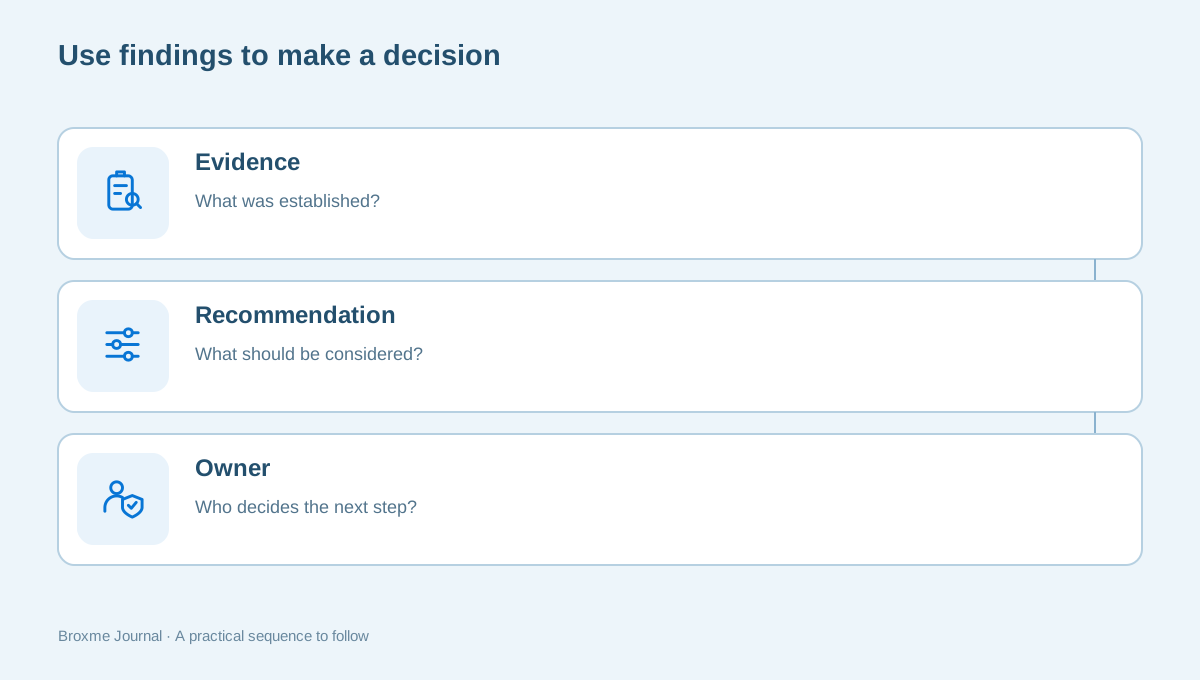
A completed review should make it easier to decide what happens next. For each finding, identify the affected service, the evidence, the recommendation, and the person responsible for considering it. Distinguish a confirmed issue from a question that needs more information. The priority should reflect the business context, not just a dramatic label.
Before changing settings, consider what normal work depends on them and who can verify the result. Some improvements may be straightforward; others may need provider coordination, testing, or a planned maintenance period. A recommendation is not the same as authorization to implement it immediately.
Update the inventory as decisions are made. Remove obsolete entries, identify newly discovered services, and assign owners where they were missing. The list should remain useful for the next staff change, supplier conversation, or review rather than becoming a document that is accurate only on delivery day.
You can start a conversation with Broxme using a short description of the business and the question you want answered. Keep private records out of that first message. A clear system list does not solve every security problem, but it gives the work a defined starting point and helps the company make better decisions about what deserves attention first.
Choose a review date linked to normal business planning, and keep the person responsible informed when a new tool is adopted. The inventory does not need constant attention to be useful, but it does need a way to learn about changes. Make that route simple enough that people will use it.
Sources and further reading
Provider processes can change. Use the current instructions on the official website when making a request or changing an account.

About this guide
Published in the Broxme Journal for readers who want clear explanations of privacy and everyday online security. This guide provides general information; your circumstances determine the appropriate next step.
About Broxme